Editing & Tools
Opus Clip Alternatives in 2026
admin
October 15, 2026 · 10 min read · Updated October 15, 2026
Opus Clip is the best AI clipping tool there is, and most people looking for an alternative are not unhappy with the clips. They are unhappy with the arithmetic, or something is missing, or the free tier ran out in an afternoon.
So this article prices every tool against the same thing: one 60-minute podcast. Every vendor meters differently, by input minute, by finished video, by video with a length cap, or by the year, and a monthly price next to a credit count tells you nothing. One hour of source is a thing everybody understands.
Every figure was read from the vendor's own pricing page on 15 October 2026, and the arithmetic is written out so you can check it.
What one hour of podcast costs
| Tool and plan | How it meters | One 60-minute source |
|---|---|---|
| Opus Clip Starter, $15/mo | 150 credits, 1 a minute | $6.00 |
| Opus Clip Pro, $29/mo | 300 credits | $5.80 |
| Opus Clip Pro, annual $14.50/mo | 300 credits, roll over | $2.90 |
| Hugogen Pro, $8/seat/mo | 5,000 credits, 20 a minute | $1.92 |
| Hugogen Free | 500 credits, once | Does not fit |
| Vizard Free, $0 | 60 credits/mo, 1 a minute | One a month, 720p, watermarked |
| Submagic, any tier | per video, length capped | Not allowed above 30 minutes |
| Ssemble | per video, yearly credits | Priced in local currency, see below |
| CapCut | not a clipper | You cut it yourself |
The sum is the price times the share of the monthly allowance an hour uses. Opus Clip Starter is $15 x (60/150). Hugogen Pro is $8 x (1,200/5,000).
Two things fall out of that table and both are worth saying before the sections.
The cheapest hour here is ours, and the next cheapest needs a year's commitment. $1.92 against $2.90 on their annual plan and $5.80 on their monthly one. That is the one thing this article claims for the tool we build, it is arithmetic rather than opinion, and everything else below is a reason to pick somebody else.
Two of these cannot take an hour at all. One caps the length of the video you may bring. The other is our free plan. Both are covered below rather than hidden in a footnote.
Why people look
The per-minute burn on long sources. A 60-minute video is 40% of the Starter plan's monthly credits. Two podcasts and a webinar and the month is gone.
The free tier. Their comparison table was blunt about it when we read it on 7 October: 60 credits a month, a watermark, no editing, and clips that stop being exportable after three days. It was not on the pricing page when we looked again this week, so check it yourself.
Something behind Pro. Multiple aspect ratios, the API, B-roll and dubbing are all Pro features. If you need one of them at the Starter price, you are shopping.
1. Opus Clip
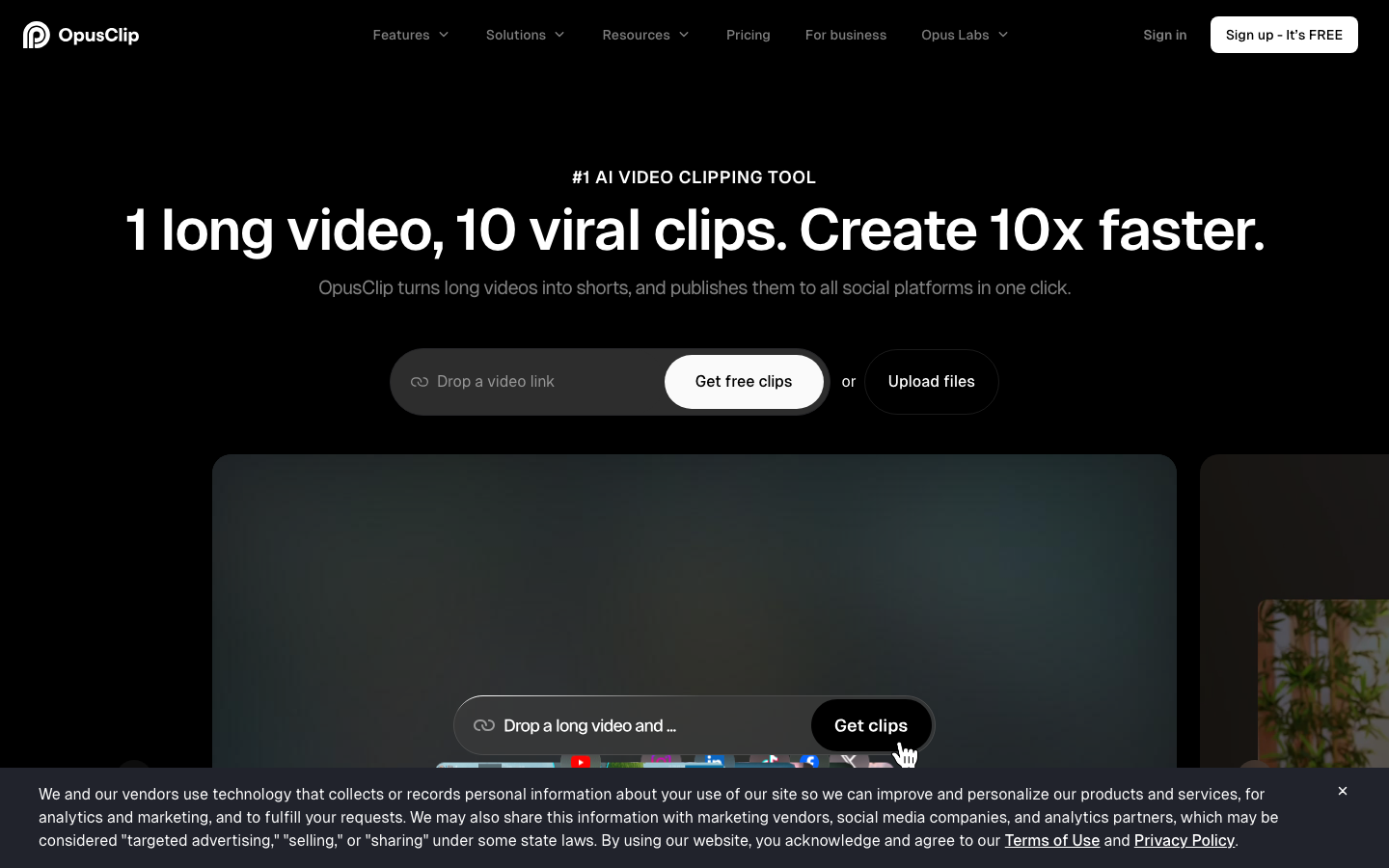
The one everything else is measured against, and it earns it.
Starter is $15 a month, monthly only, for 150 credits. That buys AI clipping with a virality score, animated captions in 20+ languages, auto-posting to YouTube Shorts, TikTok and Instagram Reels, the editor, one brand template, and filler and silence removal. Watermark removal is on this tier, which tells you what the free one does.
Pro is $29 a month, or $14.50 a month billed annually, for 300 credits that roll over for two months. It adds a two-seat workspace, AI B-roll, input from ten-plus sources, export to Premiere Pro and DaVinci Resolve, the social scheduler, speech enhancement, custom fonts, limited API access and video dubbing.
Pro also adds multiple aspect ratios: 9:16, 1:1 and 16:9. Three of them, and they are not on Starter.
That annual rate is the thing to weigh. At $2.90 an hour of source it is the cheapest here apart from ours, it buys a much longer feature list than ours, and for a lot of people that settles it.
2. Hugogen
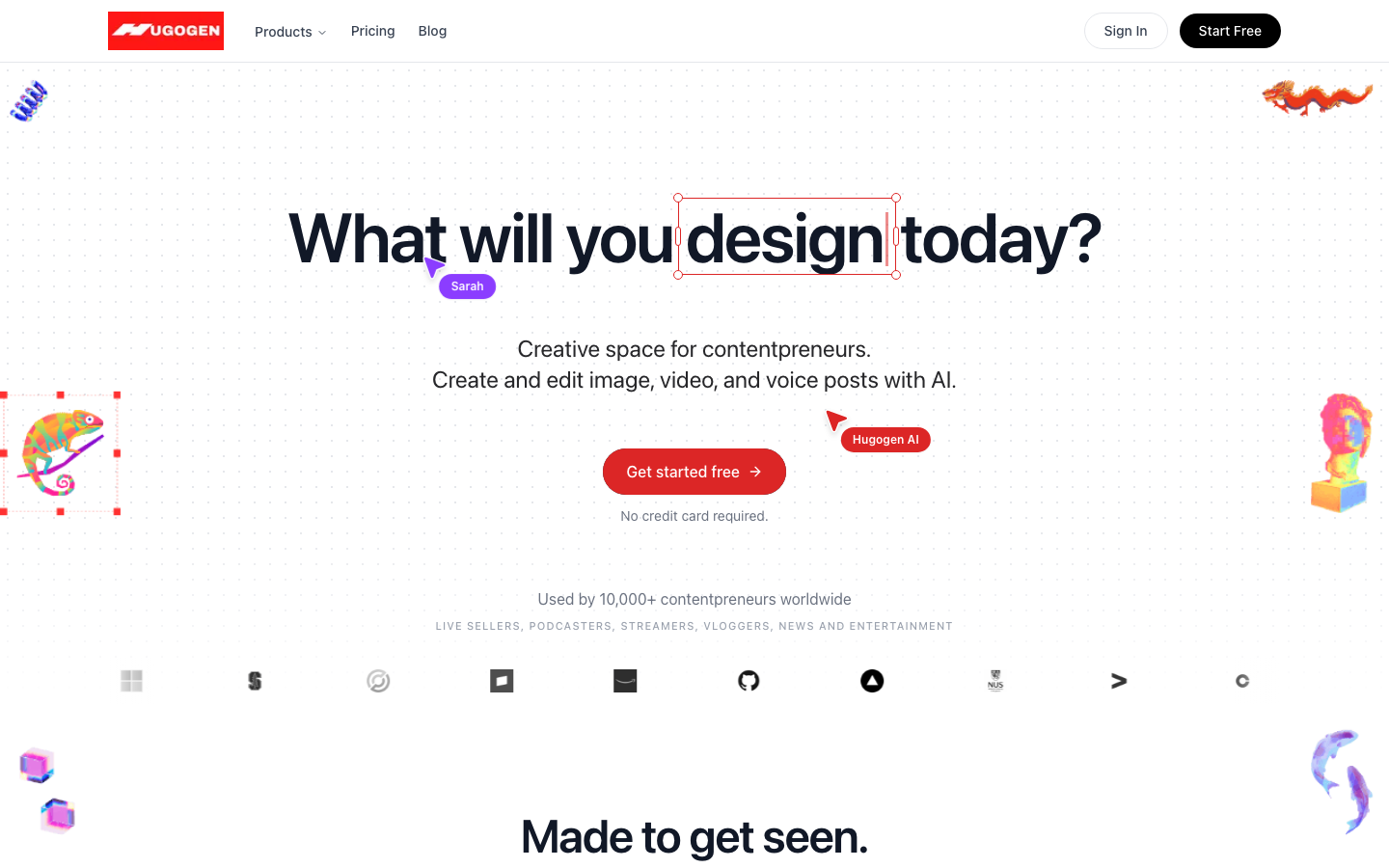
Hugogen is the tool we build. Its clipper takes a source of 1 to 60 minutes, up to 2 GiB, from an upload or a pasted link, and returns up to 20 clips at 15, 30 or 60 seconds.
Every clip comes back with a virality score out of 10, a title, a reason and keywords, in one of six caption looks, and in any of four aspect ratios: 9:16, 4:5, 1:1 and 16:9. Those are real canvas sizes rather than crop hints, and they are on every tier including Free.
The layout is decided per clip, or you can force one: cover, contain, blur, square, or a split for two speakers. The selection pass tracks who is talking, so a two-person interview frames as one.
Every clip opens as an editable timeline project, not a finished file. A clip and whatever you build from it are the same project.
No watermark on any tier, including Free. The clips come back as clean MP4s whatever you are paying.
The money. $8 a seat buys 5,000 credits, clipping costs 20 a source minute, so an hour of podcast is 1,200 credits, or $1.92. That is the cheapest hour in this article, with no annual commitment, and $8 a month is also the lowest entry price here.
Worth being precise about what that does and does not mean. It buys a shorter feature list than Opus Clip Pro at $14.50: no auto-posting, no B-roll, no dubbing, no API. Cheaper per hour is not better, it is cheaper per hour.
The case for the pool is that it is not just clipping: the same credits buy video generation, image generation, the design agent and documents. One subscription against three.
An hour-long source does not fit on the free plan. 500 credits at 20 a minute is 25 minutes, granted once and never refreshed. Not "you will run out", but "it will not start". If the plan is to clip a podcast for free, use CapCut or Vizard below.
Not yet available, upcoming feature:
- Auto-posting and scheduler to social media
- AI B-roll and dubbing.
- Speech enhancement and brand templates.
- Self-serve API.
3. Vizard
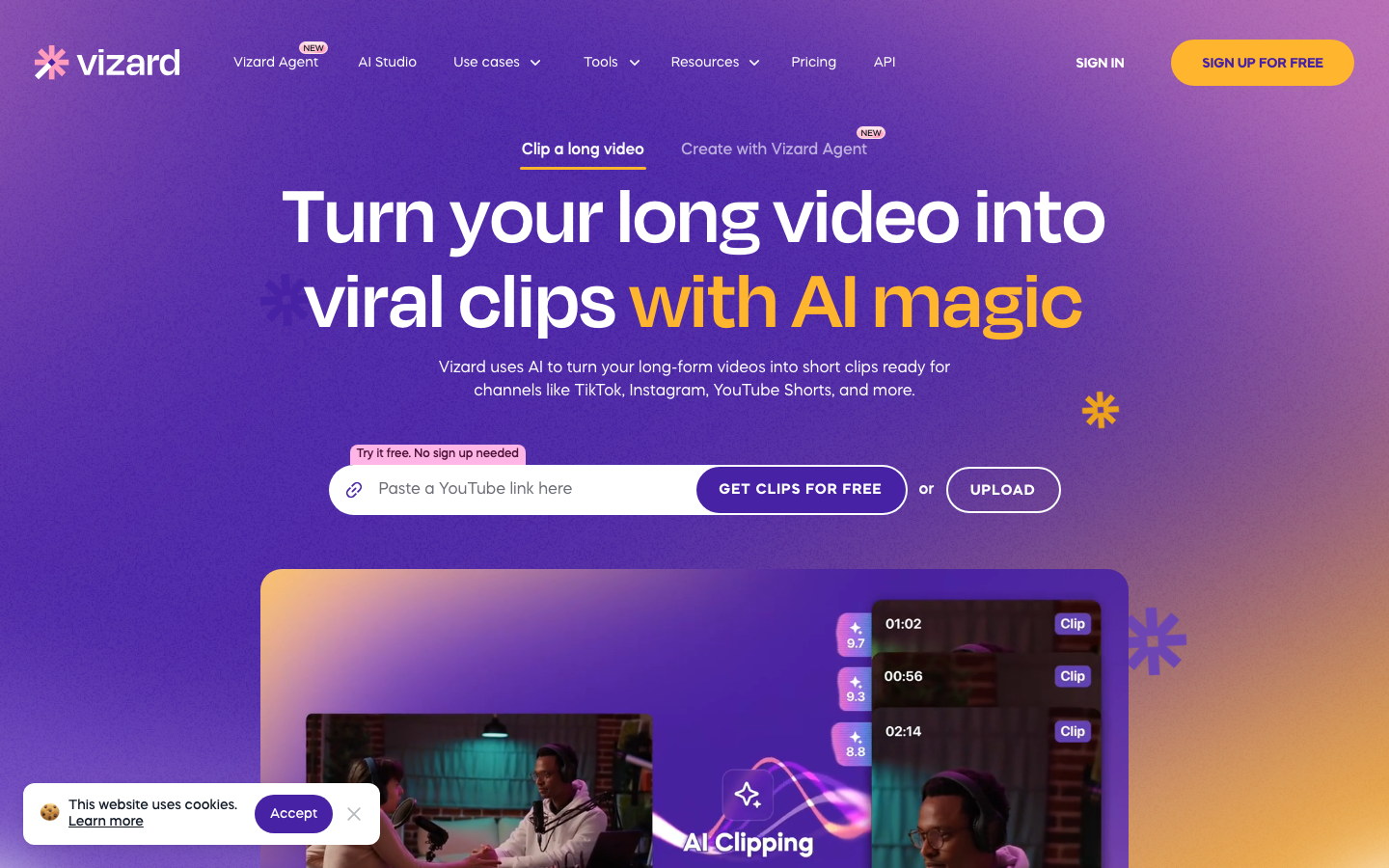
The one with a real free tier for long video.
Free is 60 credits a month at one credit to the minute, which is exactly one 60-minute source every month, with the full editor, one social account and AI-generated clips. The catches are on the same card: exports are 720p, storage lasts three days, and watermark removal is a paid feature.
For one podcast a month on no budget, nothing else here comes close.
Creator lists at $29 and was running at $14.50 a month on a 50% promotion when we looked, $174 billed yearly, and that is where the watermark goes, 4K arrives, scheduling appears and you get six social accounts. Business was $39, discounted to $19.50, with twenty social accounts.
One gap in our reading: the credit allowances for the paid tiers sit in a comparison grid we could not extract, so there is no per-minute figure for Creator or Business here. The free tier, which is the interesting part, is fully sourced.
4. Submagic
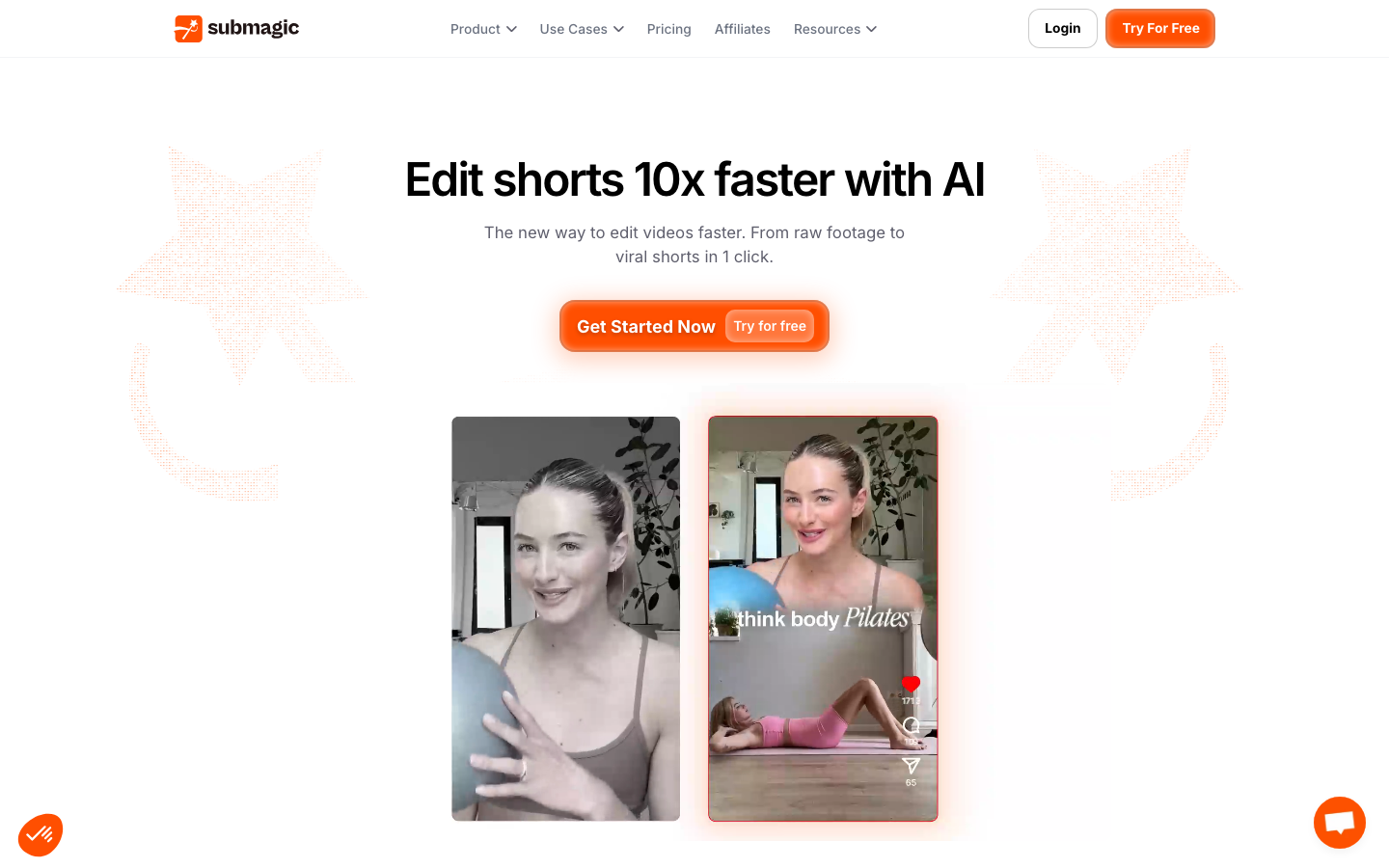
Worth being precise about, because it is often listed as an Opus Clip alternative and it is a different kind of tool.
Submagic meters per finished video and caps the length of the video you may bring. Starter at $12 a member a month billed yearly takes videos up to two minutes. Pro at $23 takes five. Business at $41 takes thirty.
So a 60-minute podcast does not fit on any plan it publishes. This is a shorts editor: you bring a short video and it adds captions, zooms, b-rolls, removes bad takes and silences, cleans the audio. At that job it is very good, and the brand kit and custom dictionary on the upper tiers are real.
If your raw material is already short, look at this properly. If your raw material is an hour of two people talking, it is not for you.
5. Ssemble
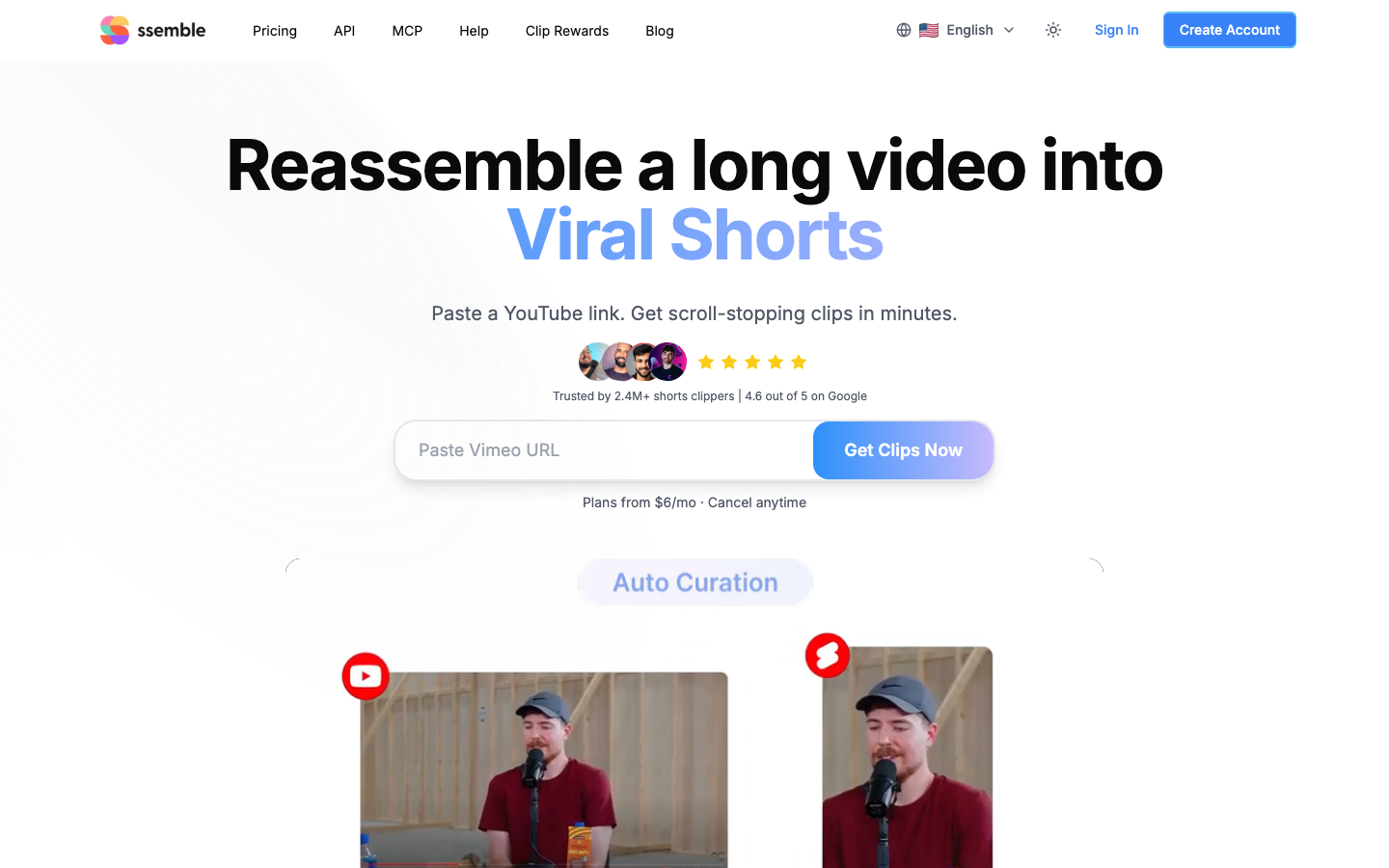
A browser video editor with AI clipping, an API and MCP access, and social scheduling, sold in four tiers by video credits counted per year rather than per month.
Pro includes 360 video credits a year, AI clipping, API access, scheduling and one social account. Expert is 720 plus a 120 bonus and three social accounts. Business is 1,440 plus 360 and unlimited accounts. Yearly billing is advertised as saving up to 60%.
No dollar figure here, and that is deliberate. Their pricing page prices in local currency and offers no way to switch, so what we read was not in US dollars and converting it ourselves would be our arithmetic presented as their price. Open the page and it will show you yours.
The structural difference worth knowing either way: credits are counted per video and granted per year, so the per-hour sum this article is built on does not apply to them the way it does to the per-minute tools.
6. CapCut
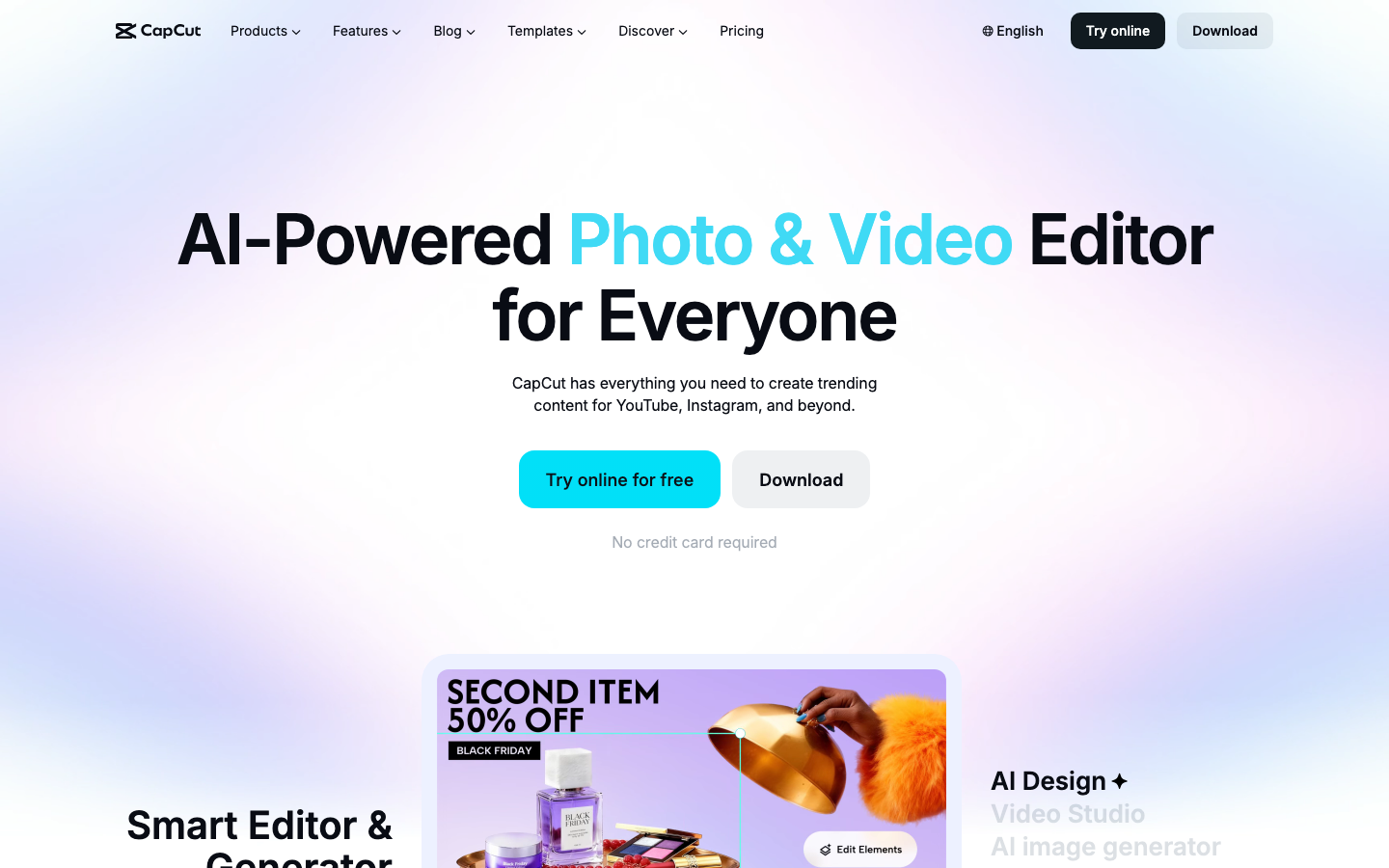
Not an AI clipper, and in this list on purpose.
There is no job here that swallows an hour of podcast and hands back twenty scored clips. You cut it yourself. What you get in exchange is the best free video editor there is, on desktop, mobile and web, with no per-minute meter at all. Pro is $19.99 a month or $179.99 a year and varies by region and platform.
For a lot of people asking "what is a free Opus Clip alternative", the real answer is an hour of their own time rather than a cheaper subscription. We wrote a whole article about CapCut and its alternatives if that is the direction you are going.
By use case
| What you are doing | Start with | Why |
|---|---|---|
| Clipping regularly, on the cheapest hour | Hugogen | $1.92 an hour, no annual commitment |
| Clipping regularly, wanting every feature | Opus Clip Pro annual | $2.90 an hour and a far longer feature list |
| One podcast a month, no budget | Vizard Free | One 60-minute source, 720p, watermarked |
| Auto-posting to socials from the tool | Opus Clip or Vizard | Neither we nor CapCut do this |
| Adding captions and zooms to short video | Submagic | Built for it, capped at short |
| An hour of source and no money at all | CapCut | Free, and you do the cutting |
| Clipping plus generation and design | Hugogen | One credit pool, one subscription |
| An API | Opus Clip Pro or Ssemble | Ours is not self-serve |
Which one is right for you
You clip every week and want the longest feature list. Opus Clip Pro, at $2.90 an hour on an annual commitment.
You clip every week and want the cheapest hour. Hugogen, at $1.92, billed monthly, with a shorter feature list.
You have one long video a month and no budget. Vizard Free. One hour a month, watermarked, at 720p, which is a real offer.
Your videos are already short. Submagic.
You need the tool to post for you. Opus Clip or Vizard. We do not do this.
You want clipping, generation and design on one bill. Hugogen, with the free plan being a trial rather than a workflow.
Common questions
What is the genuinely free option for a 60-minute video?
Vizard's free plan, at 60 credits a month and one credit to the minute, which is exactly one hour-long source, exported at 720p with a watermark and stored for three days. CapCut is free with no meter at all if you are willing to cut it yourself. Our free plan does not fit an hour and will not, because the grant does not refresh.
Is anything cheaper than Opus Clip?
Per hour of source, yes: ours is $1.92 against their $2.90 on an annual commitment and $5.80 month to month. Whether that matters depends on whether you need the features in their Pro tier, which is a longer list than ours.
Can you clip a two-hour video?
Not on any tool in this article. Opus Clip and Vizard meter by the minute so the cost simply scales, but our own clipper caps a source at 60 minutes and Submagic caps it at 30. Split it first.
Do any of these let you edit the clips afterwards?
Opus Clip has an editor on paid tiers, Vizard includes editor access on free, and Hugogen returns every clip as an editable timeline project rather than a finished file. Opus Clip's free tier, per their own comparison table, does not.
Prices, credit rates and plan names in this category change constantly, and one tool on this list was running a 50% promotion the day this was written. Everything here was read on 15 October 2026; check the linked pages before relying on a number.
Try it on your own footage
The Free plan needs no credit card. Bring a long video and see what comes back.