AI-powered video editor for contentpreneurs
Turn your everyday clips into trending, selling videos using a timeline editor with AI built for creators.
No watermark. No credit card required.
How it works.
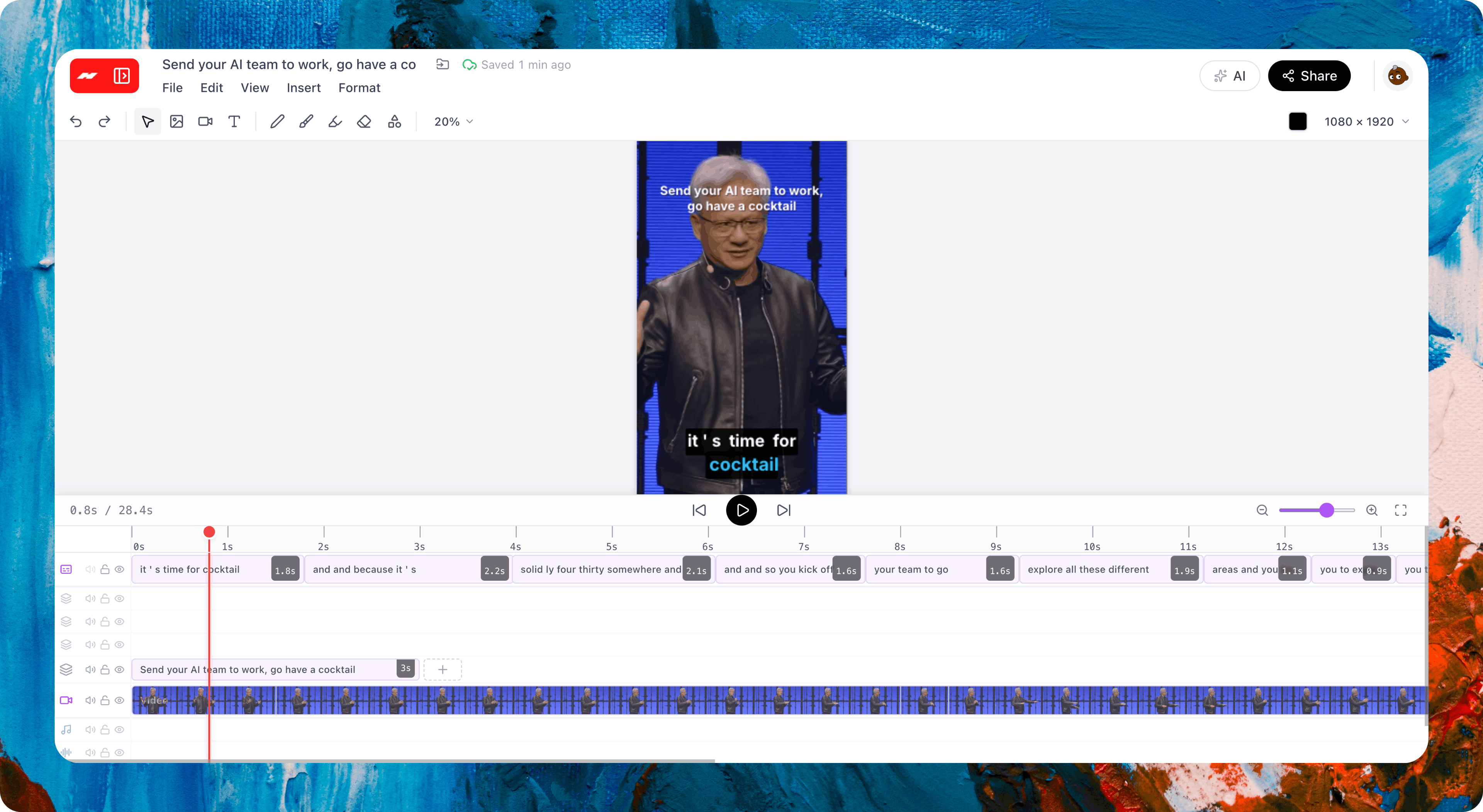
Create and edit a video from an idea, on a real timeline.
Professional video editor with AI-powered features
Bring your footage, generate realistic AI video, and add pro features with ease.
Make it and edit it, all in one place
Generate a video or bring your own, then edit every part of it on a real timeline. No jumping between apps.
Cut, trim, and rearrange
Trim your clips, split them wherever you want, drag them into order, and speed them up or slow them down.
Smooth transitions and animations
Blend one clip into the next, and make your text and clips slide, fade, and pop.
Captions that write themselves
Hugogen listens to your video and captions every word. Change the look in one click.
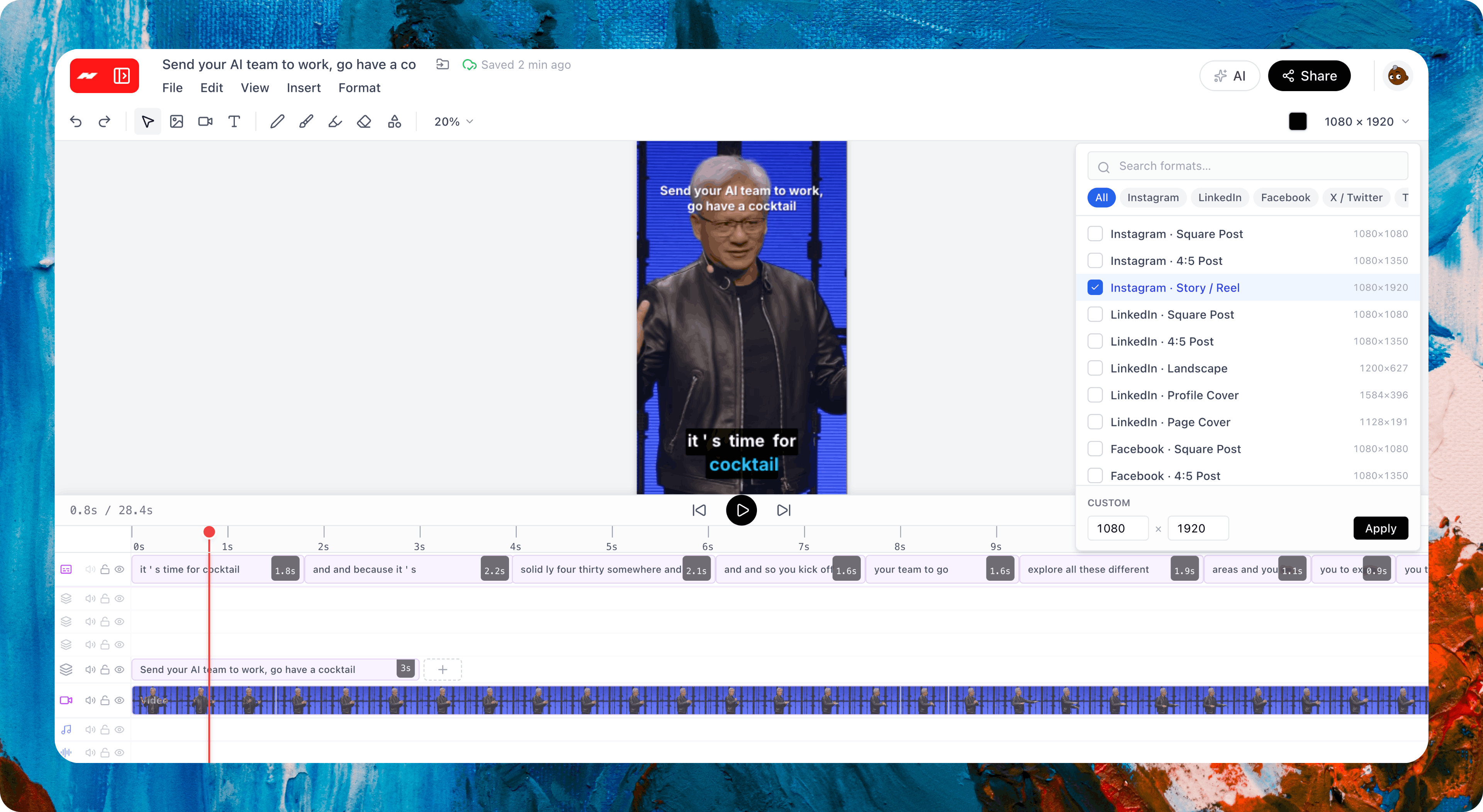
Fit any video to any screen
Reframe your video for any platform. Keep the subject centered, fill the edges, or split the screen.
Start from an idea, a photo, or a video
Type what you want, upload a photo, or use a video as your starting point. Add sound or keep it silent.
Add sound and music
Pick from the sound-effects library, or bring your own music and voiceover. Set the volume for each clip.
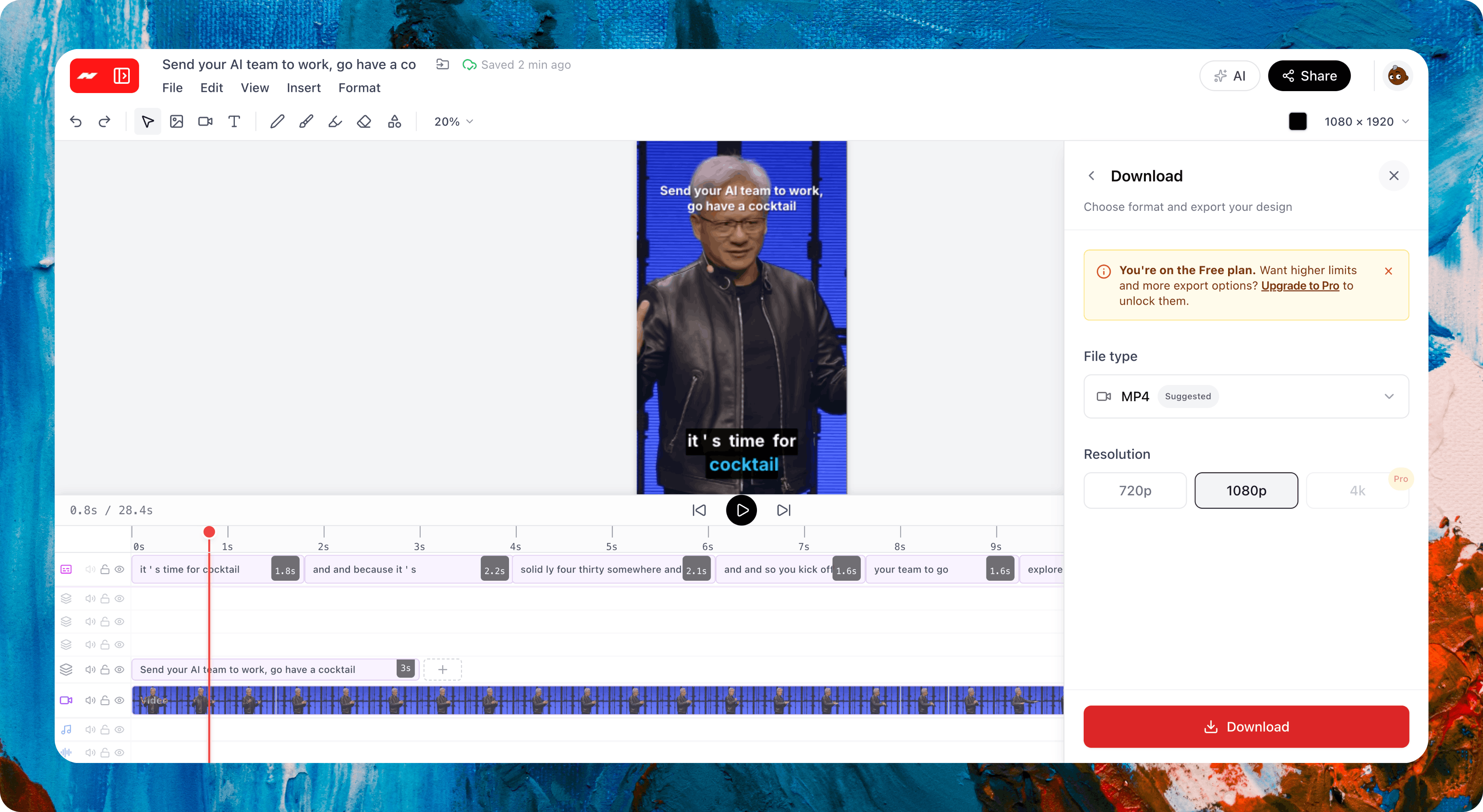
Export with no watermark
Download your video in any size for any platform. No watermark, ever.
One workflow for creators.
Everything after the video lives in the same workspace. No exporting to another app, no re-uploading your files.
AI Video Clipping →
Already have a long recording? Turn it into short captioned vertical clips instead of generating from scratch. Same timeline editor.
Designer →
Generate the still on a real canvas, then animate it on the timeline. One project file, no re-uploading.
Documents →
Write the script before you cut, or pull the brief into a doc after the reel ships. Same project, both surfaces.
AI Chat →
Plan hooks, ask for variants, brainstorm captions. The chat hands off to Video when you need the actual reel.
Team Chat →
Share a cut in a channel and keep the notes next to the timeline. The feedback and the reel live in the same workspace.
Projects →
Track each reel through review and approval. List, Board, Calendar, Gantt. Pick the view that fits your week.
Hugogen Video vs the alternatives.
Runway, Pika, Synthesia, and CapCut each do one half of the job, generate or edit, not both. Hugogen Video does both in one project, with a real multi-track timeline, split-at-playhead, transitions, and MP4 export with no watermark on any plan.
| Feature | Hugogen Video | Runway | Pika | Synthesia | CapCut |
|---|---|---|---|---|---|
| Generate video from a brief, product photo, or reference video | |||||
| Generate at 720p or 1080p, with or without audio | |||||
| Real multi-track timeline editor with split-at-playhead | |||||
| Transitions, cuts, fades, and audio mixing | |||||
| Text animation presets (entry / exit) on text layers | |||||
| Export to five social aspect ratios (1:1, 16:9, 9:16, 4:3, 3:4) | |||||
| Same project file as your image designs | |||||
| MP4 export with no watermark on free plan | |||||
| Hands off to a document editor and chat in one workspace | |||||
| Free plan with AI video generation included |
available partial not available
From streamers, podcasters, creators, and agencies.
Loved by creators who make and edit professional videos with AI.
Dari satu foto produk, jadi video TikTok yang siap posting. Dulu tim kreatif butuh berjam-jam, sekarang aku bikin sendiri dalam beberapa menit. Kalau ada yang mau diubah, tinggal edit langsung di timeline.
Nadia K.
DTC apparel, Bandung
I made a short pitch video from our deck for investor intros. What surprised me was editing it right there afterward, instead of being stuck with whatever the AI handed me.
Pierre E.
B2B founder, Sydney
Trước làm bộ quảng cáo cho khách mất mấy ngày, giờ một ngày là xong nhiều phiên bản. Chỉnh từng đoạn ngay trên timeline, không phải làm lại từ đầu. Khách vui, mình đỡ mệt.
Ravi V.
Ad freelancer, Saigon
Common questions
Ready to cut your first reel?
Drop in a brief or a product photo, generate the first clip, then cut it the way you want on a real timeline.
Free to start. No credit card required.