The strongest moments, picked for each clip
Upload a video or paste a link, and the AI reads the whole transcript to choose the moments worth posting. Each clip comes back with a title, the reason it was picked, keywords and a virality score.
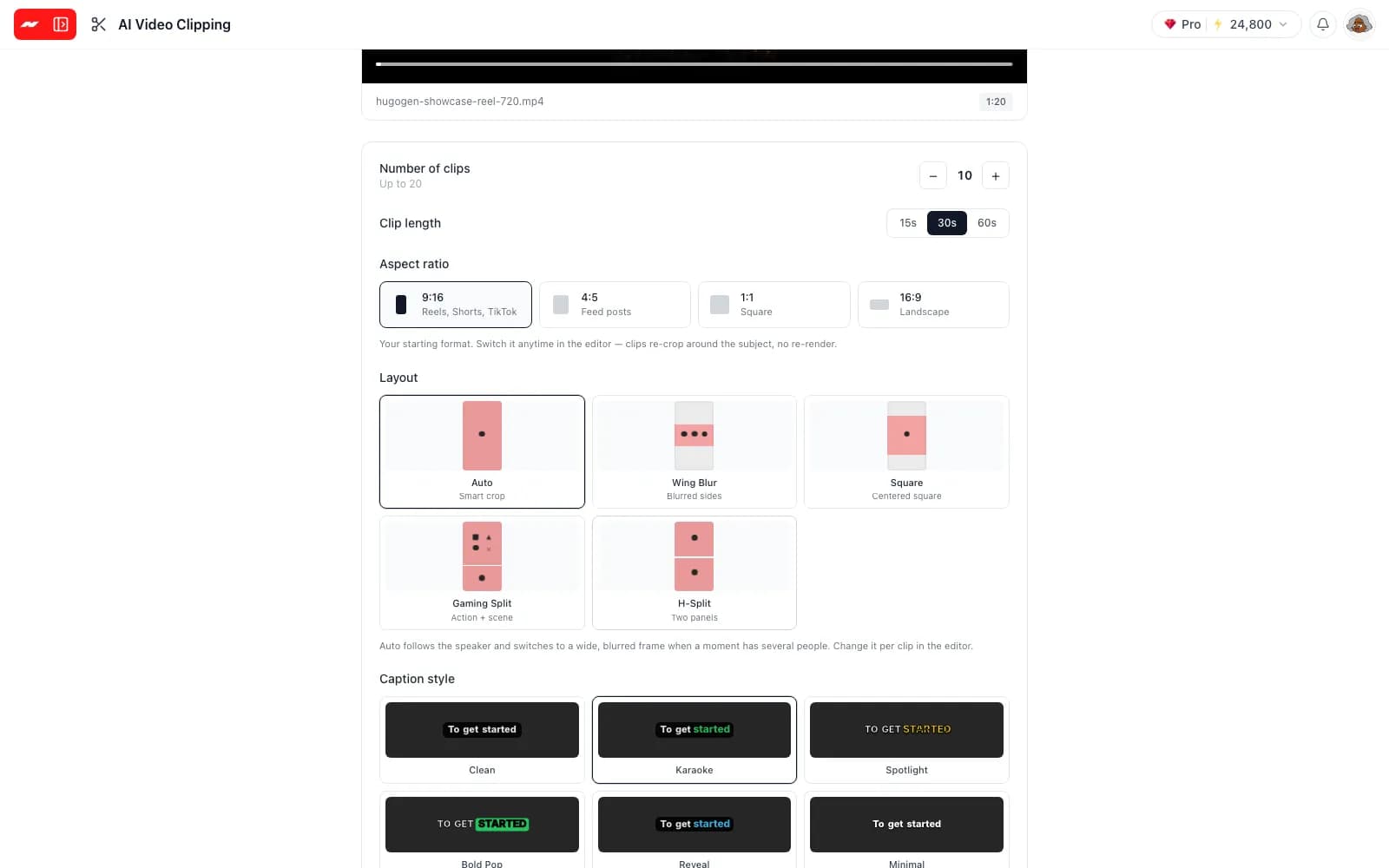
Add one long video and the AI picks the strongest moments, cuts them into short clips, reframes each one and captions every word.
Included on the free plan, for videos from 1 to 60 minutes, with no watermark on exports.
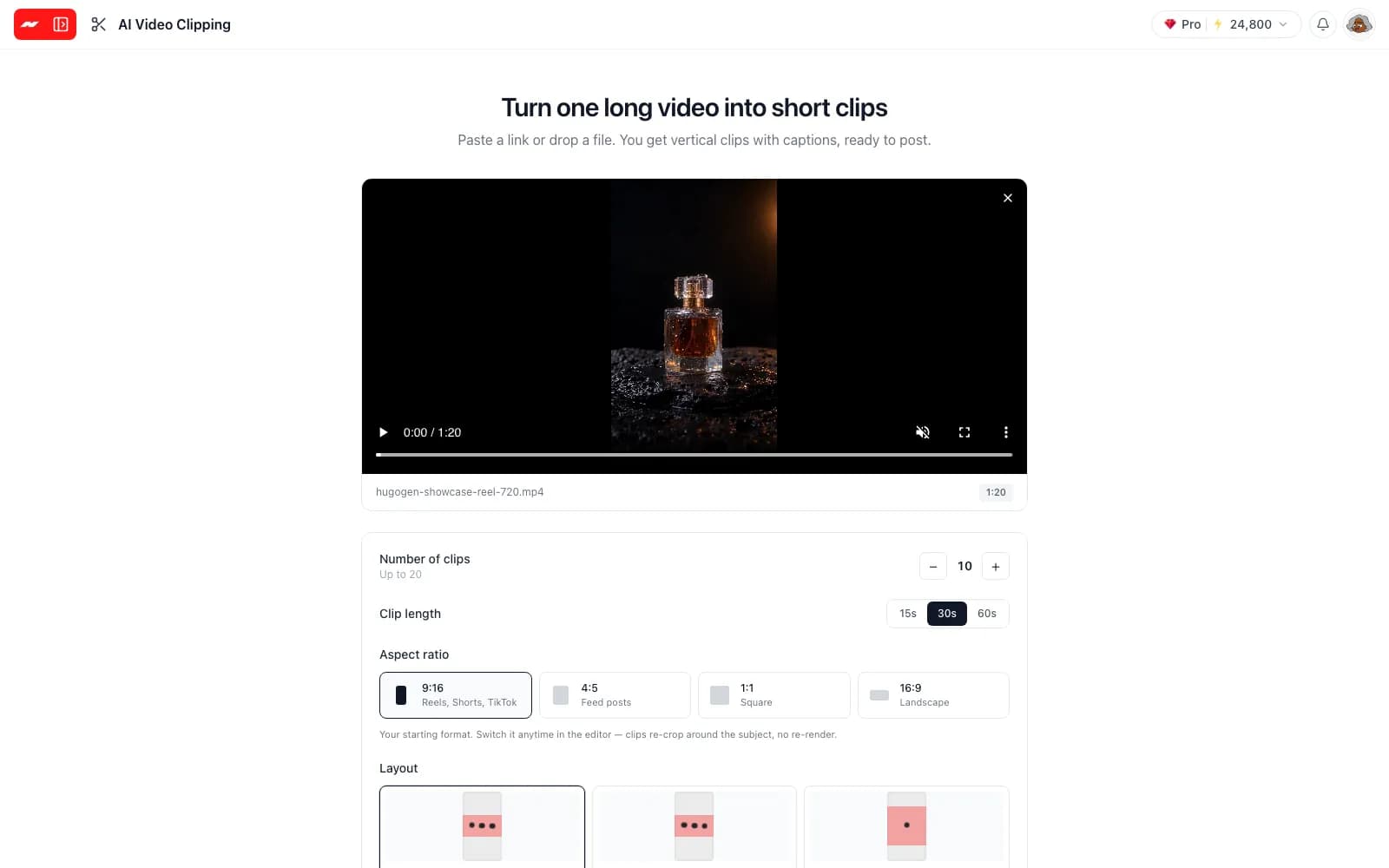
Upload a video or paste a link, and the AI reads the whole transcript to choose the moments worth posting. Each clip comes back with a title, the reason it was picked, keywords and a virality score.
Choose 9:16 for Reels, Shorts and TikTok, 4:5 for feed posts, a square or a landscape frame. The Auto layout follows the speaker and widens to a blurred frame when several people share the shot.
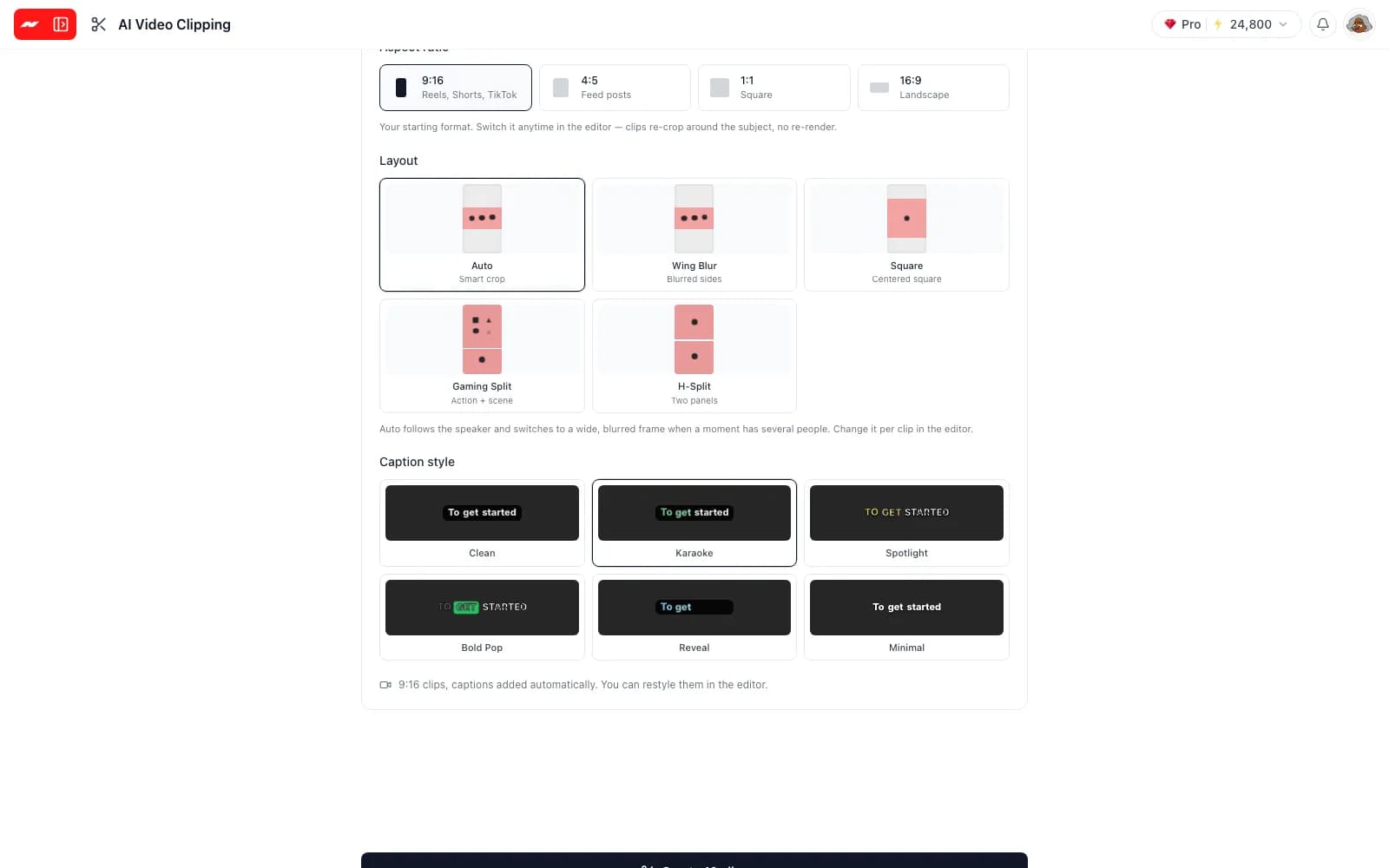
Each clip arrives with captions timed to every spoken word, in one of six styles such as Karaoke, Bold Pop or Minimal. The spoken language is detected automatically, and each caption can be edited afterwards.
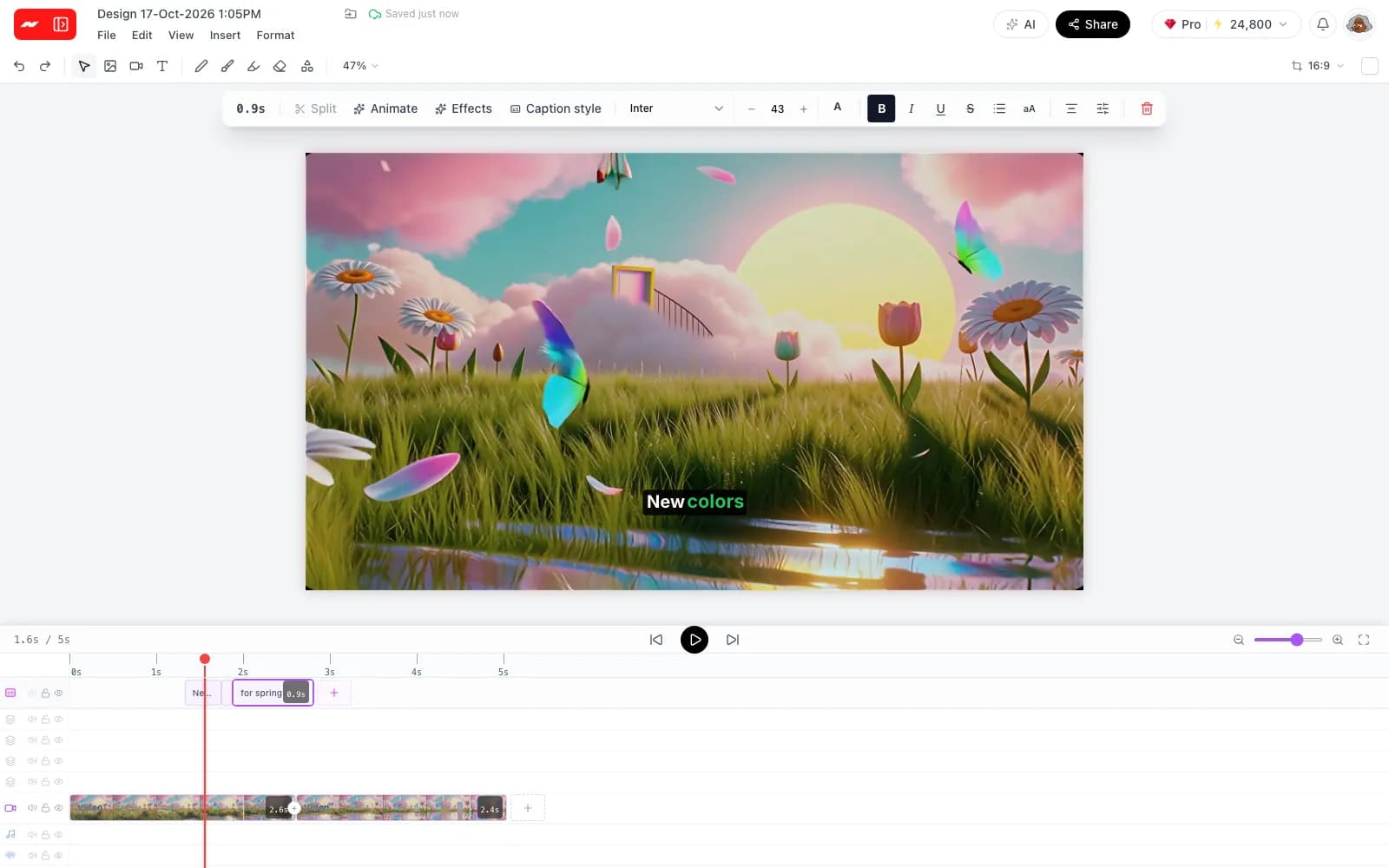
Clips are projects on a real timeline, not baked files. Change the layout, restyle the captions, trim the ends or join a clip with other footage, then export an MP4 with no watermark.
More on the AI video editor, coming soon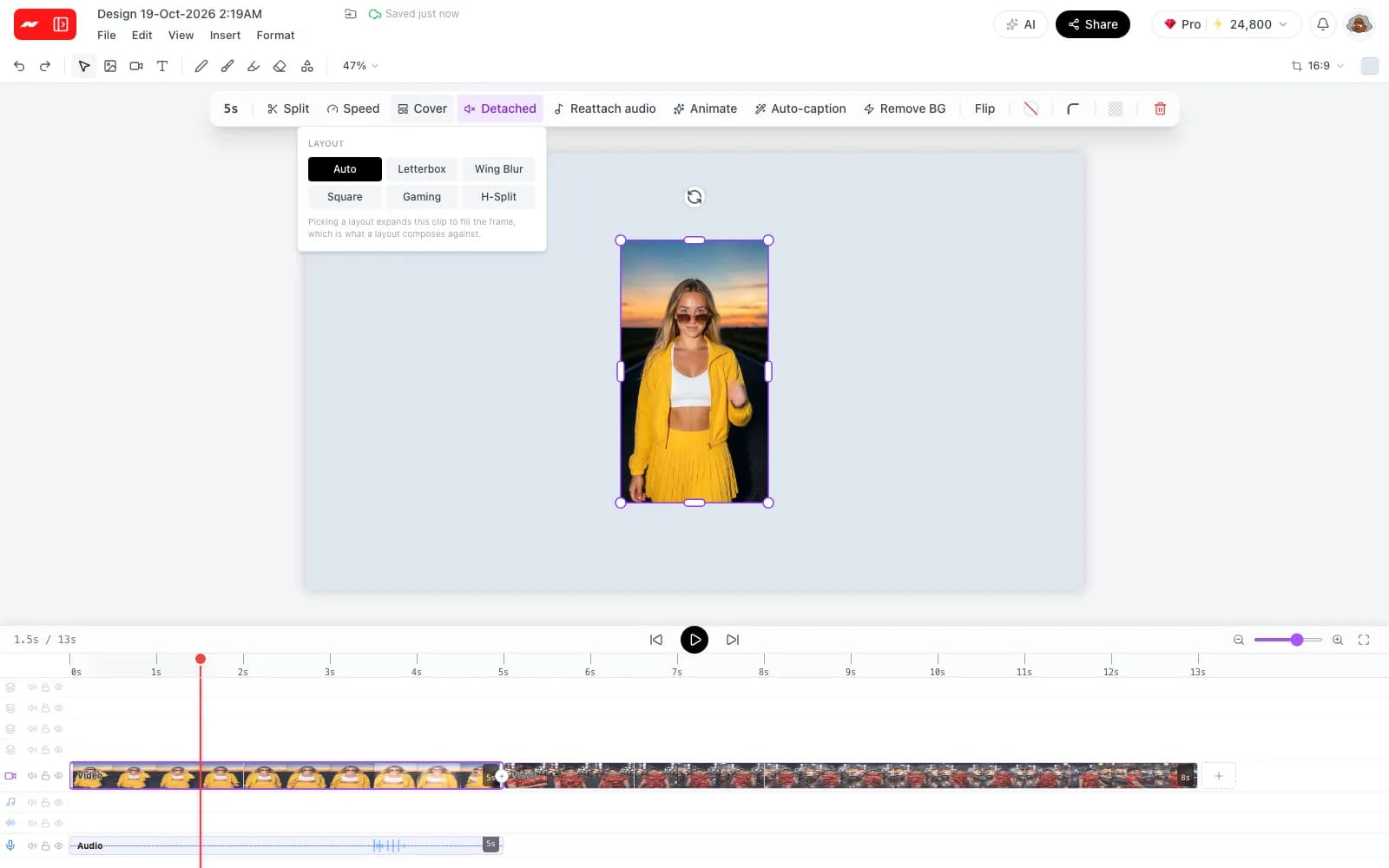
Step 1
Upload a video of 1 to 60 minutes and up to 2 GB, or paste a link to one.
Step 2
Pick how many clips to make, from 1 to 20, how long each one runs, the shape, the layout and the caption style.
Step 3
Open any clip on the timeline to adjust it by hand, then export it as an MP4 with no watermark.
AI clipping works best on footage with clear speech, where the strongest moments are spread across a long recording.
Add a video, let the AI pick and caption the moments, then finish each clip on the timeline with no watermark.
Clip a video with AI