Four shapes for social posts
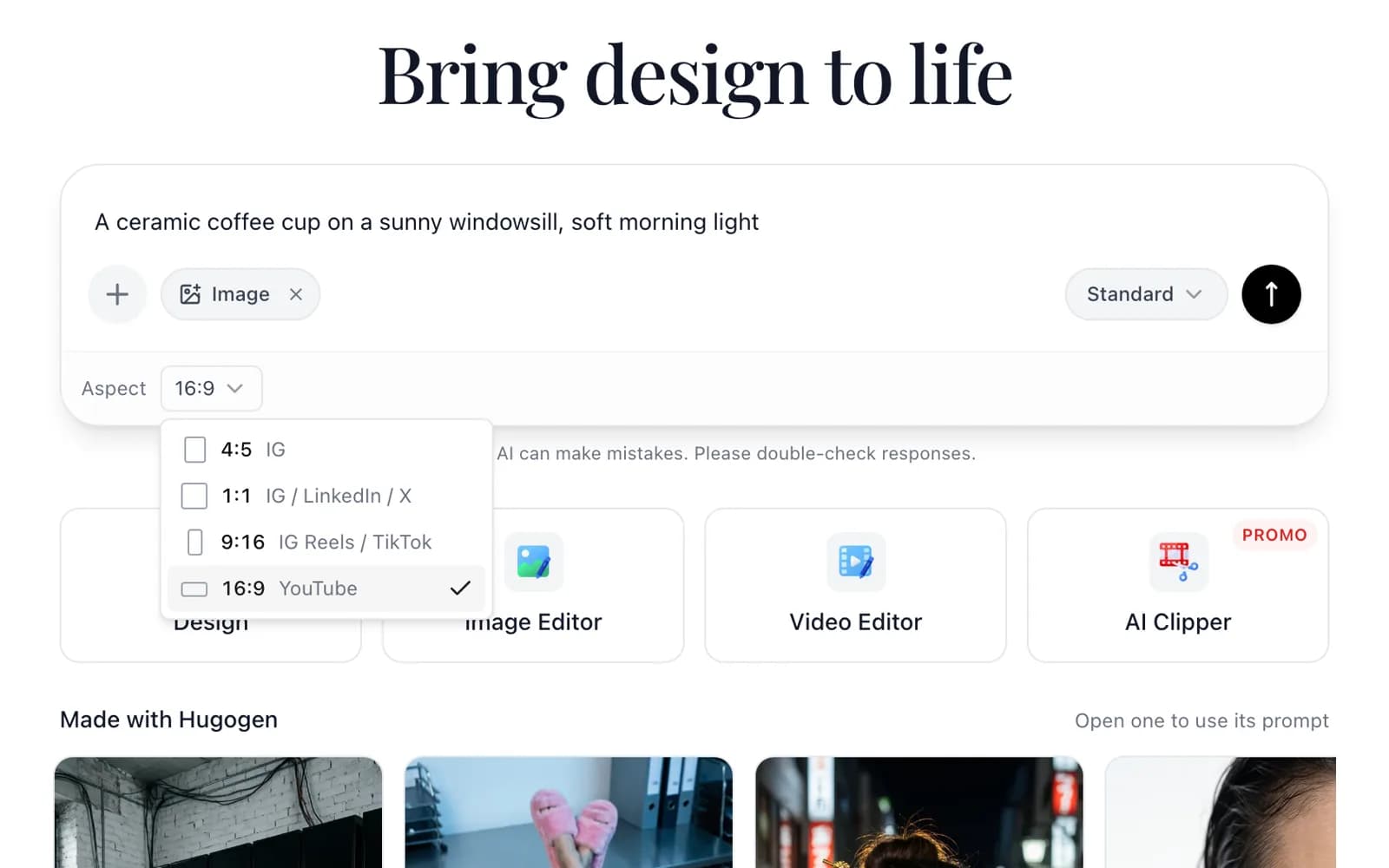
Pick 4:5 for an Instagram feed post, 1:1 for a square post, 9:16 for Reels and TikTok, or 16:9 for YouTube. The picture is made in the chosen shape from the start.
Describe a picture in plain words, pick a shape for the post, and edit the result on a canvas afterwards.
The free plan needs no card, and downloaded pictures carry no watermark.

Pick 4:5 for an Instagram feed post, 1:1 for a square post, 9:16 for Reels and TikTok, or 16:9 for YouTube. The picture is made in the chosen shape from the start.
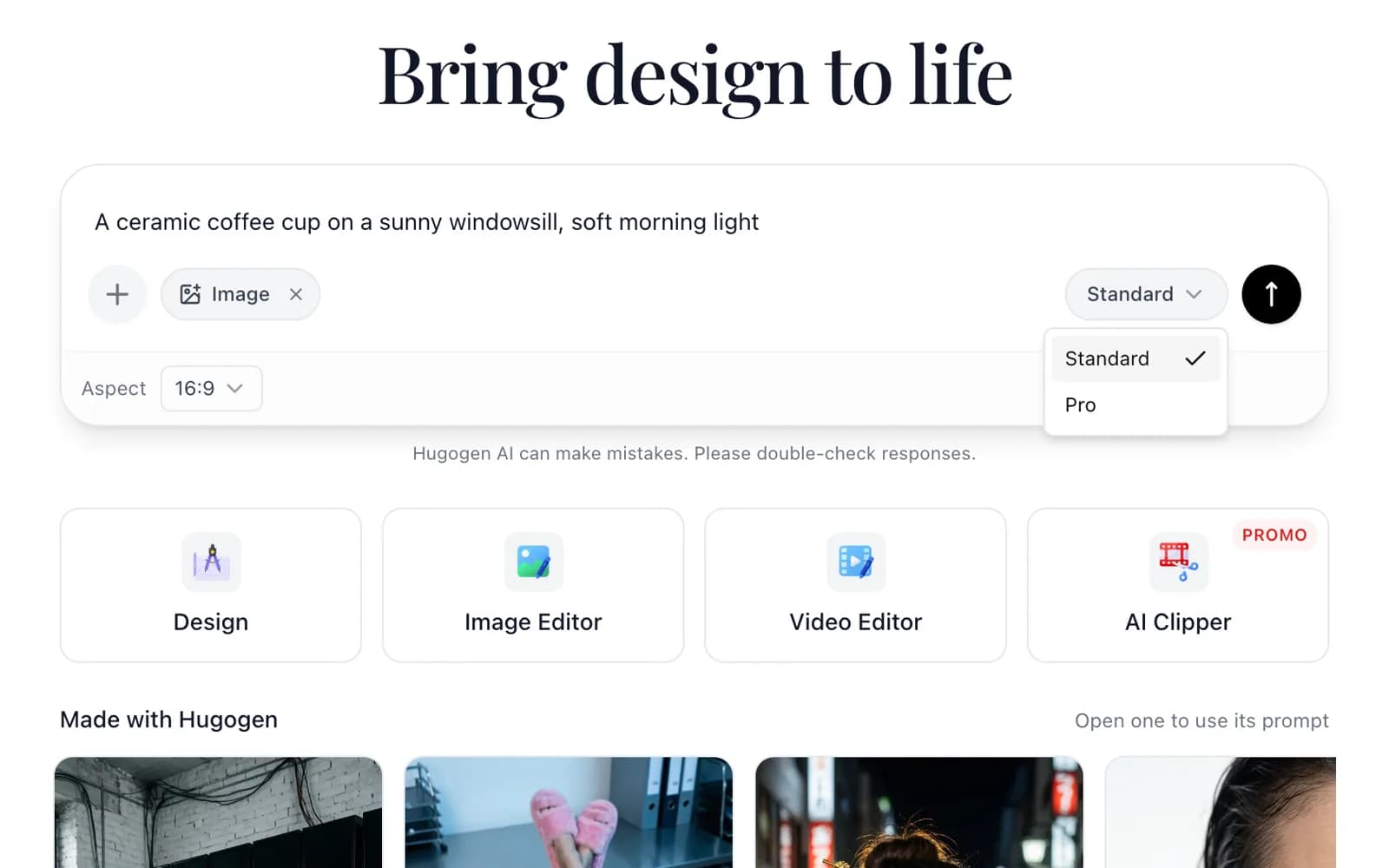
Standard suits everyday posts and quick ideas. Pro makes larger pictures with more detail, and switching between the two takes one click in the composer.
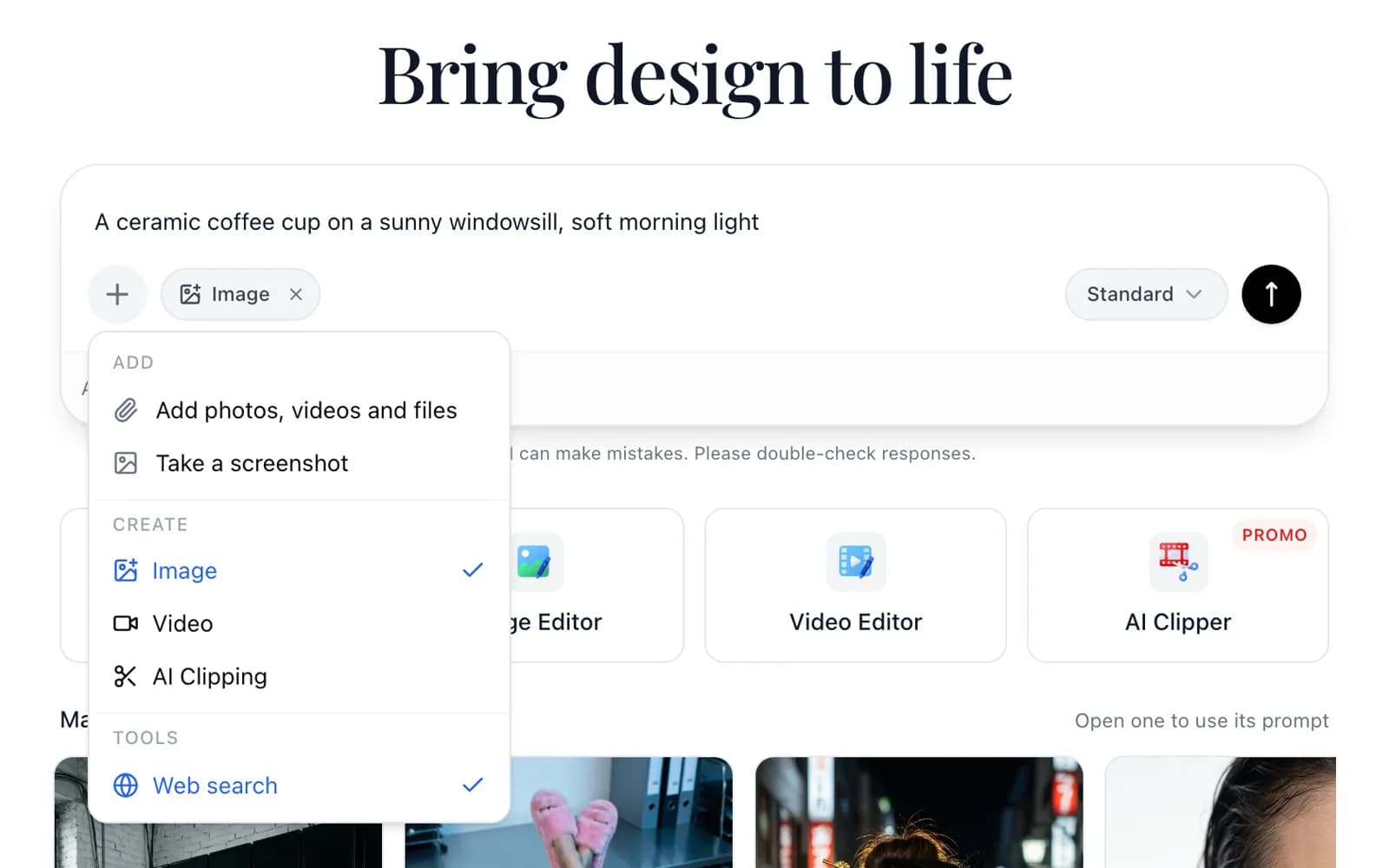
Attach up to three photos from a computer with the plus button, and the generator uses them as references for the new picture, such as a product shot to place in a new scene.
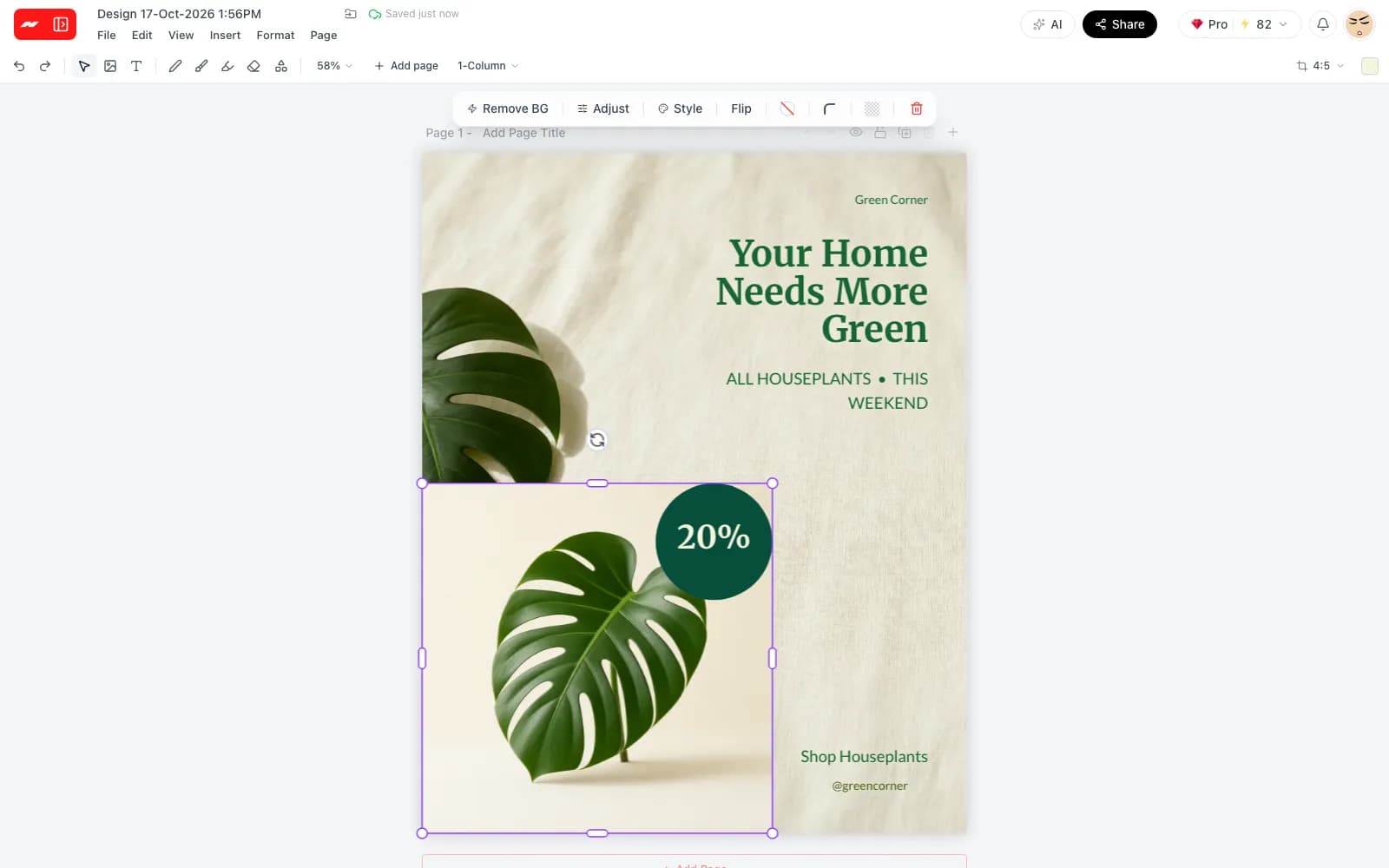
Each picture opens in the image editor, where the photo tools apply: light and color sliders, style presets, background removal, text and layers.
Step 1
Write one sentence about the subject, the place and the light, such as a cup on a sunny windowsill.
Step 2
Choose 4:5, 1:1, 9:16 or 16:9, then Standard or Pro, before pressing send.
Step 3
Adjust the picture on the canvas if it needs changes, then download it as a PNG or JPG.
The four shapes match the places a picture is most often posted.
Pictures made in Hugogen and shown on the app's home screen, each with a short prompt to start from.

Neon street portrait

Macro eye with an octopus

Knight on a white horse

Yellow at dusk

Upside-down office portrait

Speaker wall
Prompts here are written for this page as a starting point.
Write a sentence, pick a shape and edit the picture on a canvas before downloading it.
Open the image generator