Free social media post maker

Describe the post, let the AI designer lay it out, then change any word, picture or color before exporting it.

The free plan needs no card, and exported posts carry no watermark.

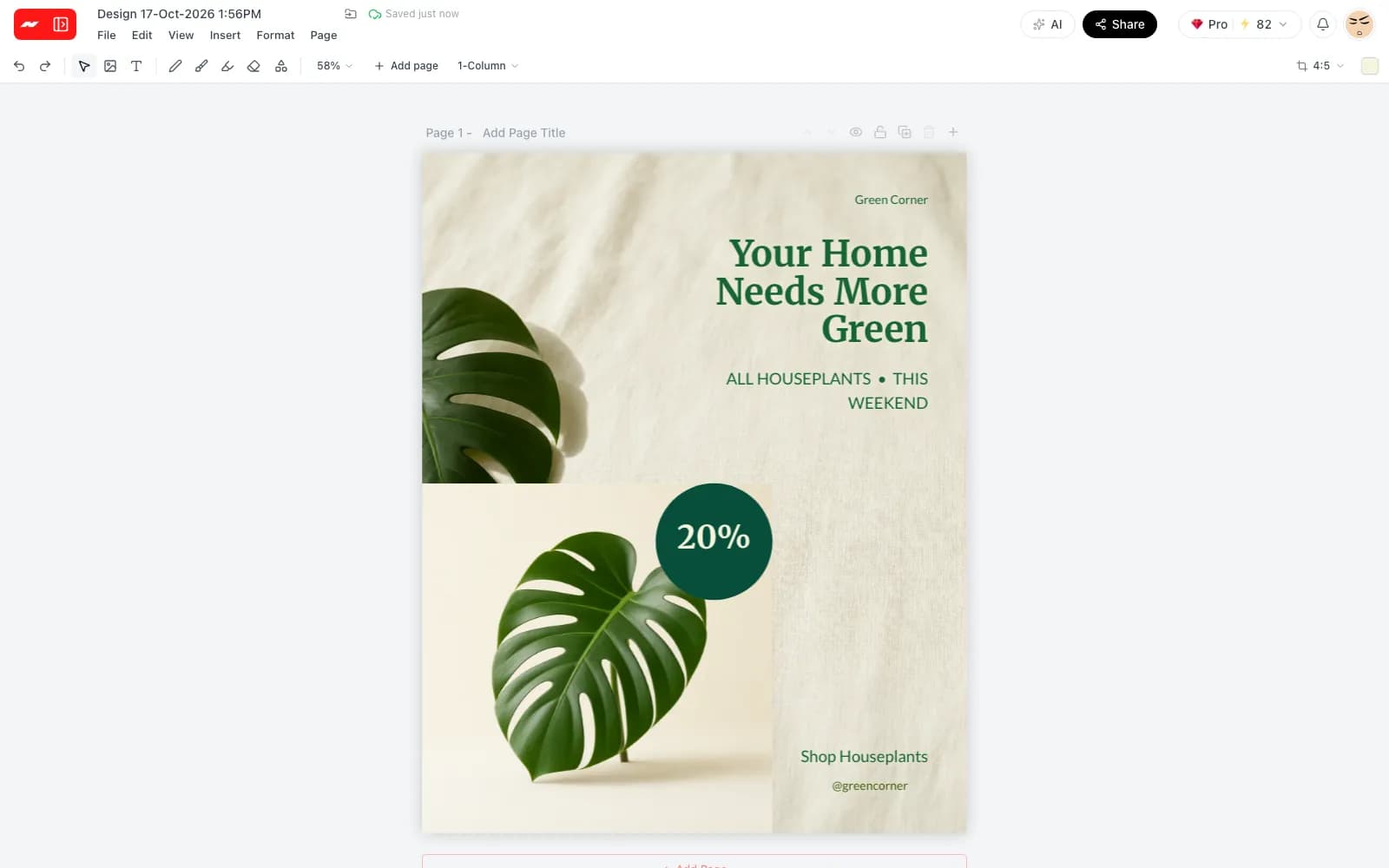
An Instagram post for a plant shop sale, designed by the AI designer in the Hugogen editor

Everything a social post needs

Describe the post, get a finished layout

Write a short brief in plain words, such as the shop, the offer and the mood. The AI designer plans the page, picks the type and pictures, and places every element, with each step listed in the panel as it happens.
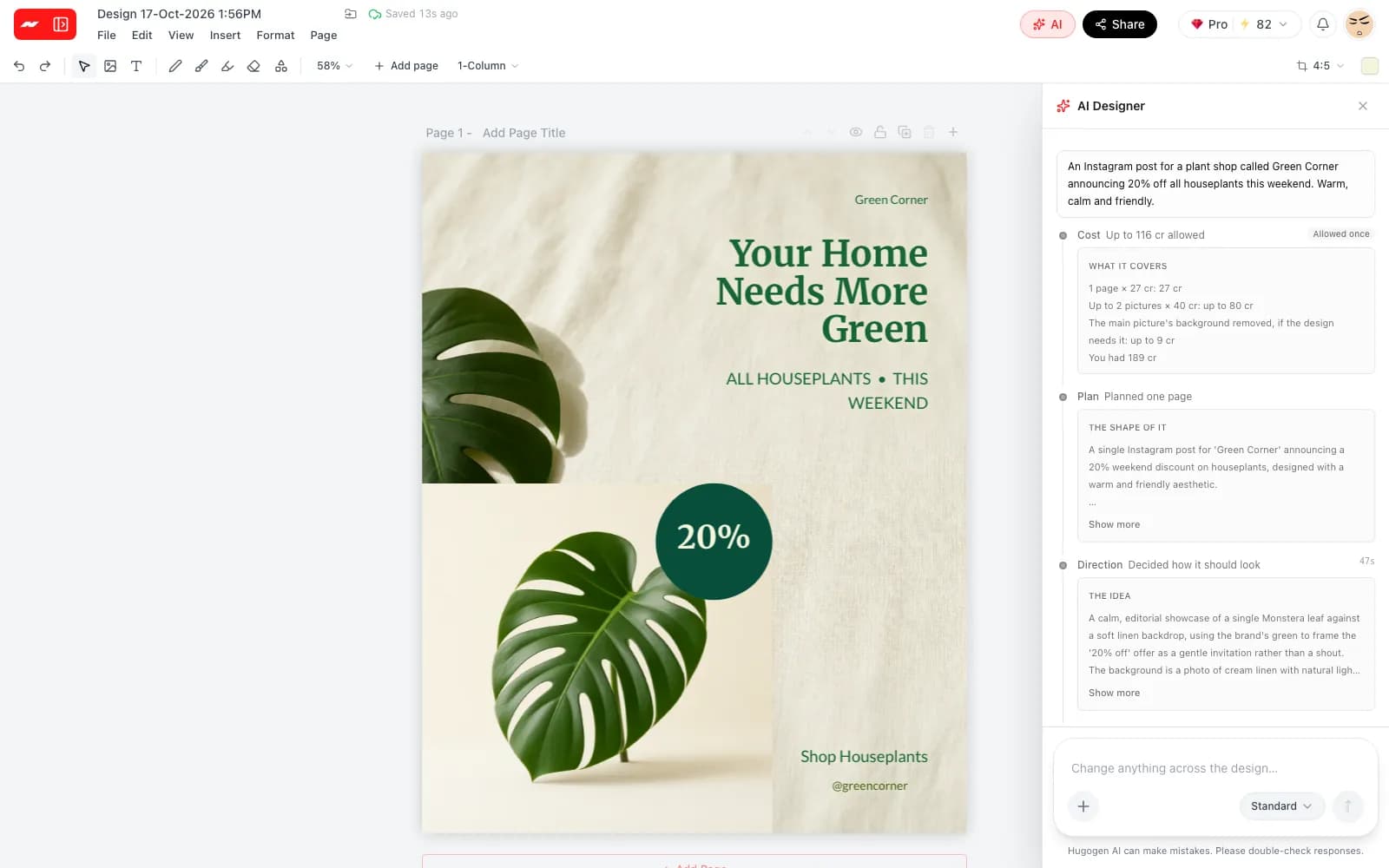
The AI designer panel listing the brief, the plan and the design direction beside the finished post

Every element stays editable

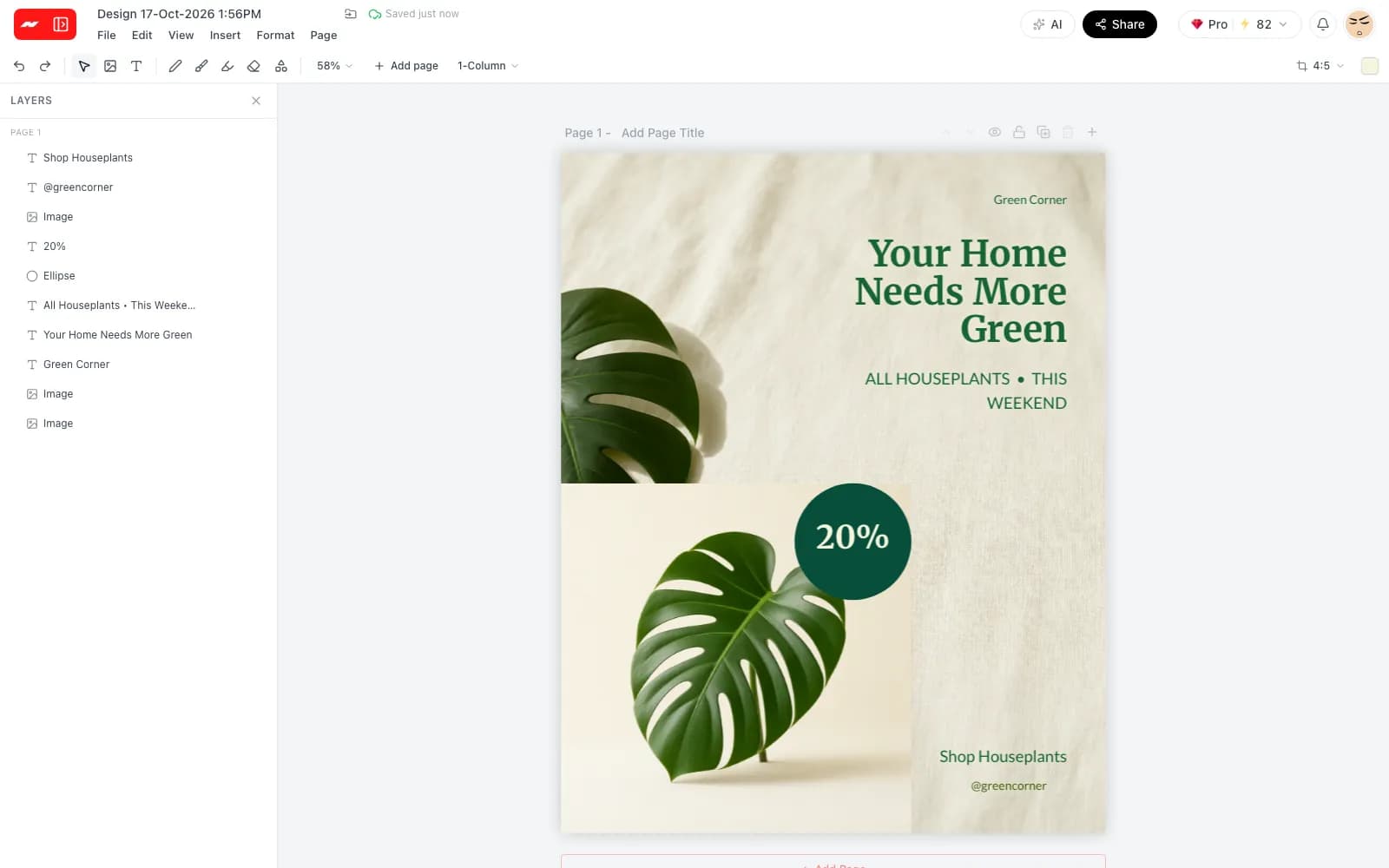
The finished post is a set of separate layers, from the headline to each photo and shape. Change a word, swap a picture or move the price tag without starting over or asking the AI again.

The layers panel listing every text, photo and shape in the AI-made post

The right size for each platform

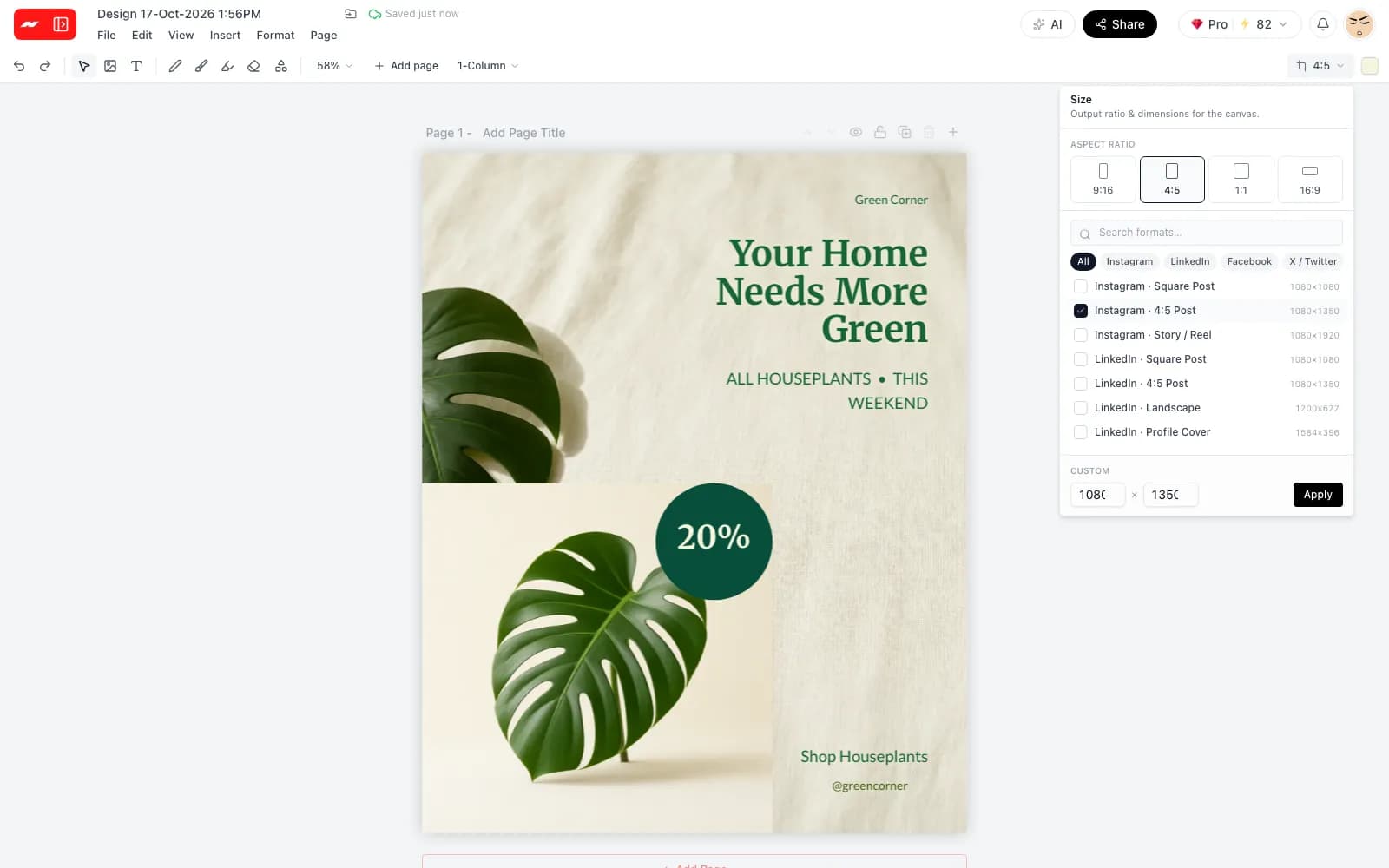
Pick a preset for an Instagram post, a story, a LinkedIn banner, a Pinterest pin or a YouTube thumbnail, or type a custom size. The current design changes to the new shape on the spot.

The size menu with the Instagram 4:5 post preset checked and other platform presets listed

Invite a team or download the file

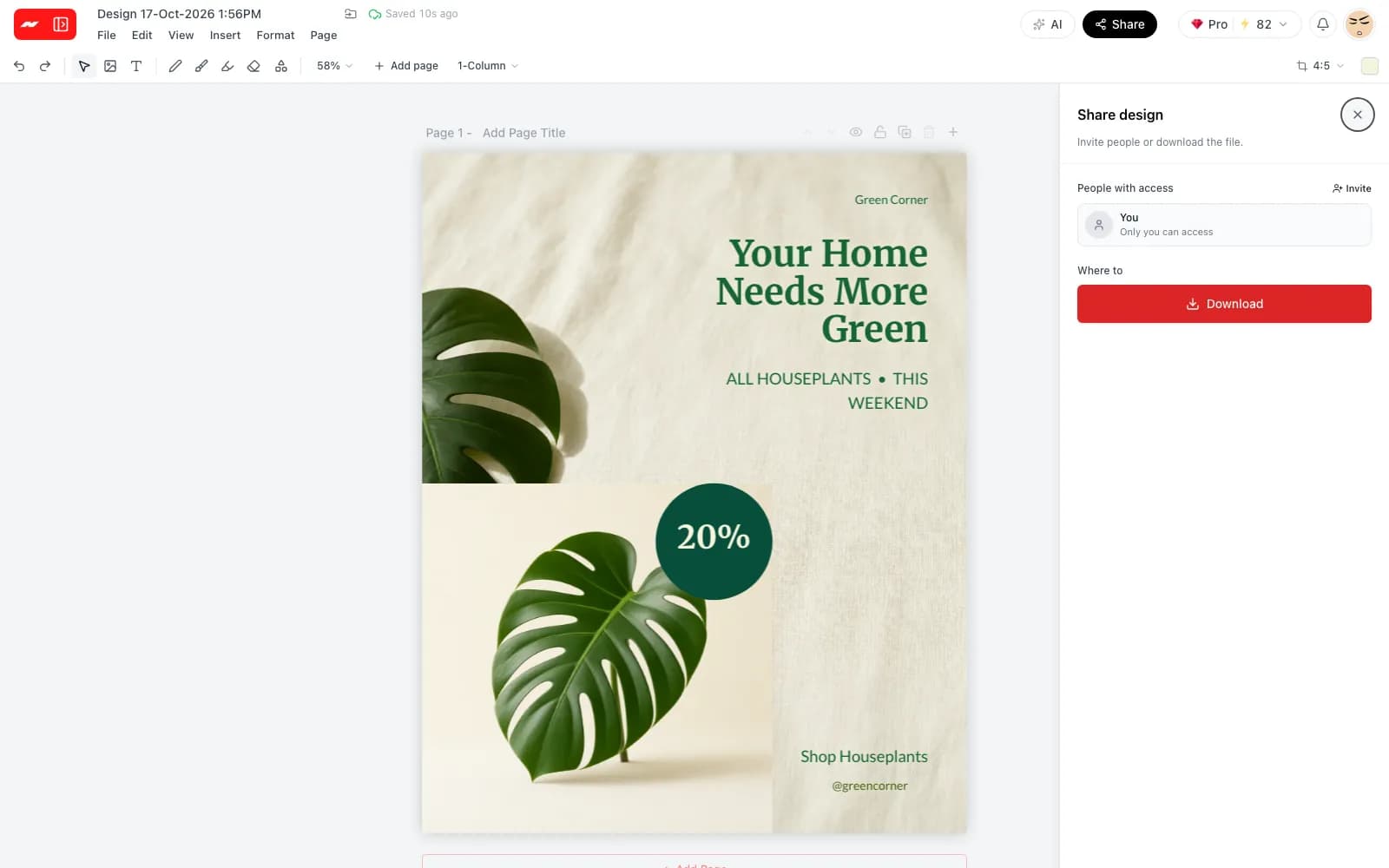
Invite teammates to the design and work on it together, with each person's cursor on the page. When the post is ready, download it as a PNG, JPG or PDF.

The share sheet beside the post, with an invite button and a download button

How to design a social media post

  1. Step 1

    Pick a size

    Open the designer and choose the platform size, such as an Instagram post or a story, or enter a custom size.

  2. Step 2

    Describe the post

    Write a short brief for the AI designer, or place text, photos and shapes on the page by hand.

  3. Step 3

    Export and share

    Download the finished post as a PNG, JPG or PDF. Exports carry no watermark on the free plan or any other.

Sizes for every feed and story

Each preset sets the exact pixel size the platform asks for, and any size can be changed later.

Instagram square post
1080 x 1080
Instagram portrait post
1080 x 1350
Instagram and TikTok stories
1080 x 1920
Facebook post
940 x 788
LinkedIn landscape post
1200 x 627
X square post
1080 x 1080
Pinterest pin
1000 x 1500
YouTube thumbnail
1280 x 720

More free tools from Hugogen

Questions and answers

The free plan includes the designer and needs no card to start. Each AI design run uses credits, shown on a cost card before anything is spent.

Instagram square posts are 1080 x 1080 and portrait posts 1080 x 1350. Stories are 1080 x 1920, a LinkedIn landscape post is 1200 x 627, and a Pinterest pin is 1000 x 1500.

The AI designer turns a short brief into a laid-out page with a headline, supporting text and pictures. Every element stays editable afterwards, and each run uses credits.

A design can hold several pages, one for each slide. A multi-page design downloads as a zip with one image per page.

Several people can edit the same design at the same time and see each other's cursors on the page.

Posts export as PNG, JPG, a standard PDF or a print PDF at 300 dpi. PNG and JPG files can be compressed to meet an upload limit.

Hugogen adds no watermark to exported posts on any plan, including the free one.

A post can also be a short video, edited on the video timeline with captions and sound effects and exported as an MP4.

A free account is needed to design and export posts. Signing up takes a Google account and no card.

Make the next post for every feed

Pick a size, describe the post and download a PNG, JPG or PDF with no watermark.

Start a social post