One click on a selected photo
Select a photo on the canvas and press Remove BG in the toolbar above it. Uploaded photos, pictures from the library and AI-made images all work, and the button shows the current cost before anything runs.
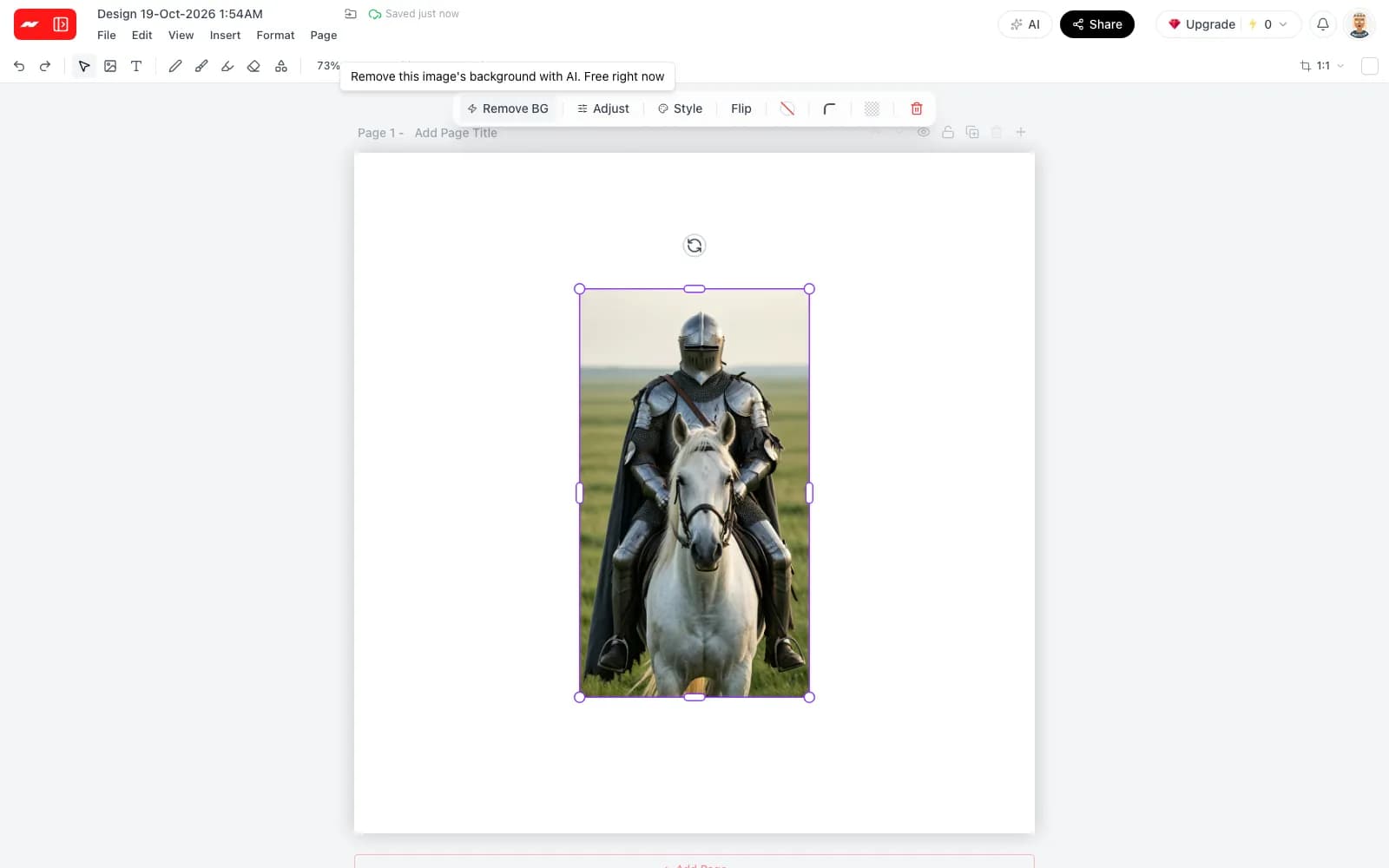
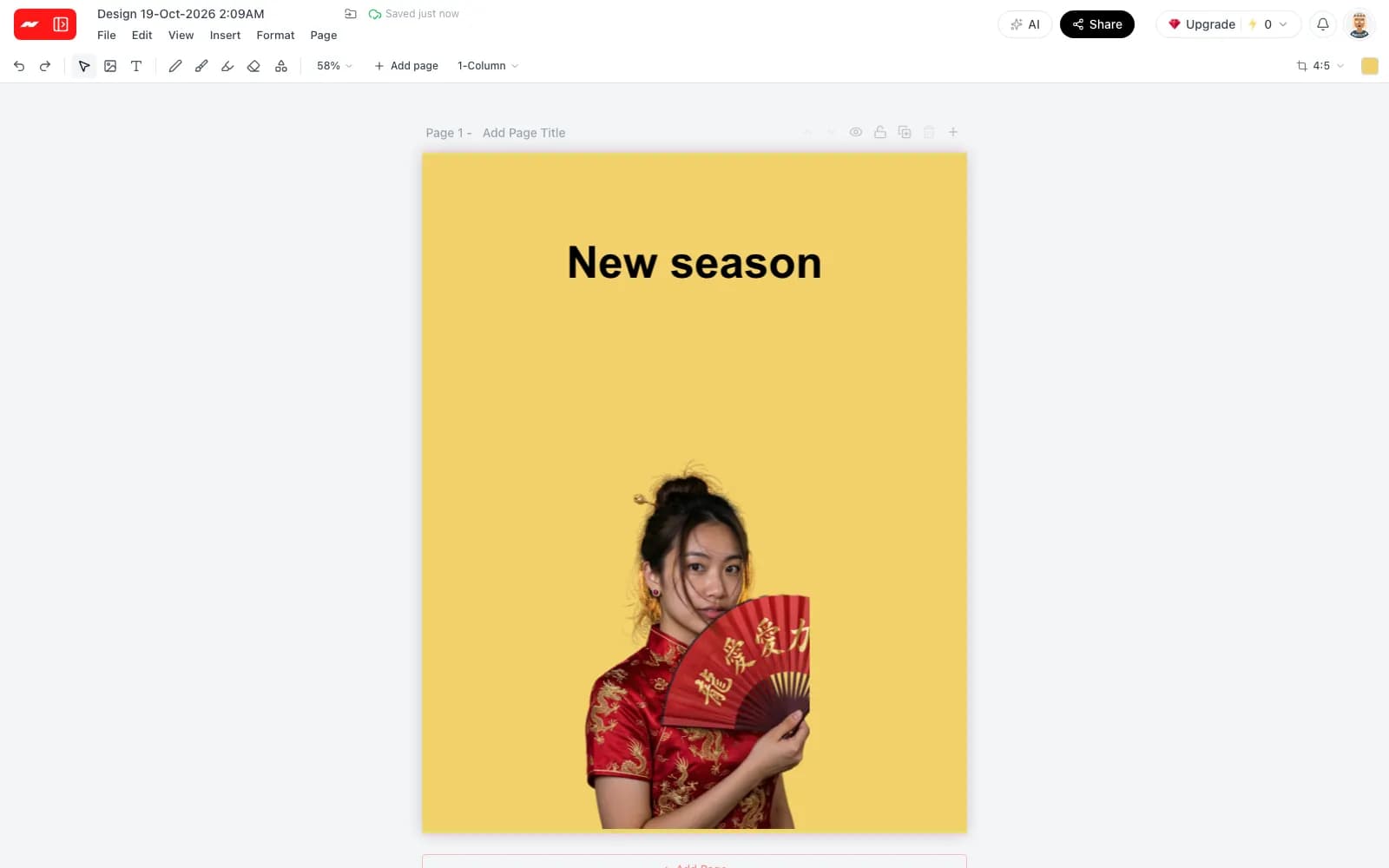
Pick a photo, press Remove BG and get a clean cutout with soft edges, ready for a new color, a design or a shop listing.
Included on the free plan. A removal is charged only when it succeeds, and exports carry no watermark.
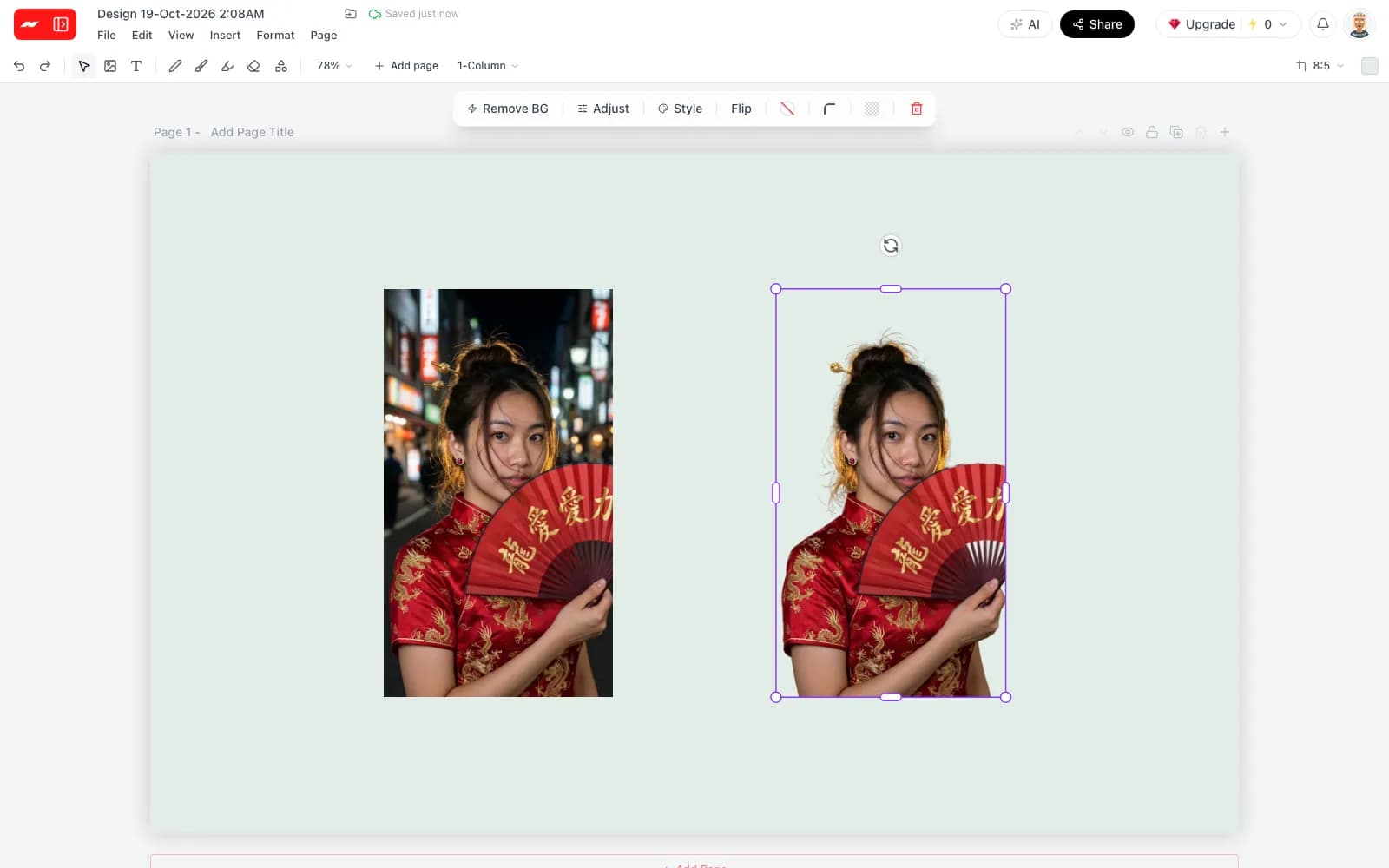
Select a photo on the canvas and press Remove BG in the toolbar above it. Uploaded photos, pictures from the library and AI-made images all work, and the button shows the current cost before anything runs.
Hair, loose strands and fine details keep their soft edges instead of a hard outline. The cutout comes back at the size of the original photo, with nothing cropped or scaled down along the way.
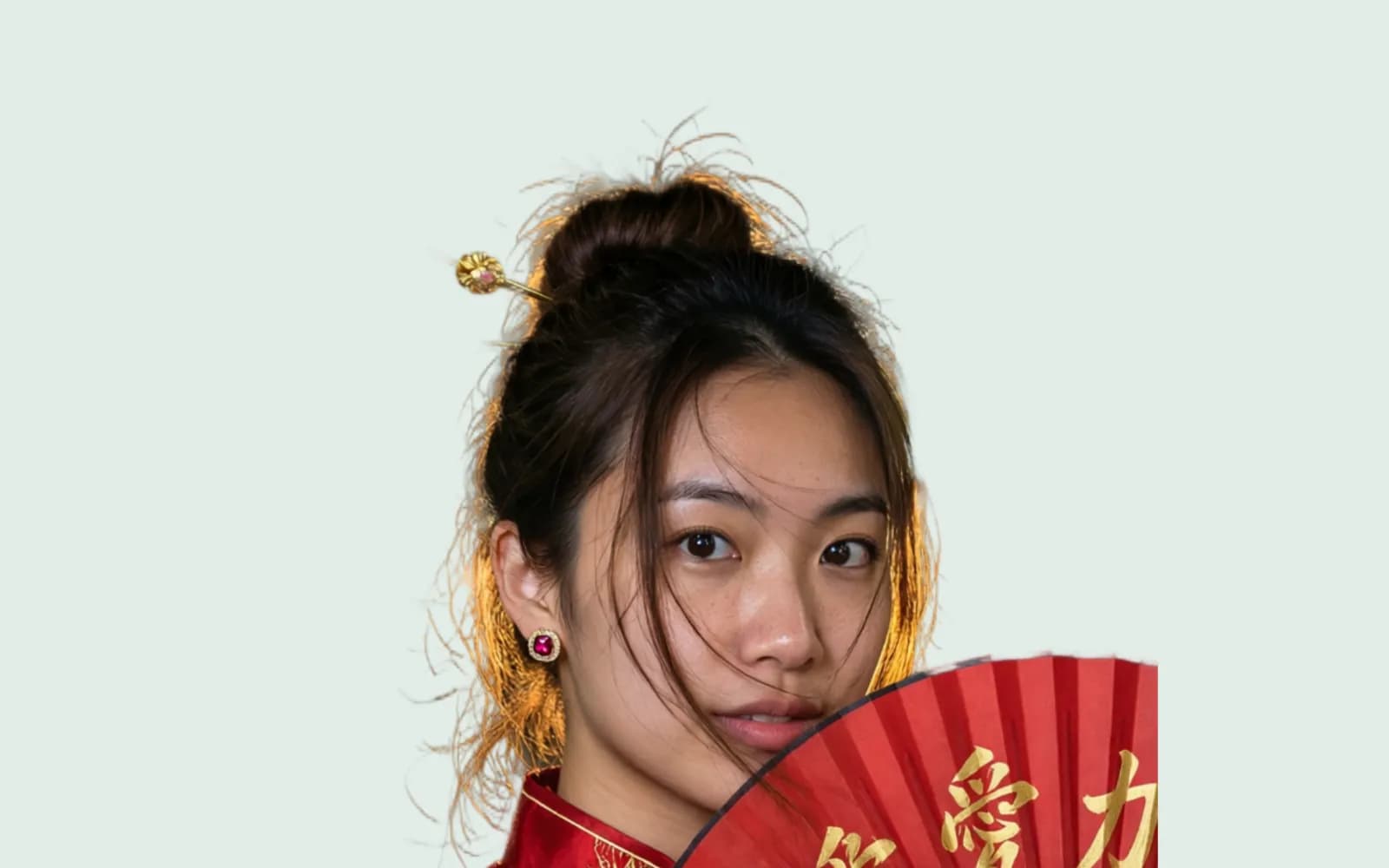
The cutout is a normal layer, and the page behind it can take any color from the color picker. A dark page, a bright page or a soft brand color is one change away, and the subject stays exactly in place.
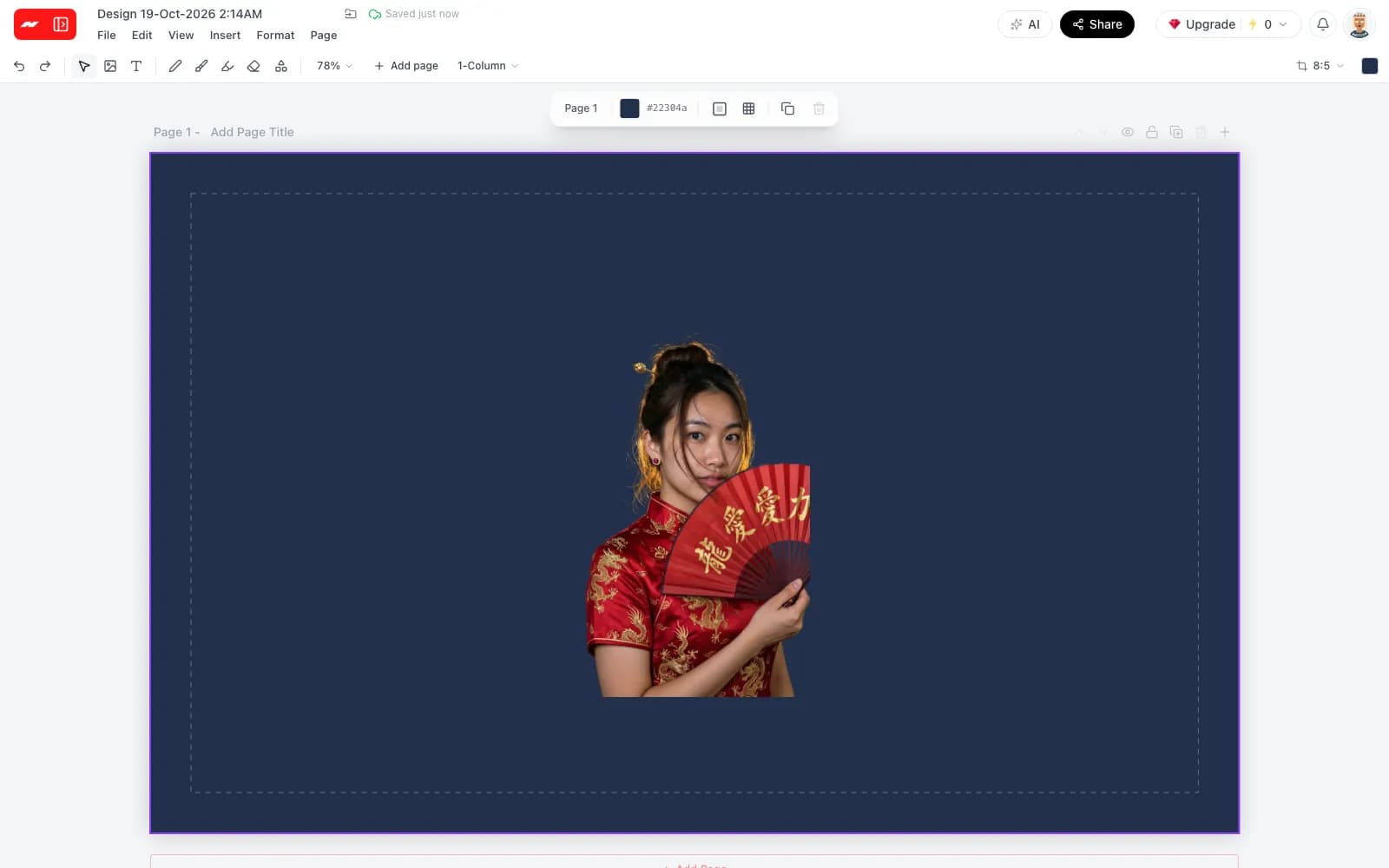
Add a headline, shapes or a second photo around the cutout to build a post, a thumbnail or a product picture for a shop. Every element stays on its own layer and can be moved or edited later.
Step 1
Open the image editor and upload a JPG, PNG or WebP photo of up to 25 MB, or pick one from the library.
Step 2
Select the photo and press Remove BG. Most cutouts come back within a minute, and a removal is charged only when it succeeds.
Step 3
Put the cutout on a new color or in a design, then download a PNG or JPG. A PNG with a transparent background is a Pro export.
Background removal helps wherever a subject needs to stand on its own, from a shop listing to a profile picture.
Upload a photo, press Remove BG and place the cutout on any color or in a design, with no watermark.
Remove a background now