AI Tool
Best Pay-As-You-Go AI Video Editors in 2026 | No Expensive Subscriptions, Flexible Credits from $8
admin
October 20, 2026 · 5 min read
- pay-as-you-go-ai-video
- affordable-ai-video-generator
- no-subscription-ai
- ai-video-editing
Here is a scenario almost every digital creator knows too well:
You find an exciting new AI tool to produce a couple of short clips for TikTok, YouTube Shorts, or Instagram Reels. You sign up, test one prompt, and hit an immediate paywall:
"Unlock Pro for $24.99/month billed annually."
You only needed to make two or three videos this weekend. Yet to get anything usable, you are forced into a recurring monthly contract. Fast forward four weeks: you were busy with client work, forgot to cancel, and your card gets charged another $25 for credits you never even opened.
In 2026, subscription fatigue is real. Creators are fed up with paying $60 to $100 across five disconnected tools—one for images, one for motion, one for voiceover, and another for clipping.
If you want the freedom to generate high-quality AI videos without being handcuffed to expensive monthly retainers, pay-as-you-go and flexible micro-tier platforms are your best way out.
Let’s break down how pay-as-you-go AI video generation works, why it saves you serious money, and the best platforms to consider right now.
The True Cost of Traditional AI Subscriptions
Most legacy AI generation platforms are designed around an outdated SaaS playbook: "Use it or lose it."
-
High Entry Barriers: Starting tiers typically sit between $12 and $30 per month. For solo creators, hobbyists, or freelance editors testing a new workflow, that’s a steep gamble.
-
Expired Unused Credits: If your subscription grants you 300 credits a month and you only use 80, the remaining 220 credits vanish into thin air when the billing cycle resets.
-
Fragmented Workflows: You pay $10 for an image generator, $15 for video animation, and $15 for auto-subtitling. Suddenly, your monthly overhead looks like an enterprise software bill.
This is why the creator economy is shifting toward on-demand credit packs and at an affordable price
1. Hugogen: The Ultimate All-in-One Studio with Pay As You Go Flexibility
If you are looking for a complete content creation engine that respects your wallet, Hugogen takes the top spot in 2026.
Unlike single-purpose tools that only generate video clips or only cut existing footage, Hugogen is built as an All-in-One AI Studio tailored for fast-paced creators, affiliate marketers, and storytellers.
Why Hugogen Stands Out:
-
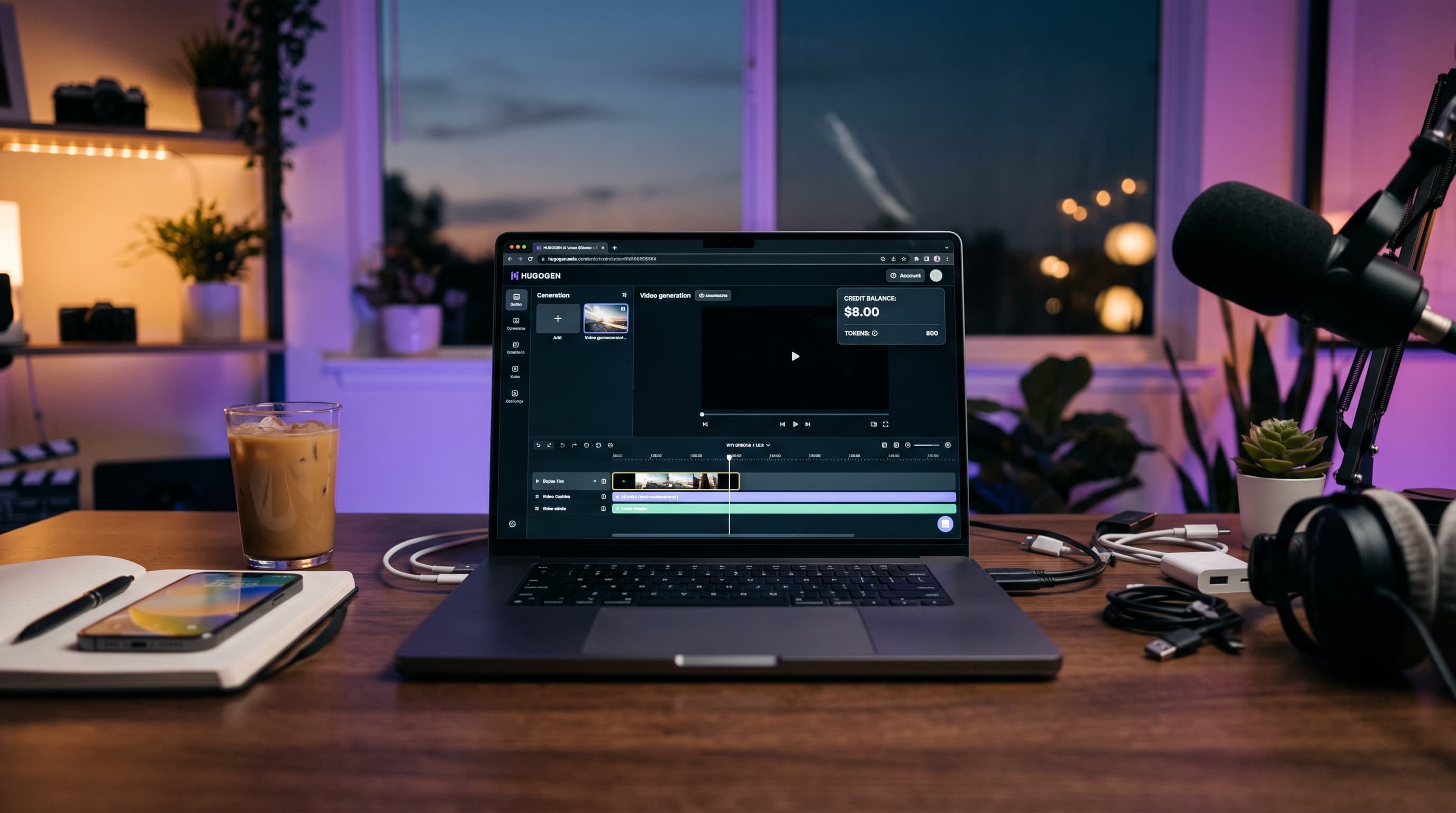
True Pricing Flexibility (From Just $8): You aren’t forced into an aggressive $25 commitment. Hugogen lets you get started with token packs or low-commitment tiers starting at just $8. Buy credits when you have a campaign to launch, and keep your peace of mind when you're taking time off.
-
Prompt-Driven "Vibe Editing": You don't need a degree in video editing or hours of manual timeline slicing. Simply type your directions in plain language—describe the visual style, transition mood, and pacing—and let the AI compose and polish the clip.
-
Brainstorm to Final Render in One Tab: From generating initial visual concepts to animating clips, adding subtitles, and preparing vertical exports (9:16) for Reels and TikTok, everything happens inside a single clean interface.
-
Global & Local Payment Support: Powered by Stripe, Hugogen accepts all major international debit and credit cards, Apple Pay, Google Pay, as well as localized payment rails (including UPI in India and QRIS in Indonesia) with transparent currency rates and zero hidden conversion markups.
-
Instant Free Trial: You can jump in and test the workflow with free starter credits before entering any payment details.
2. Runway (Gen-2 / Gen-3 Alpha)
Runway remains an industry powerhouse for cinematic visual effects and hyper-stylized AI video generation.
-
The Pros: Unmatched cinematic controls, camera motion brushes, and advanced text-to-video fidelity favored by filmmakers and creative directors.
-
The Catch: Runway’s credit consumption is notoriously fast. High-tier cinematic generations eat through starter allocations within minutes, and their standard monthly plans sit around $12 to $15/month (with heavy feature gating until you step up to $28+/month).
3. Pika (Pika Labs)
Pika has carved out a loyal following for playful, physics-defying animations, sound integration, and meme-worthy short transformations.
-
The Pros: Intuitive canvas, fun generative effects (like melting or exploding objects), and great short-form animation capabilities.
-
The Catch: While engaging, the free tier comes with heavy watermarks and lower priority rendering queues. Moving to clean commercial-ready downloads requires standard recurring plans starting around $10/month.
4. Opus Clip
For podcasters and streamers who already possess long-form video files and simply need automatic shorts extraction, Opus Clip is a well-known name.
-
The Pros: Excellent speaker-tracking, virality scoring, and automatic dynamic captions tailored for talking-head content.
-
The Catch: It is strictly a repurposed clipping tool. It cannot create images from scratch, animate text prompts, or generate net-new b-roll. At roughly $9.50 to $15/month, paying solely for video chopping often feels steep if you also need to subscribe to other visual generative tools.
Head-to-Head Comparison: Hugogen vs. Legacy Platforms
| Feature | Other AI Video Suites | Hugogen AI Studio |
|---|---|---|
| Starting Cost | Typically $12 – $30 / month | Starting at $8 (Token packs & flexible plans) |
| Commitment Model | Auto-renewals; unused credits expire | Pay-as-you-go tokens or light $8 monthly plan |
| Workflow Scope | Fragmented (only video, or only clipping) | All-in-One (Idea $\rightarrow$ Visuals $\rightarrow$ Video $\rightarrow$ Captions) |
| Card Requirement | Often requires credit card upfront for trials | Free trials with zero card details required |
| Payment Methods | Limited to USD credit cards via Stripe | Global Cards, Apple/Google Pay, UPI & Local payments |
| Ease of Use | Complex interfaces, manual timelines | Simple prompt-driven directing & vibe editing |
How to Create Your First AI Video on Hugogen for Under $10
Getting started takes less than two minutes:
-
Sign Up for Free: Head over to Hugogen.com and create an account using Google Auth or email. Check out the dashboard using your free starter credits.
-
Select Your Style or Type a Prompt: Outline your concept. Whether you need an engaging e-commerce product video, a cinematic lifestyle scene, or a punchy talking-point reel, describe the scene and let the AI generate your draft.
-
Refine & Export: Tweak visual vibes, apply automatic subtitles, and download your high-definition video formatted for YouTube Shorts, Instagram Reels, or TikTok.
-
Top Up Only When Needed: If you love the workflow and need more render power, simply grab an $8 token pack or activate a flexible tier via Stripe with a single click.
Ready to test a smarter way to produce video?
👉 Sign up at Hugogen today and claim your free generation credits—no credit card required!
Try it on your own footage
The Free plan needs no credit card. Bring a long video and see what comes back.