Tips AI
How to Create Black Friday and Cyber Monday Ads in Minutes
admin
November 24, 2026 · 2 min read
- ai-tips
- black-friday
- cyber-monday
Black Friday and Cyber Monday bring the highest shopping intent of the year. Shoppers scroll through crowded feeds on TikTok, Instagram, and YouTube while comparing dozens of offers at once. Sellers and creators need fresh banners, product photos, and short promo videos ready before competitor discounts fill every screen.
Traditional production slows small teams down. Hiring a designer takes days, and editing multiple ad sizes manually drains hours from inventory and customer support. With Hugogen, e-commerce sellers and creators can produce an entire holiday campaign inside one workspace.
1. Build Scroll-Stopping Promo Banners with AI Designer
Shoppers decide whether to stop scrolling in less than two seconds. Clear discount numbers, strong contrast, and clean product framing help Black Friday ads stand out in busy feeds.
Inside Hugogen AI Designer, you can type a simple prompt describing your product, background mood, and offer details. Every generated visual opens on an editable canvas. You can adjust text layers, swap prices between Black Friday and Cyber Monday, and place your store logo accurately using Brand Kit.
Three fast banner prompts to try:
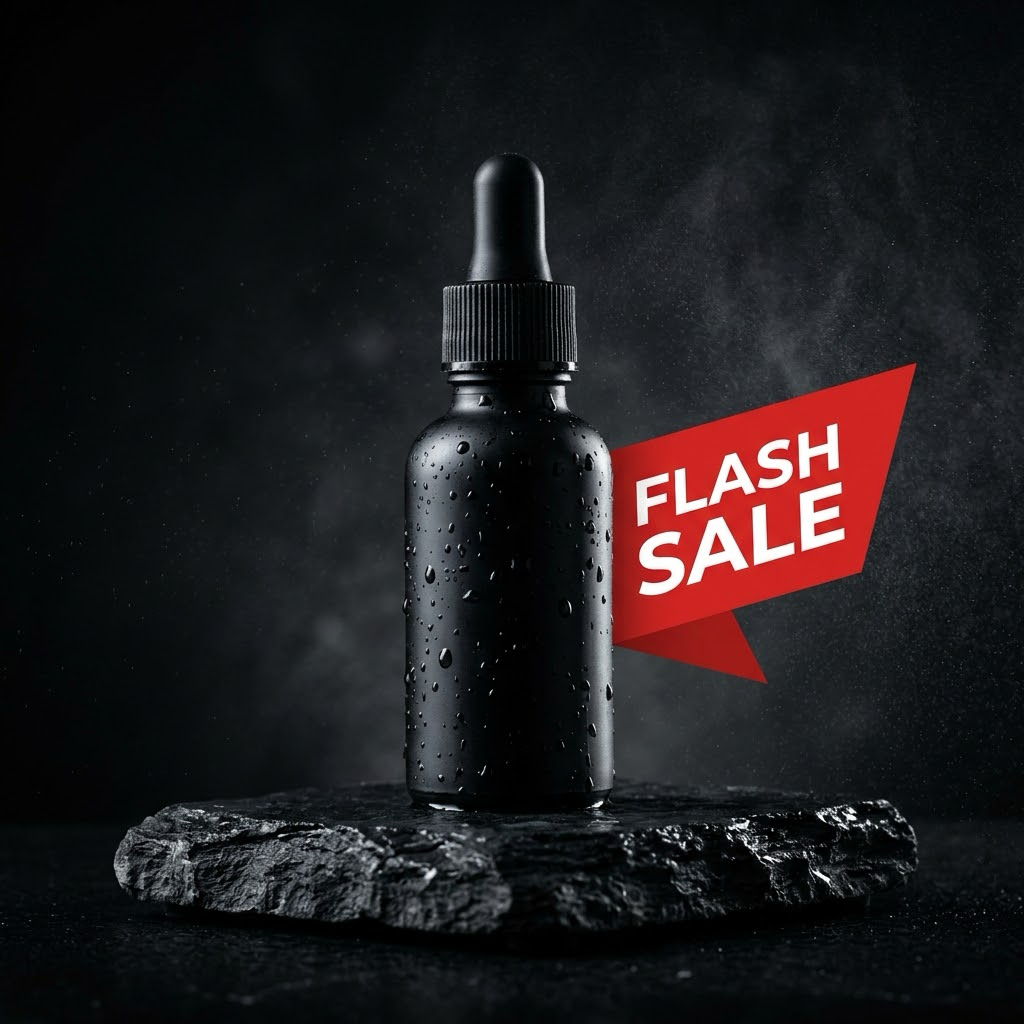
- Flash Sale Product Shot: Studio spotlight on a matte skincare bottle resting on dark stone, bold red sale tag accent, crisp commercial product photography.
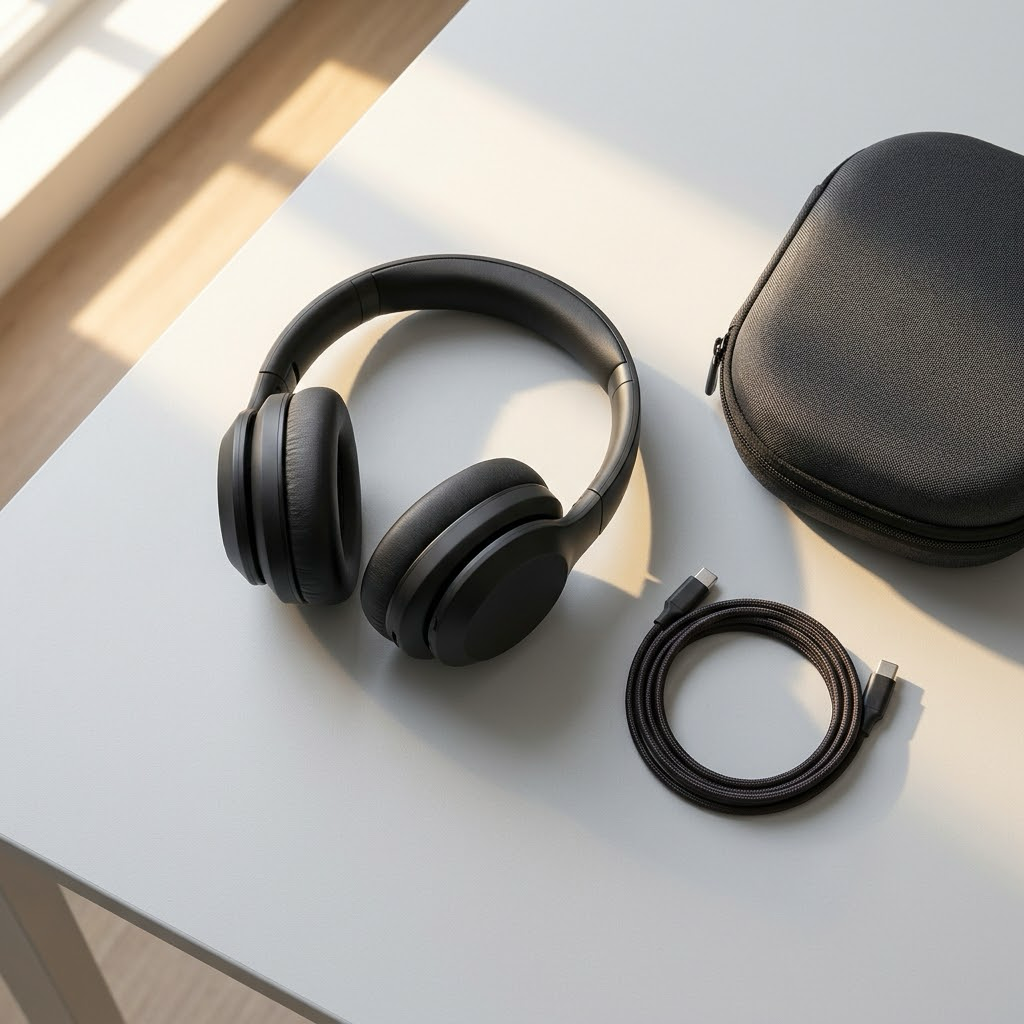
- Bundle Offer Post: Minimalist flat lay of headphones, a charging cable, and a travel case on a clean light gray desk, warm window shadows, modern e-commerce style.
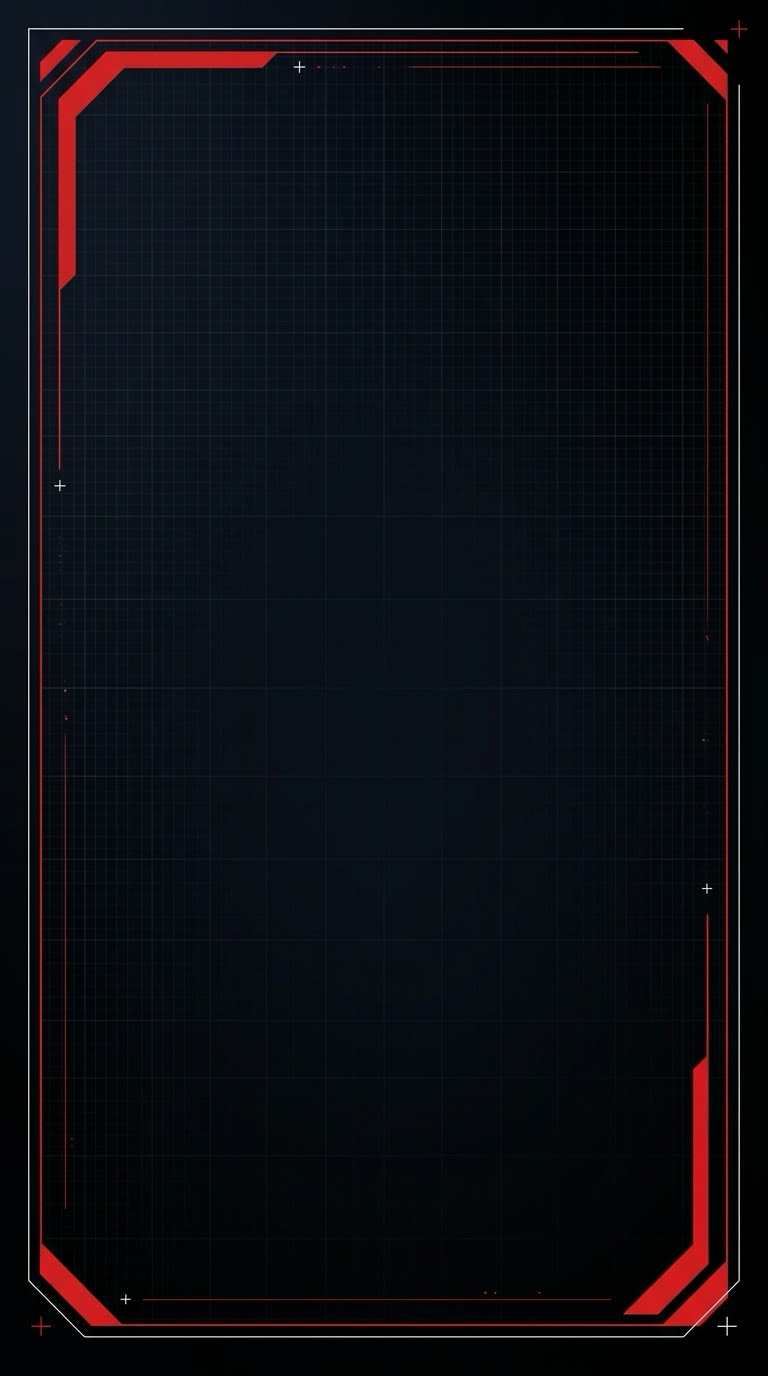
- Countdown Story Graphic: High-contrast dark background with bright red geometric accents, open center space for discount text and a shop link.
2. Turn Existing Videos into Promo Shorts with AI Video Clipper
You do not need a fresh film shoot to launch video ads for Black Friday. Long product demos, unboxing recordings, or past livestream sessions already contain strong selling points.
Upload any recording up to 60 minutes long into Hugogen AI Video Clipper. The tool scans your video for high-energy moments, reframes horizontal footage into 9:16 vertical clips, and adds word-by-word captions in six styles including Bold Pop and Karaoke. Clean captions keep mobile viewers watching even when phones stay on mute.
Ready to test your own product footage? Try Hugogen AI Video Clipper free to generate up to 10 captioned clips with zero watermarks.
3. Update Offers Fast Inside AI Video Editor
Black Friday deals often change between Friday morning and Cyber Monday night. Re-recording a full video for every price drop wastes valuable time.
With Hugogen AI Video Editor, every clip opens on a real editing timeline. You can trim slow pauses, swap text overlays from Black Friday to Cyber Monday, and export fresh MP4 files without watermarks.
A Simple 3-Step BFCM Content Checklist
- Create three core visuals: Produce one square feed banner, one vertical story graphic, and one product hero shot in AI Designer.
- Cut five short product clips: Run your best product review or livestream through AI Video Clipper to build a daily posting queue.
- Refresh captions for Cyber Monday: Duplicate your top-performing project in AI Video Editor, update the promo headline, and publish a final-hours reminder.
Launch Your Holiday Campaign Faster
Holiday shoppers reward brands that show up early and stay visible through Cyber Monday. Open Hugogen to build your banners, product visuals, and short promo videos in one place before the shopping rush begins.
Try it on your own footage
The Free plan needs no credit card. Bring a long video and see what comes back.