Nano Banana 2 image generator

Write what you want to see, pick Nano Banana 2 in the composer, and the picture opens on a canvas you can edit.

0 / 500
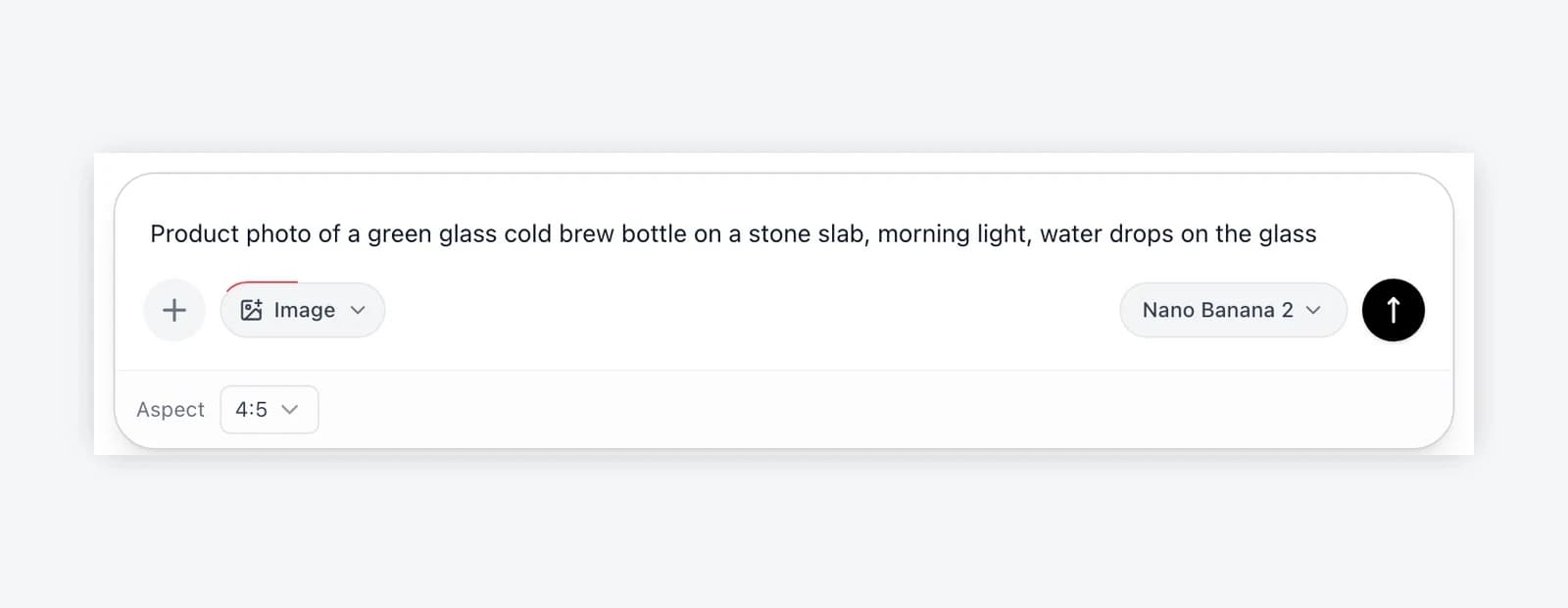
The Hugogen composer with Nano Banana 2 picked and a product photo prompt typed

What Nano Banana 2 takes and returns

The composer sends your words, the shape you picked and up to three reference pictures to Nano Banana 2.

Name in the picker
Nano Banana 2
What you send
A description, and up to 3 reference pictures
Shapes
4:5, 1:1, 9:16 and 16:9
What the model returns
A picture on an editable page in the image editor
Editing
Describe a change and the same model redraws the picture
Export
PNG, JPG and PDF with no watermark
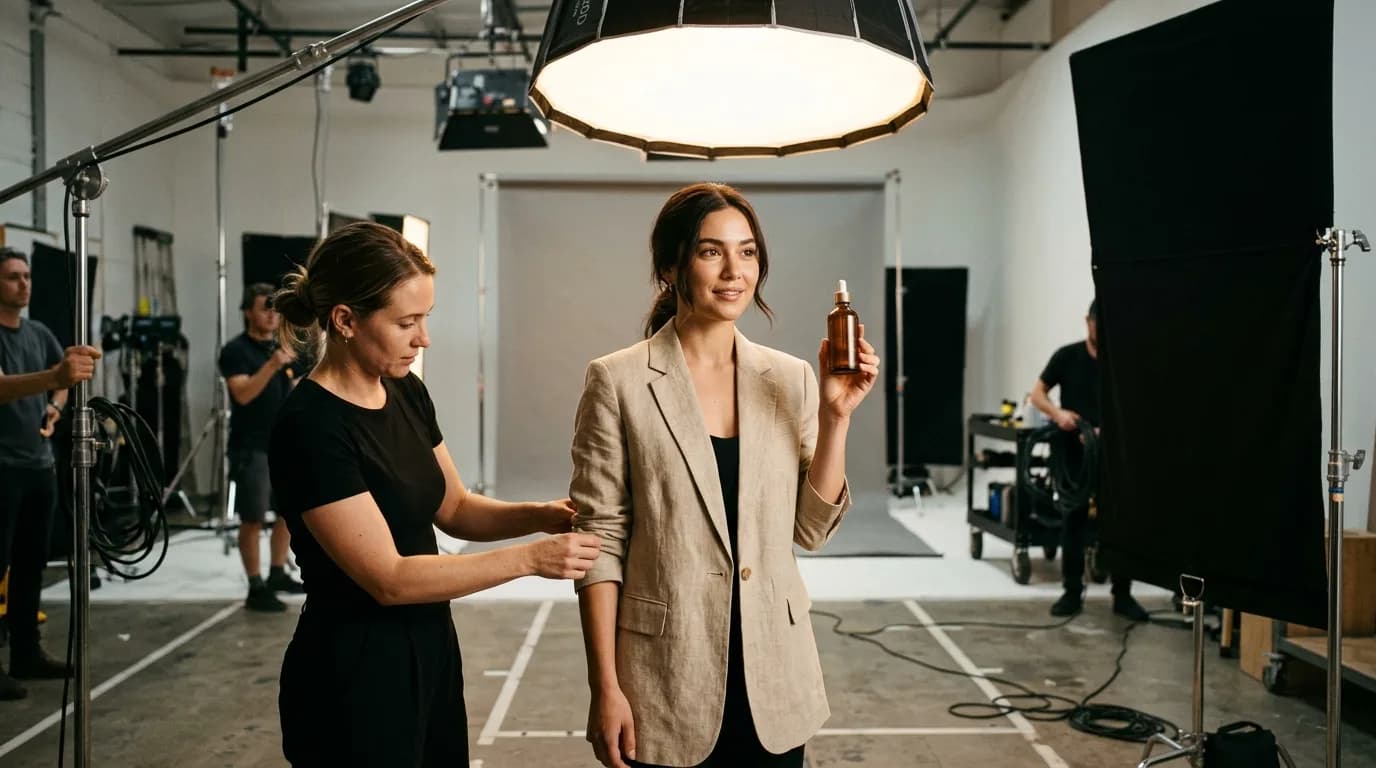
A campaign shoot on a lit set, a model holding a plain glass bottle while a stylist adjusts a sleeve
A campaign set, stylist and all. A photograph of a campaign shoot on a lit set, a woman holding a plain unbranded glass skincare bottle at shoulder height, a stylist adjusting her sleeve, a large softbox overhead and a black flag on the right, 50mm lens at f/2.8, warm key light with a soft falloff, wide frame from slightly below, no logos and no text.

What Nano Banana 2 is good at

Hold a character or a product steady

Send up to three reference pictures of the same face, bottle or pack. Nano Banana 2 holds the shape, the colour and the label across a set. Five posts in a carousel then look like one shoot rather than five guesses.
Words inside the picture stay readable

Labels, signs and packaging stay legible at small sizes. The bottle label in the sample below reads down to the fine print. A picture of that quality works as a poster, a listing shot or a cover.

Change a picture by describing the change

The picture opens on a canvas rather than as a flat file. Ask for a different background, another colour or a wider crop, and the same model redraws the picture. Text, shapes and pictures stay on separate layers.

Start from pictures you already have

Attach up to three pictures in the composer and say what each reference is for. A photo of your product, a mood shot and a logo are enough for a campaign picture that still looks like your brand.

What Nano Banana 2 makes

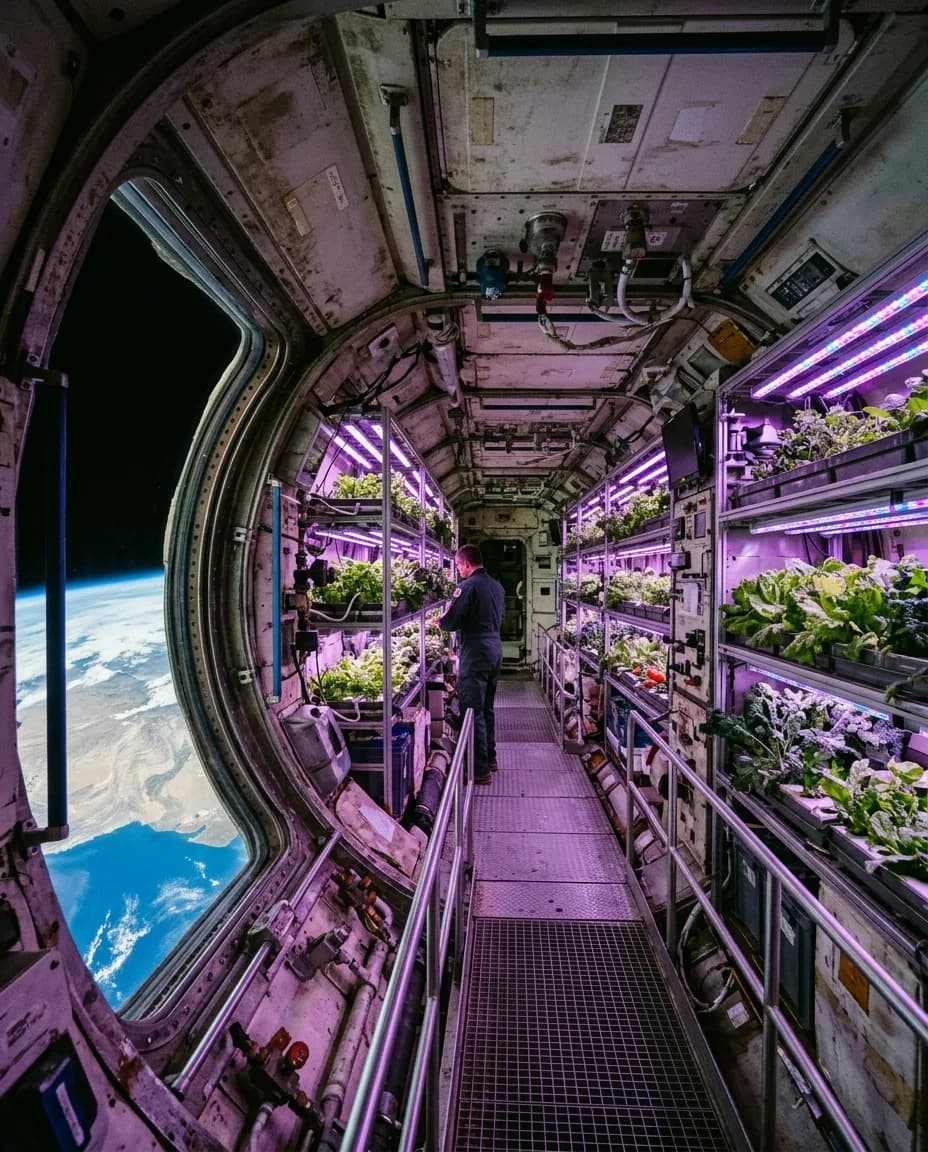
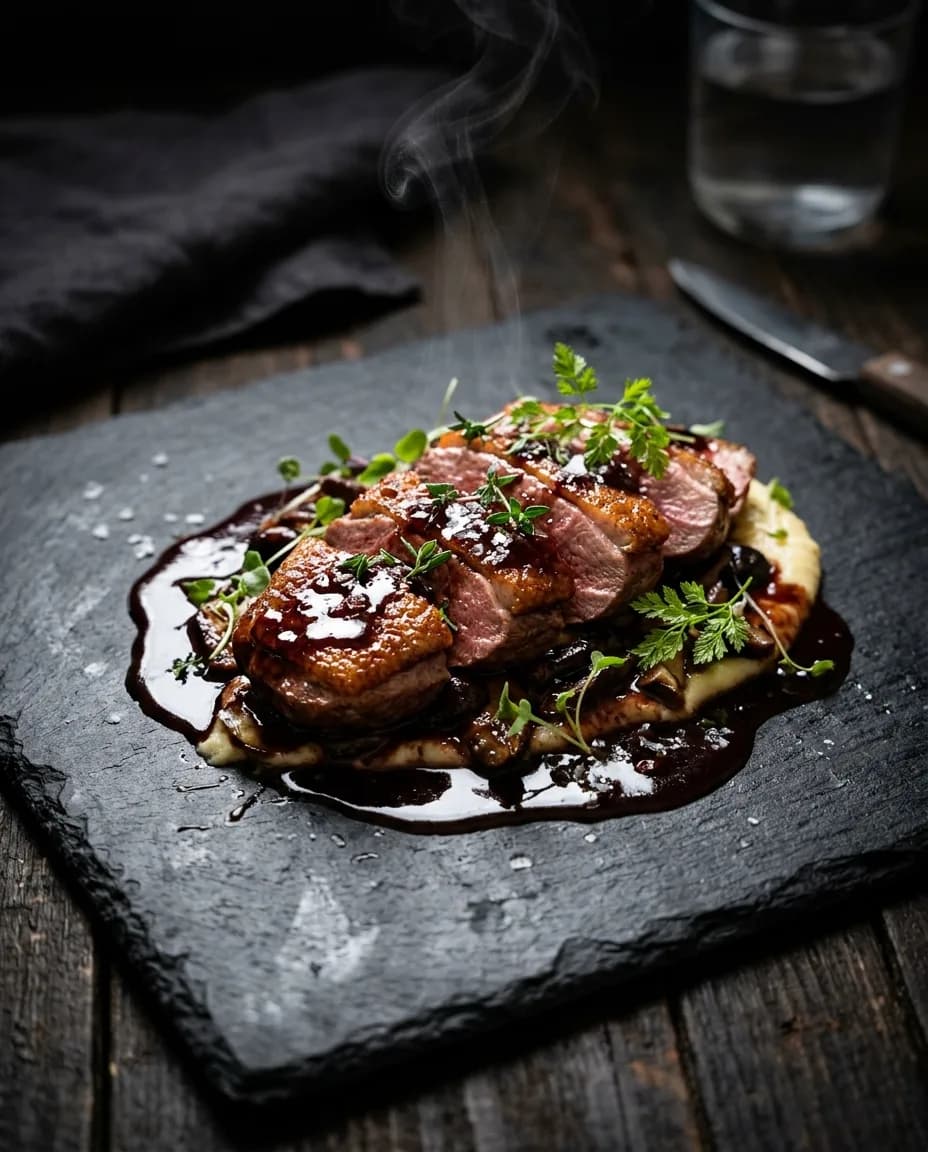
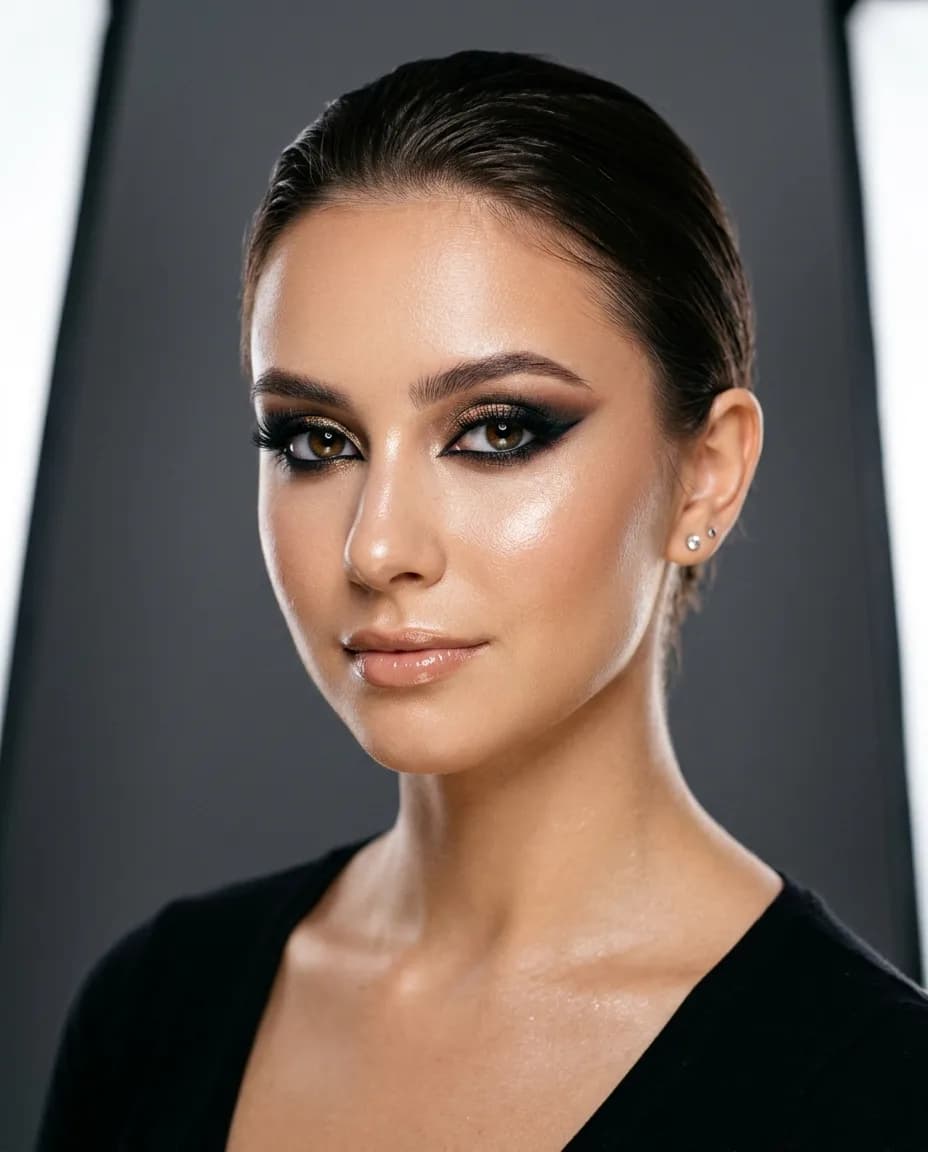
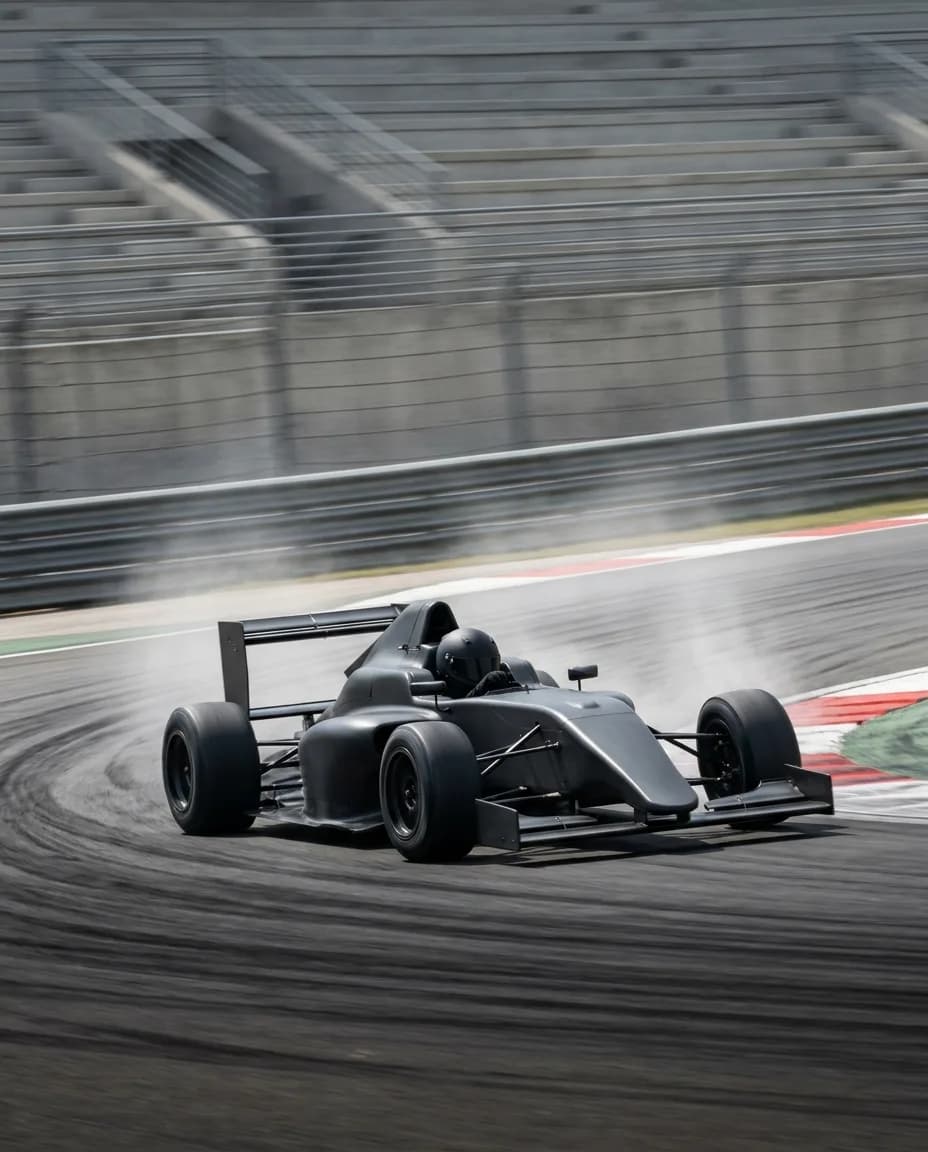
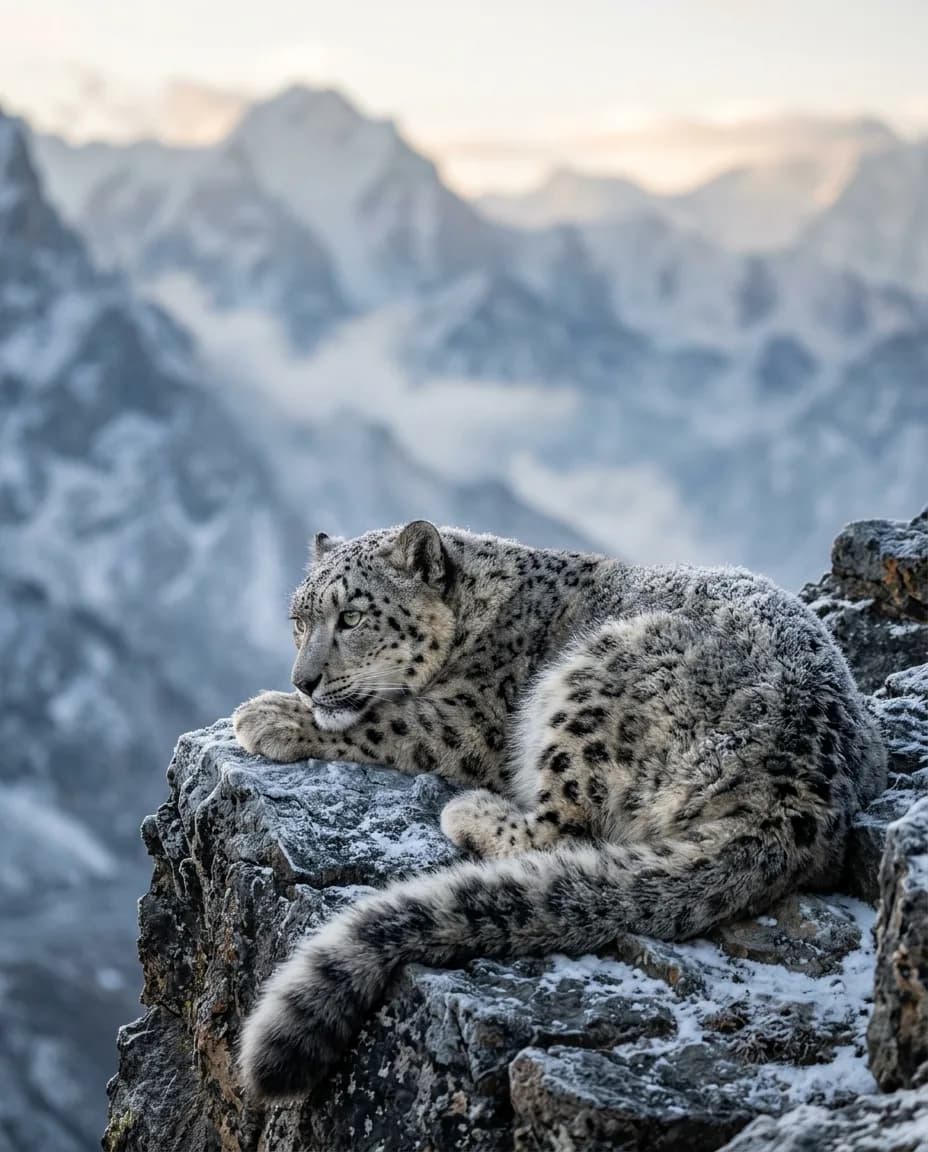
Six pictures made in Hugogen with Nano Banana 2 on 14 November 2026, each from the prompt printed under the picture. Every model page runs the same six briefs.

Every picture above was made in Hugogen by the model named on this page.

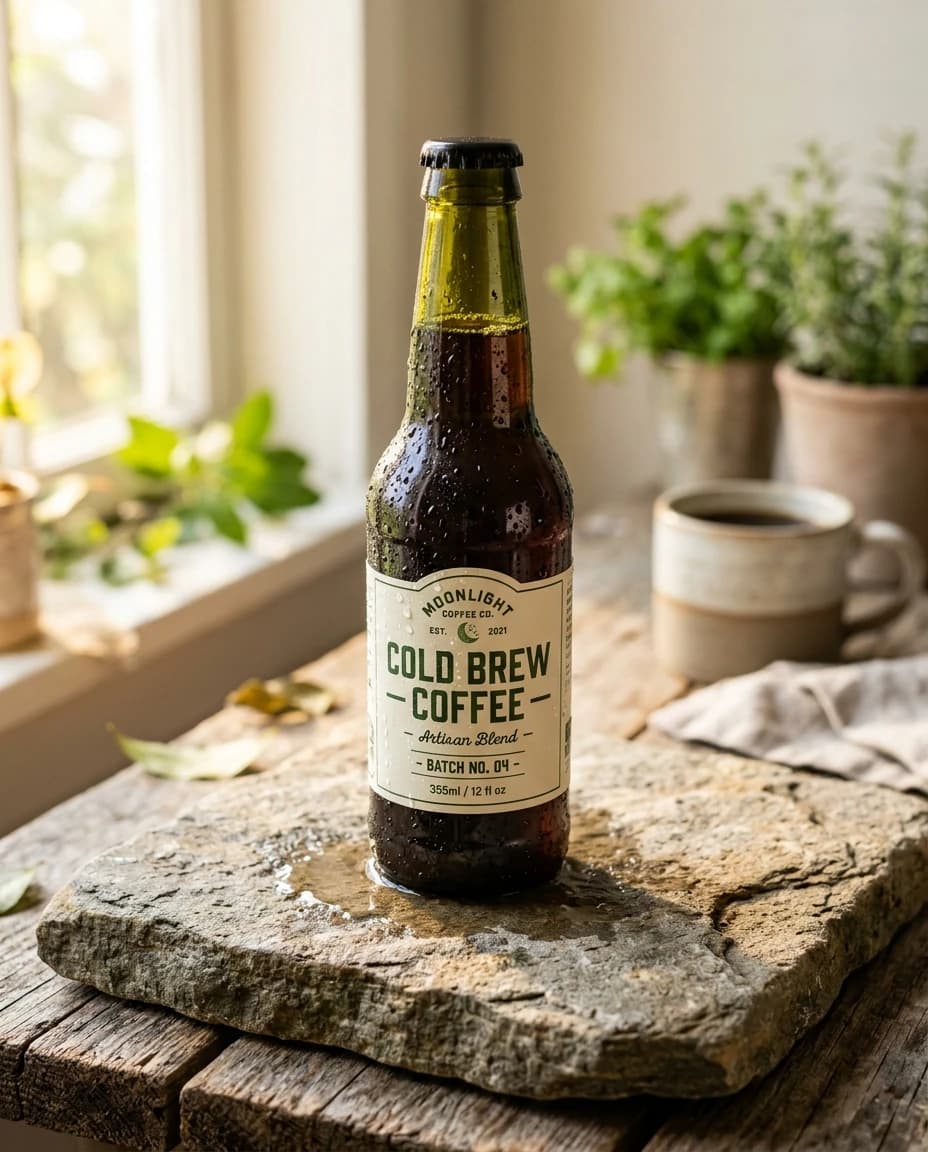
A picture Nano Banana 2 made in Hugogen

One run in the app on 13 November 2026, from the words below and nothing else.

A cold brew bottle on a stone slab in morning light, with a legible paper label
The words behind the picture
Product photo of a green glass cold brew bottle on a stone slab, morning light, water drops on the glass

How to use Nano Banana 2

  1. 1

    Open the composer

    Sign in and start on the dashboard. The box at the top is where every picture begins, and the box costs nothing to open.

  2. 2

    Pick Nano Banana 2

    Open the model list on the right of the box and choose Nano Banana 2. The pill carries the model name until you choose another model.

  3. 3

    Describe the picture

    Write what you want to see, choose a shape and send. The run is priced for your approval before anything is made.

Who reaches for Nano Banana 2

Sellers, creators and teams who need the same product, face or character across a whole set of pictures.

Other picture models in Hugogen

Each model is picked by name in the same composer.

Questions people ask

Nano Banana 2 is one of the picture models in Hugogen's composer. Pick the model by name, describe the picture you want, and the finished picture opens on an editable page.

Sign in and switch the composer to Image. Open the model list, pick Nano Banana 2, write a description, choose a shape and send. The picture opens in the image editor as soon as the model finishes.

A Hugogen account is free and the image editor opens free. Nano Banana 2 runs on a paid plan, and the app prints the price of each run for your approval before the run starts.

Nano Banana 2 follows up to three reference pictures. Attach the references in the composer and ask for the same face, product or pack across a set of pictures.

Attach the picture, describe the change, and the same model returns the edited version on a canvas. Text, shapes and the picture stay on separate layers for hand edits.

Nano Banana 2 makes four shapes. 4:5 suits a feed post, 1:1 a square, 9:16 a story or a Short and 16:9 a wide picture. Pick one under the composer before you send.

Nano Banana 2 holds a character or a product steady across pictures. Nano Banana 2.1 is the sharper one, for fine detail and clean text in many languages.

The picture opens on a page in the image editor. Crop the picture, add text or remove the background. Export the page as PNG, JPG or PDF with no watermark on any plan.

Make your first Nano Banana 2 picture

Open the composer, pick the model by name, and see the result on a canvas.

Try Nano Banana 2