Product shots that survive a close look
Glass, metal, liquid and matte packaging keep surface detail under a hard crop. One picture can carry a listing or a paid post without a studio booking.
Pick Seedream 5.0 Pro in the composer for the picture you are going to publish, where fine detail has to survive a close crop.
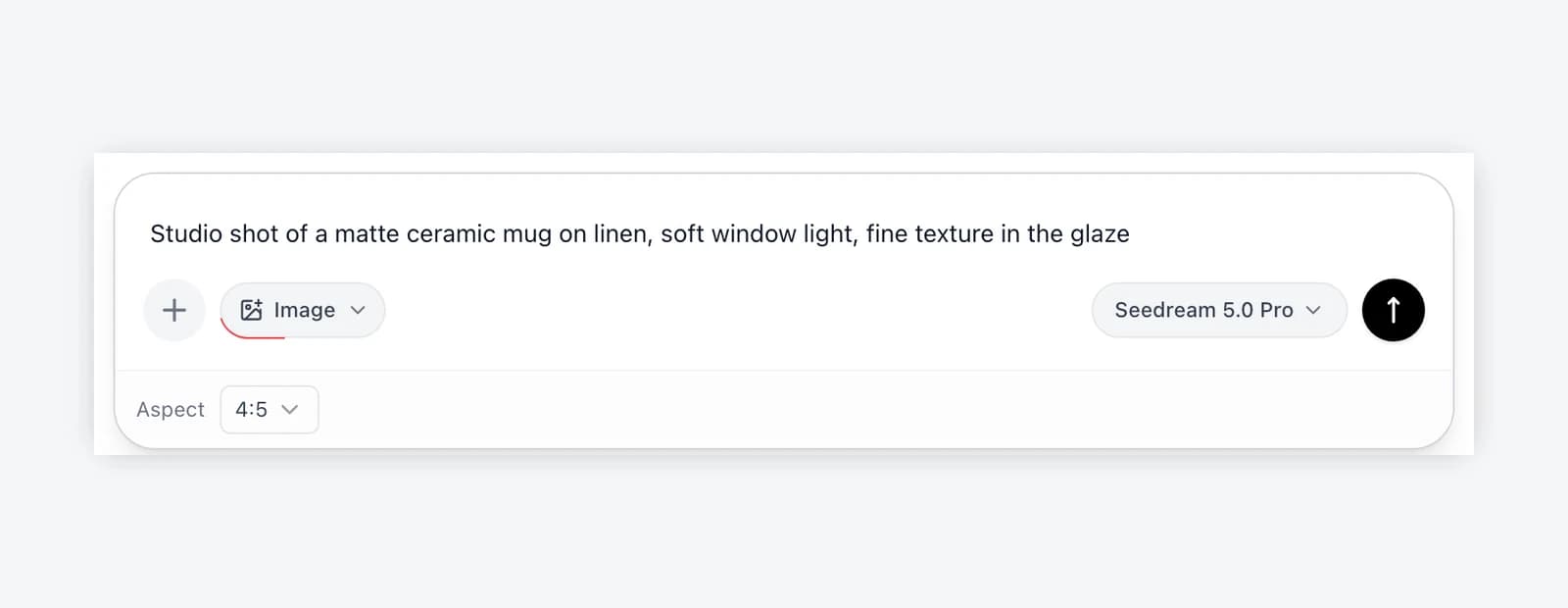
The composer sends your words, the shape you picked and up to three reference pictures to Seedream 5.0 Pro.
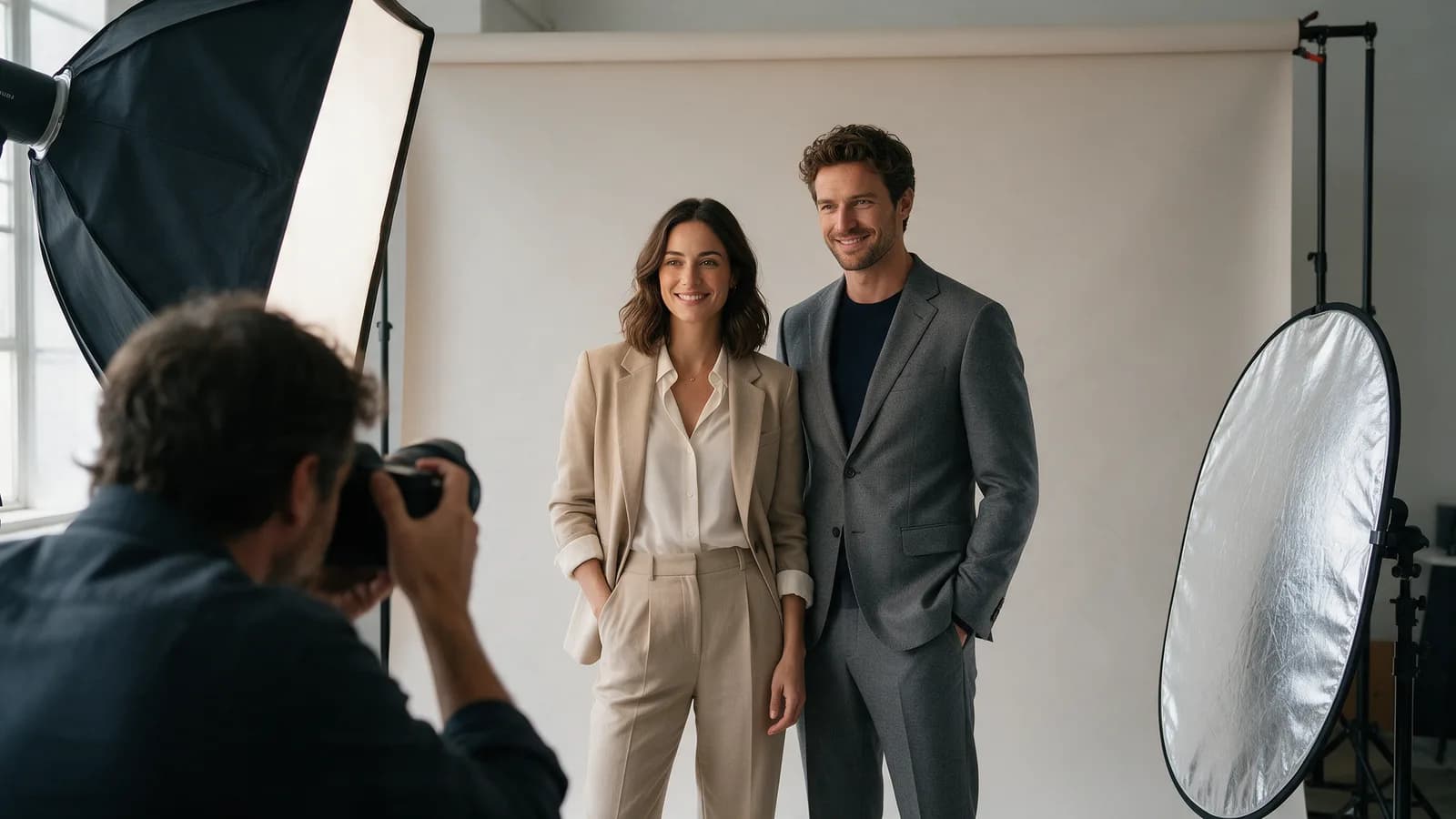
Glass, metal, liquid and matte packaging keep surface detail under a hard crop. One picture can carry a listing or a paid post without a studio booking.
Attach up to three references and ask for the same lighting and palette each time. A set of pictures made this way reads as one campaign rather than a folder of attempts.
Work the idea through on a quicker model and send the settled prompt to Seedream 5.0 Pro for the version you publish. The words stay the same and the detail steps up.
The picture opens on a canvas rather than as a flat file. Ask for a different background, another angle or a wider crop, and the same model redraws the picture with the layers intact.
Six pictures made in Hugogen with Seedream 5.0 Pro on 14 November 2026, each from the prompt printed under the picture. Every model page runs the same six briefs.
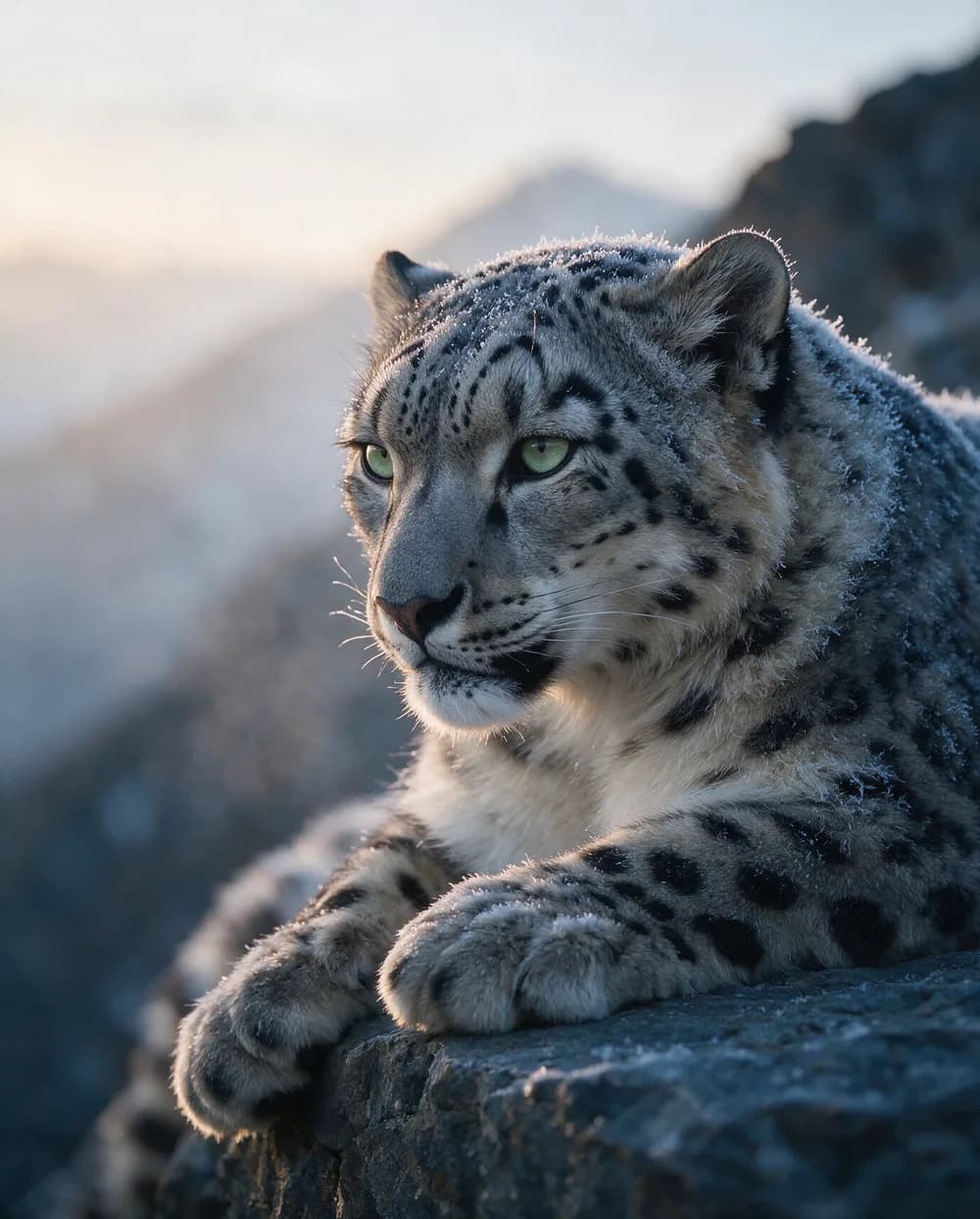
A snow leopard at first light
A photograph of a snow leopard resting on a cold rock ledge at first light, frost on the thick fur, pale green eyes, mountain haze behind, long lens, no text.
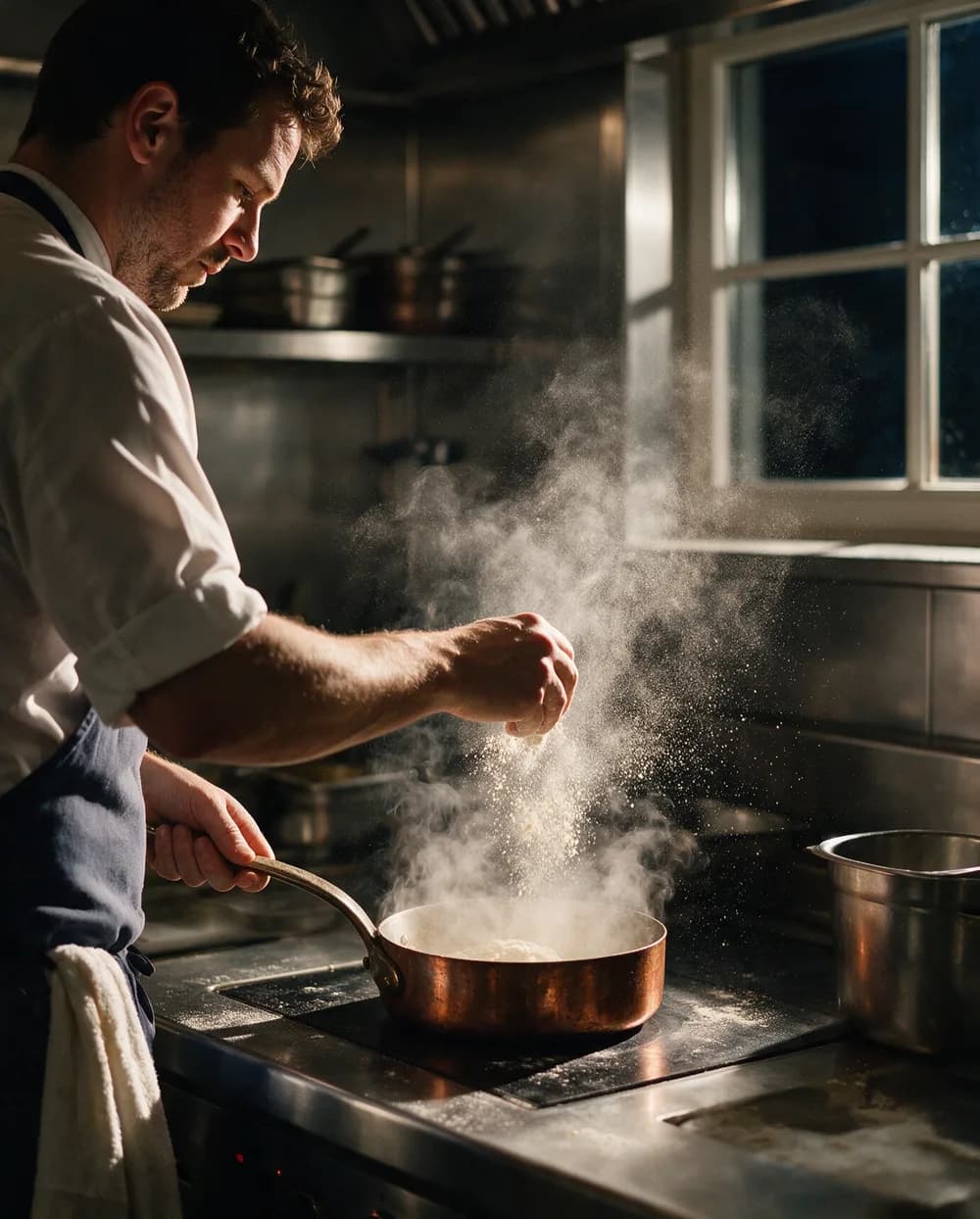
A chef at the range after dark
A photograph of a chef working in a steel kitchen at night, hard side light from one window, steam rising from a copper pan, flour in the air, shallow focus, no text.
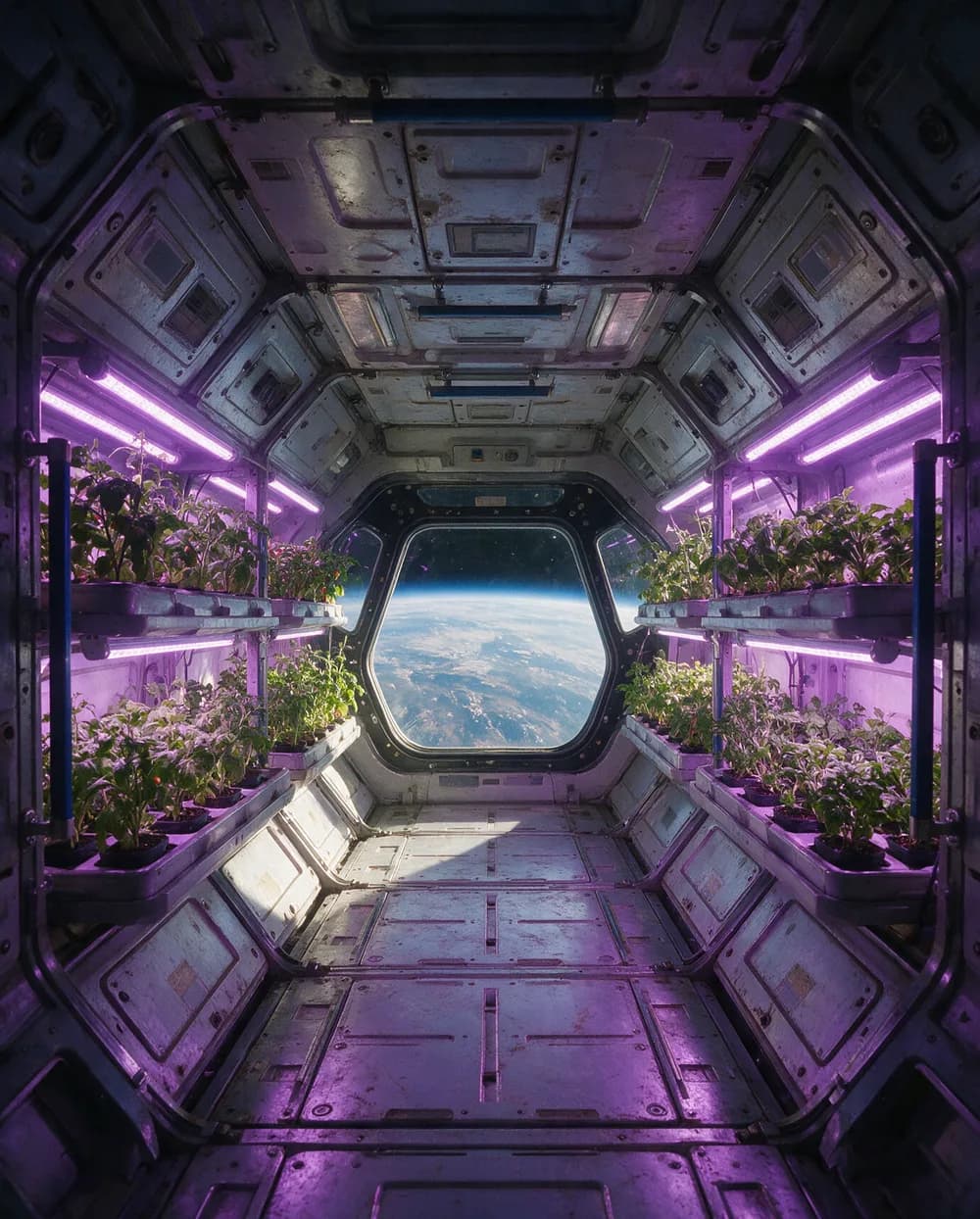
A space station greenhouse
A photograph of the inside of a space station greenhouse, rows of crops under violet grow lights, a curved window showing the planet below, worn metal panels, wide shot, no text.
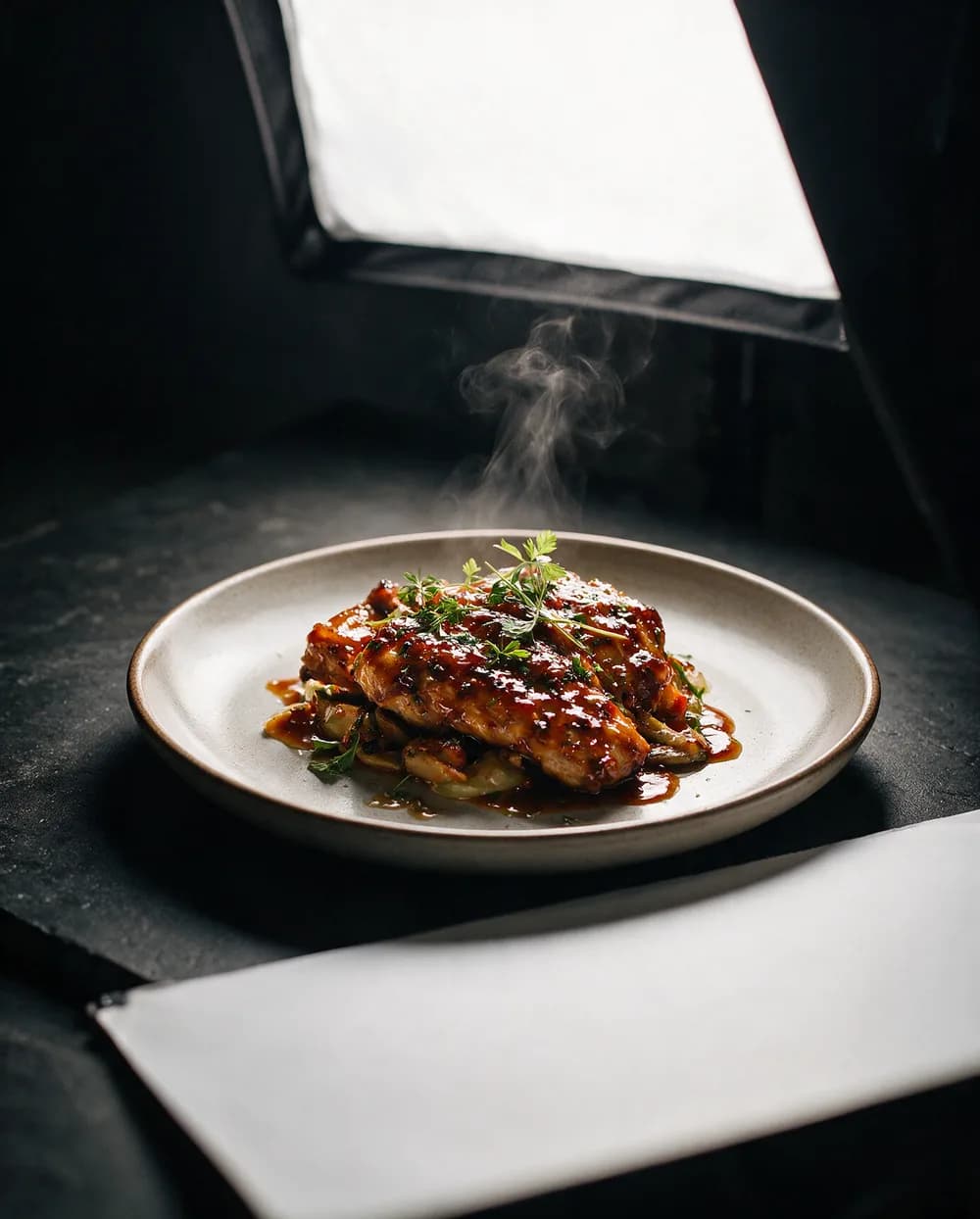
A plated dish under one softbox
A studio photograph of a plated main course on dark stone, glazed sauce catching the light, fresh herbs and a wisp of steam, 100mm macro lens at f/4, one softbox behind the plate and a white reflector in front, three-quarter overhead angle, deep shadows, no text.
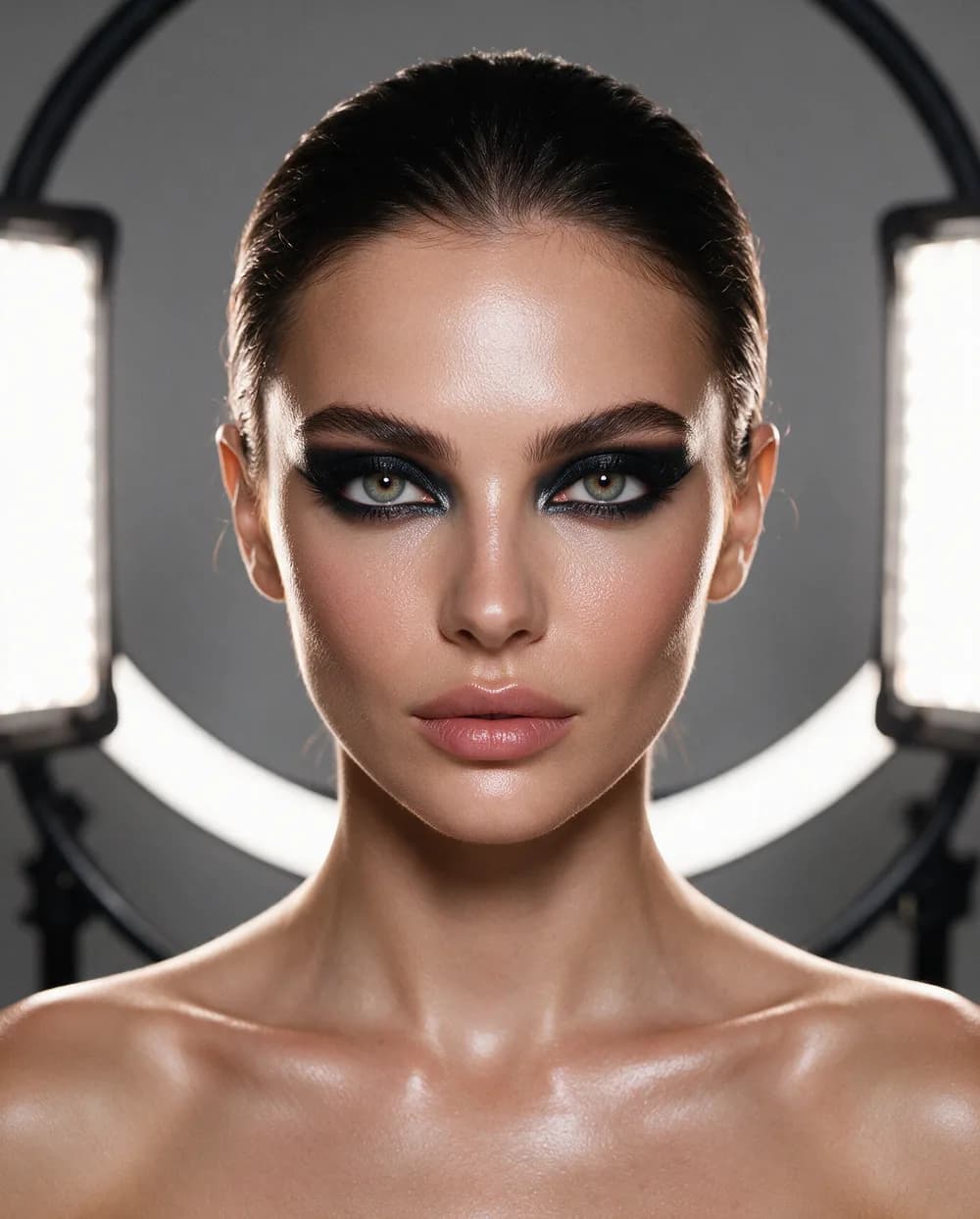
Beauty light on glossy skin
A studio beauty photograph of a woman with glossy skin and bold eye make-up, 85mm lens at f/2, ring light with two strip softboxes at the sides, clean grey backdrop, head and shoulders framing, sharp focus on the eyes, no text.
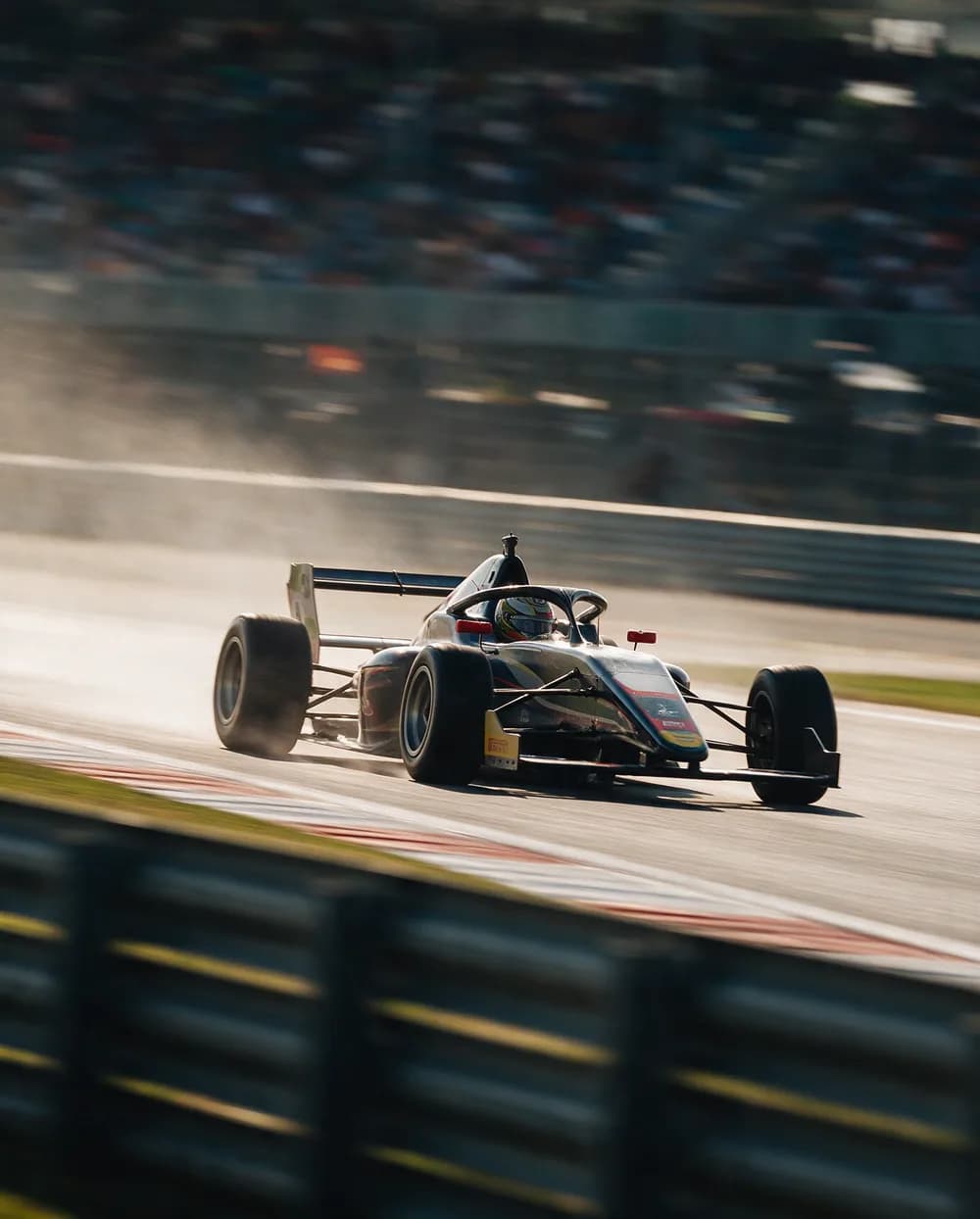
An open-wheel car at racing speed
A photograph of an open-wheel race car at speed on a circuit, plain unbranded matte livery with no sponsor logos, no team name and no numbers, empty grandstand and bare barriers with no advertising boards, panning shot at one one-hundred-and-twenty-fifth of a second with a 400mm lens at f/4, heat haze over the track, low angle from the trackside, no text.
Every picture above was made in Hugogen by the model named on this page.
Sign in and start on the dashboard. The box at the top is where every picture begins, and the box costs nothing to open.
Open the model list on the right of the box and choose Seedream 5.0 Pro. The pill carries the model name until you choose another model.
Name the subject, the light and the surface, choose a shape and send. The run is priced for your approval first.
People publishing the picture rather than exploring, where one shot carries a listing, a campaign or a print run.
Each model is picked by name in the same composer.
Open the composer, pick the model by name, and publish the finished picture.
Try Seedream 5.0 Pro