Free online graphic design tool

Pick a size and place text, pictures and shapes on layers. Or describe the design and let the AI designer lay out the page.

Exports carry no watermark on any plan, and the free plan needs no card.

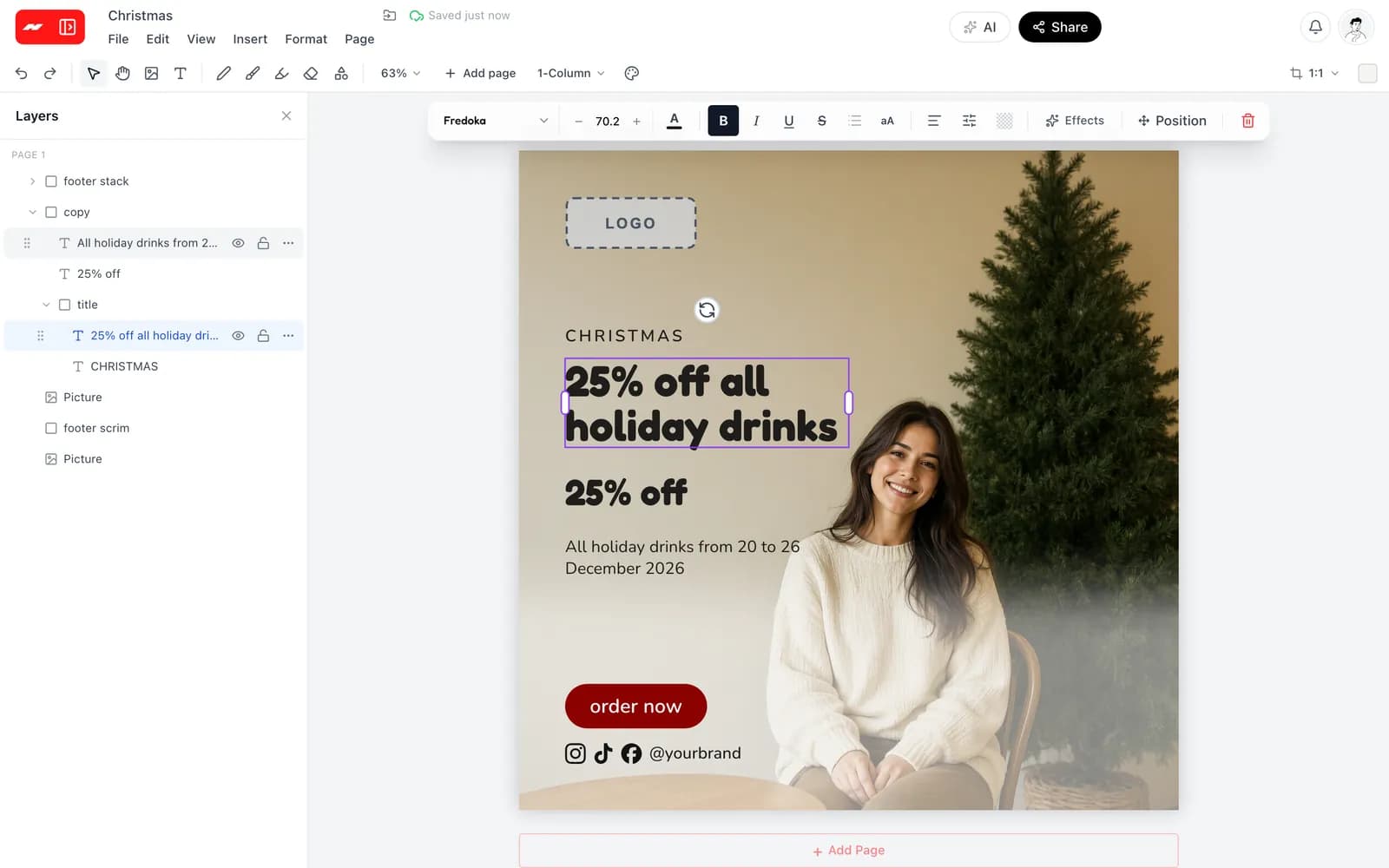
The image editor with a square cafe post open, the Layers panel listing every text and picture, and the headline selected

One editor for every kind of graphic

Describe the design and get editable layers

Open the AI panel and describe a poster, a post or a carousel in plain words. The AI designer writes the copy, makes the pictures and sets every line as a separate layer. A card asks before any picture is charged.
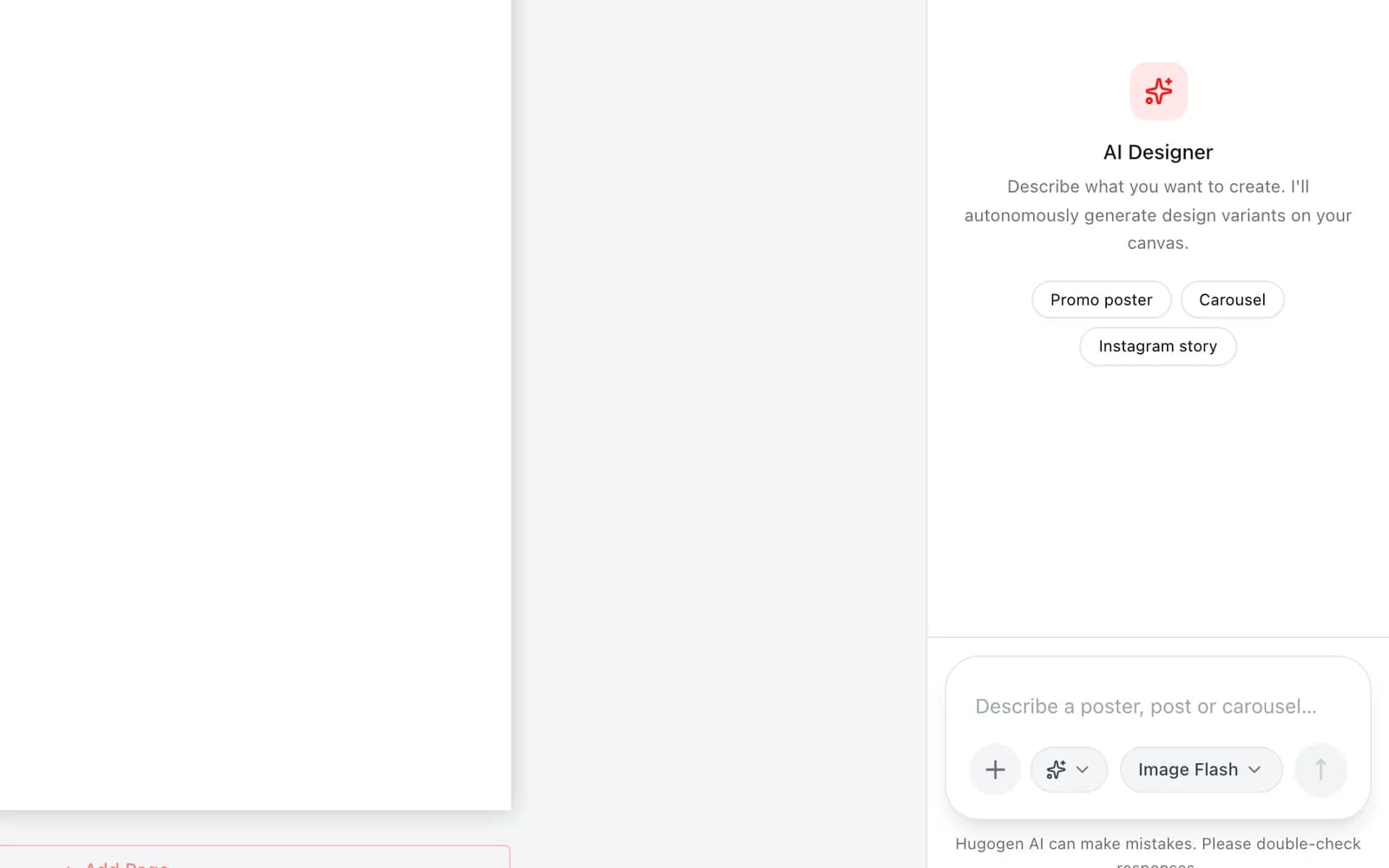
The AI Designer panel beside a blank page, with three starters reading Promo poster, Carousel and Instagram story

Every common size, or your own

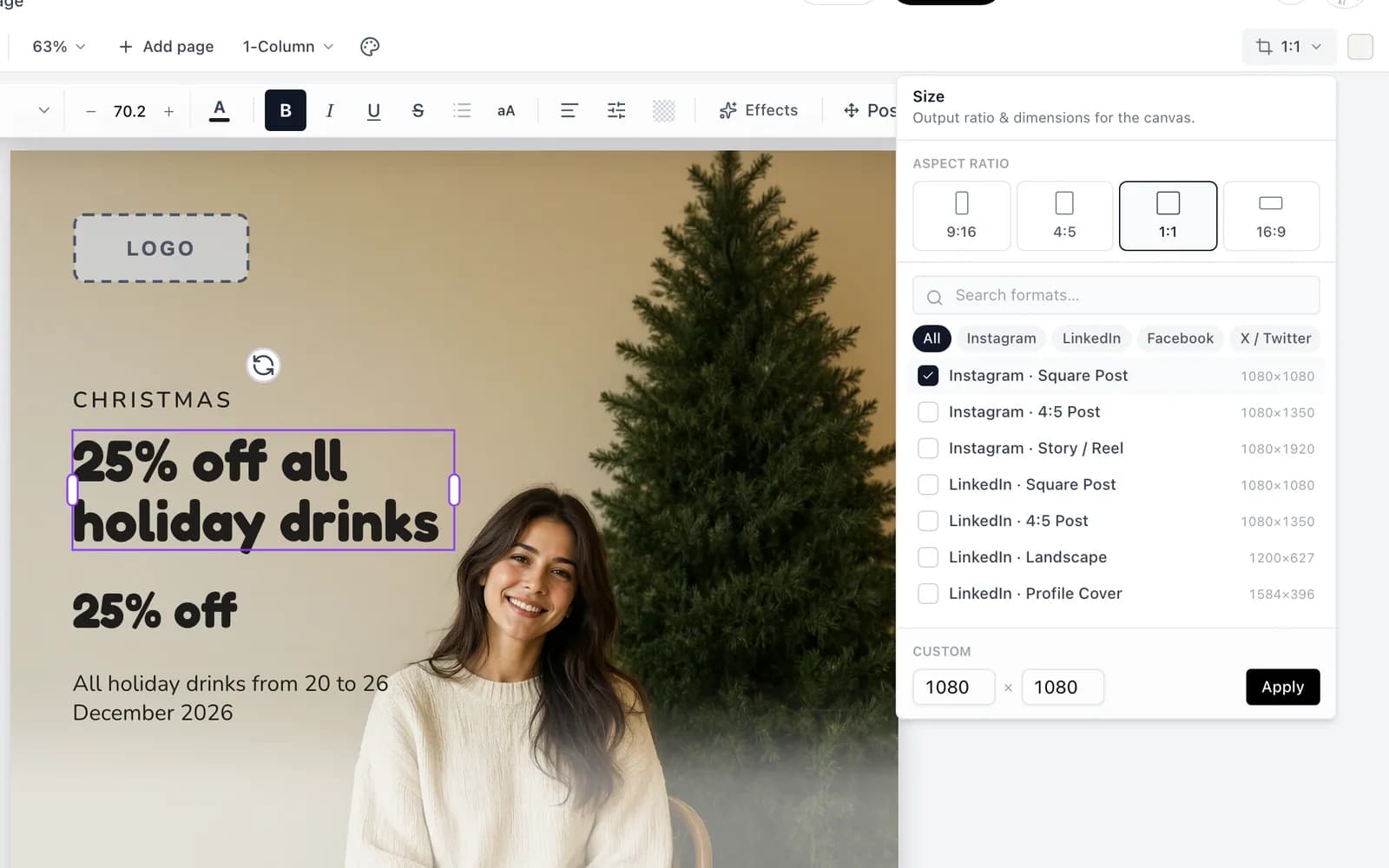
The Size menu lists posts, stories, covers and banners for seven platforms. YouTube thumbnails and Pinterest pins appear in the same searchable list. Type any width and height from 64 to 4096 pixels instead.

Making social posts? See the social media design page
The Size menu open over a square post, with four ratio buttons, platform filters and Instagram Square Post ticked

PNG, JPG or PDF with no watermark

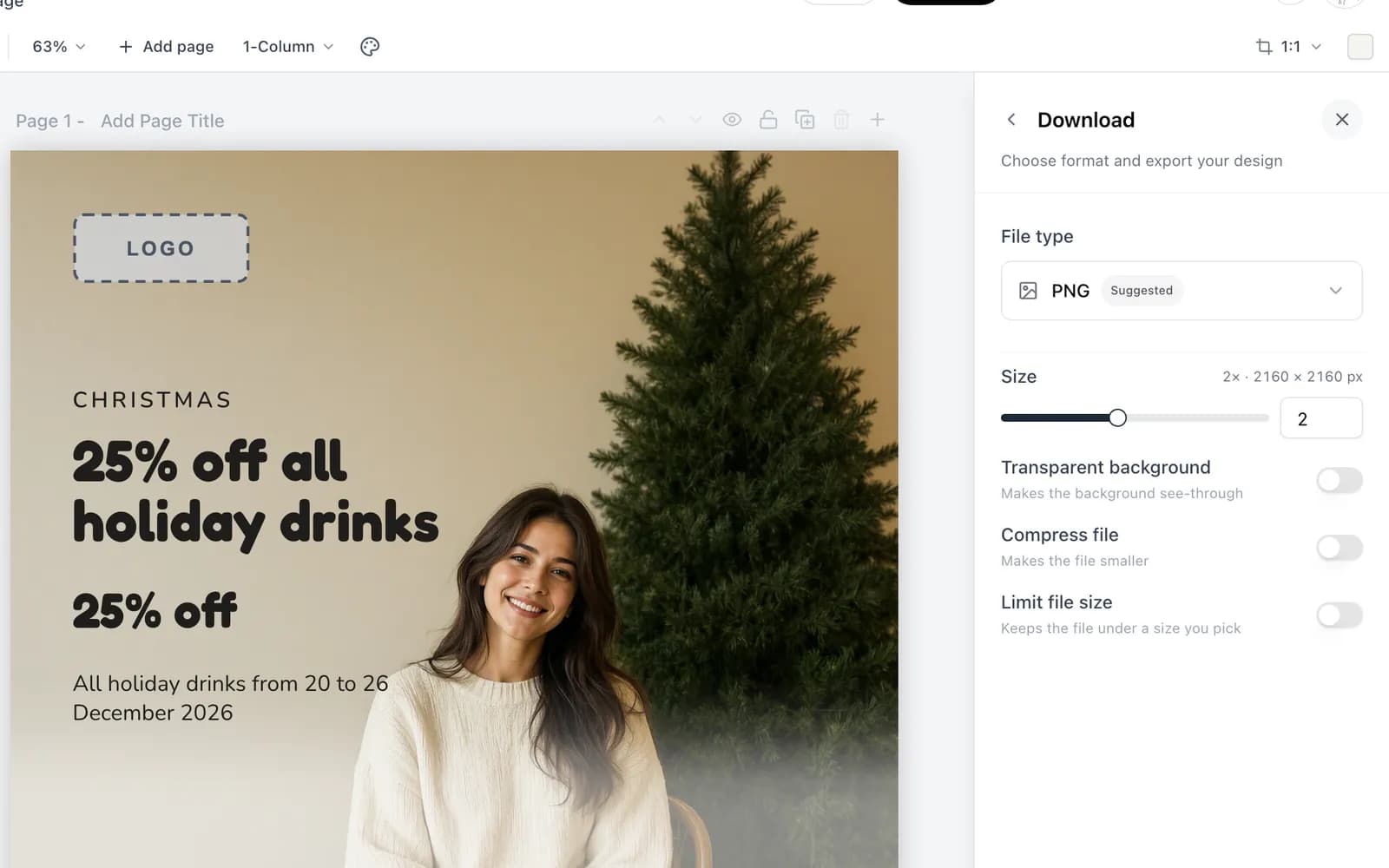
Download a PNG, a JPG, a standard PDF or a print PDF at 300 DPI. Every plan exports at the design's own size with no watermark. Paid plans add a size from 0.5x to 4x, a transparent background, compression and a file size limit.

The Download panel with PNG chosen, the size set to 2x for a 2160 by 2160 file, and switches for background, compression and file size

Brand kits keep colors and fonts in step

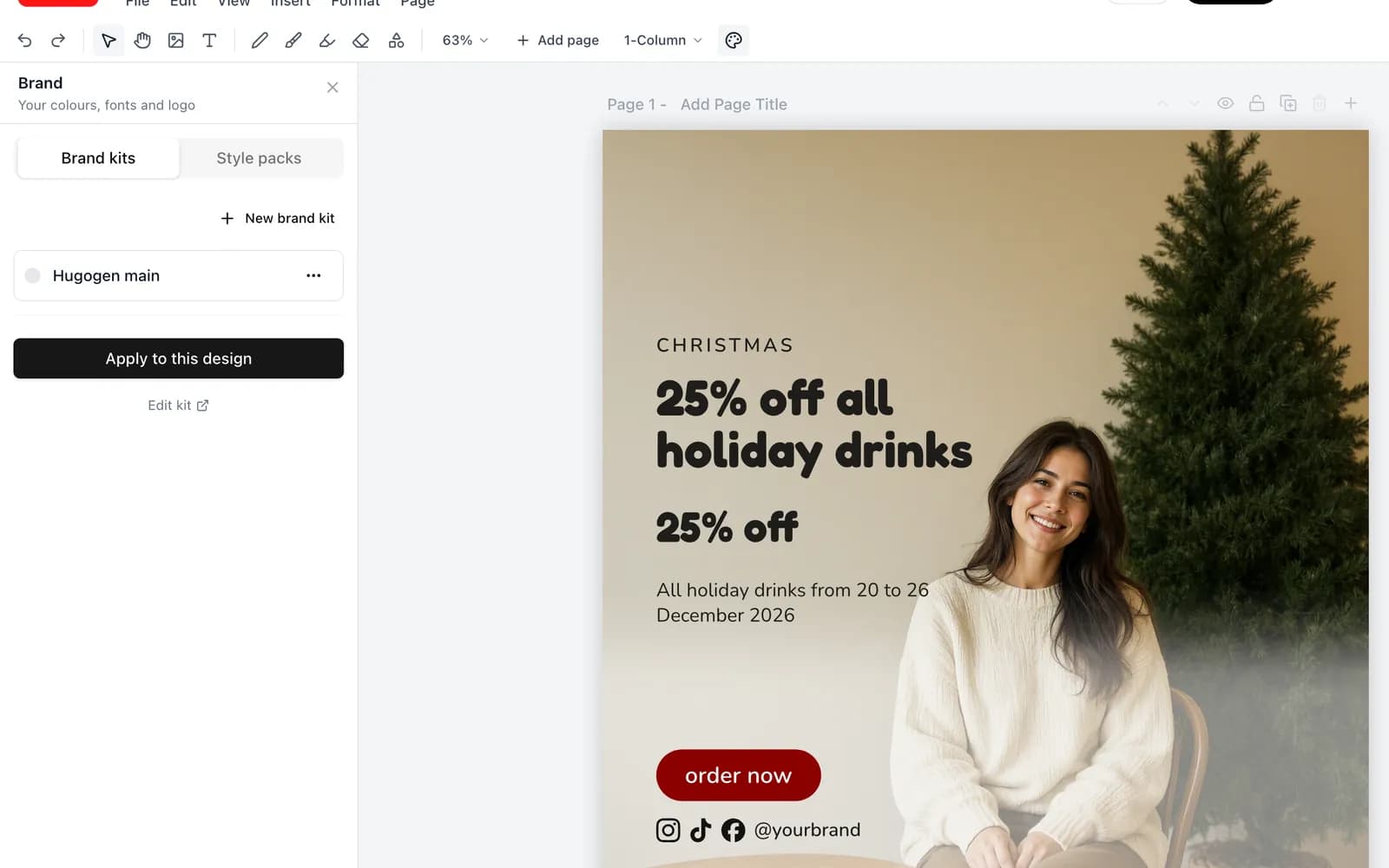
A brand kit stores an organization's colors, fonts and logo. Press Apply to this design and the pages the AI designer built take the kit's colors and fonts. The AI designer keeps using that kit for new pages. Brand kits are on paid plans.

The Brand panel open on the left with the Brand kits tab, one kit named Hugogen main and the Apply to this design button

How to design a graphic online

  1. Step 1

    Choose a size

    Pick a size above, or open the editor and choose a size from the Size menu. A custom width and height works too.

  2. Step 2

    Add text and pictures

    Place text, pictures, shapes and drawings on the page, or describe the design to the AI designer. Every element stays a separate layer.

  3. Step 3

    Download the file

    Export a PNG, JPG or PDF. The file carries no watermark, and the free plan exports at the design's own size.

Graphics people make in the editor

Each preset opens a blank page at the exact pixel size, and the Size menu changes the size later.

Instagram posts
1080 x 1080 or 1080 x 1350
YouTube thumbnails
1280 x 720
LinkedIn posts
1200 x 627
Pinterest pins
1000 x 1500
Portrait posters
1080 x 1528
Carousels
Several pages in one design
YouTube channel banners
2560 x 1440

More free tools from Hugogen

Questions and answers

A free account opens the full editor and exports PNG, JPG and PDF files with no watermark. A new account needs no card. Pictures the AI designer makes use credits, and a card shows the cost before anything is charged.

Posts, carousels, thumbnails, banners and pins all start from a preset. Any other shape starts from a custom size between 64 and 4096 pixels on each side.

Describe a poster, a post or a carousel in the AI panel. The AI designer writes the copy, makes the pictures and places every element as a separate layer. Change any word afterwards without asking the AI again.

The editor exports PNG, JPG, a standard PDF and a print PDF at 300 DPI. A design with several pages downloads as a ZIP of images or as one PDF holding every page.

A transparent background on PNG and PDF exports is on paid plans. A free export draws the page color behind every element.

No watermark is added to any export on any plan, the free plan included.

A brand kit stores an organization's colors, fonts and logo. The Brand panel applies the kit to a design, and the AI designer uses the kit for new pages. Brand kits are on paid plans.

The editor runs in a web browser at app.hugogen.com, with nothing to install. A free account is needed to save designs and export files.

Design your next graphic in a browser

Choose a size, place your text and pictures and download a PNG, JPG or PDF with no watermark.

Start a design