Free poster maker online

Describe the event or the offer and the AI designer builds a portrait poster, with every line of copy a separate text layer.

Download a print PDF at 300 DPI, a PNG or a JPG, with no watermark.

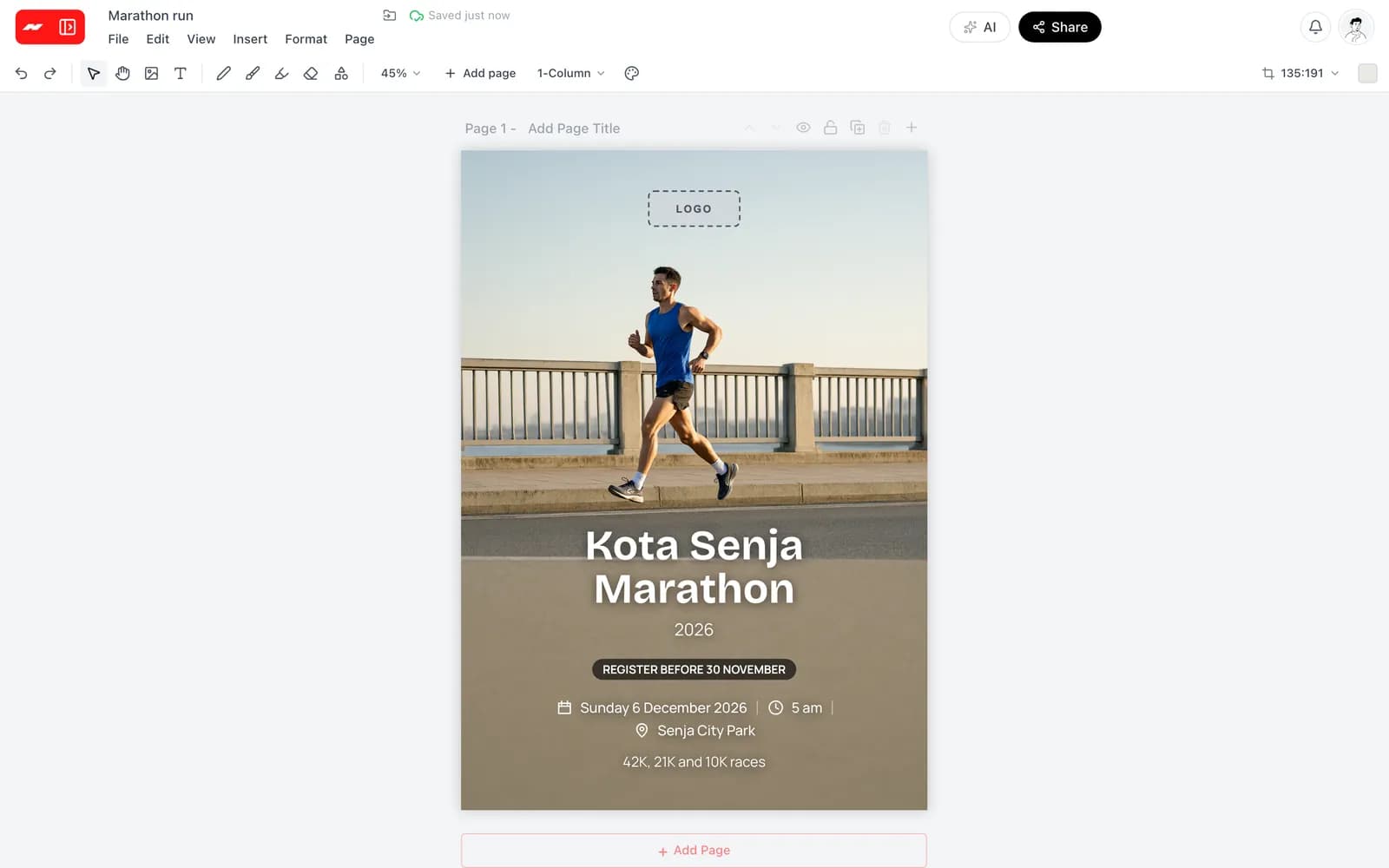
A portrait race poster in the editor: a runner on a bridge at sunrise above the title Kota Senja Marathon, the date, the start time and the distances

A poster from one sentence, ready for print

Describe the poster, get the layout

Press Promo poster in the AI panel and add the product, the offer and the date. The AI designer paints a wordless picture and sets the copy in clear space beside the subject. A card shows the price of the picture first.
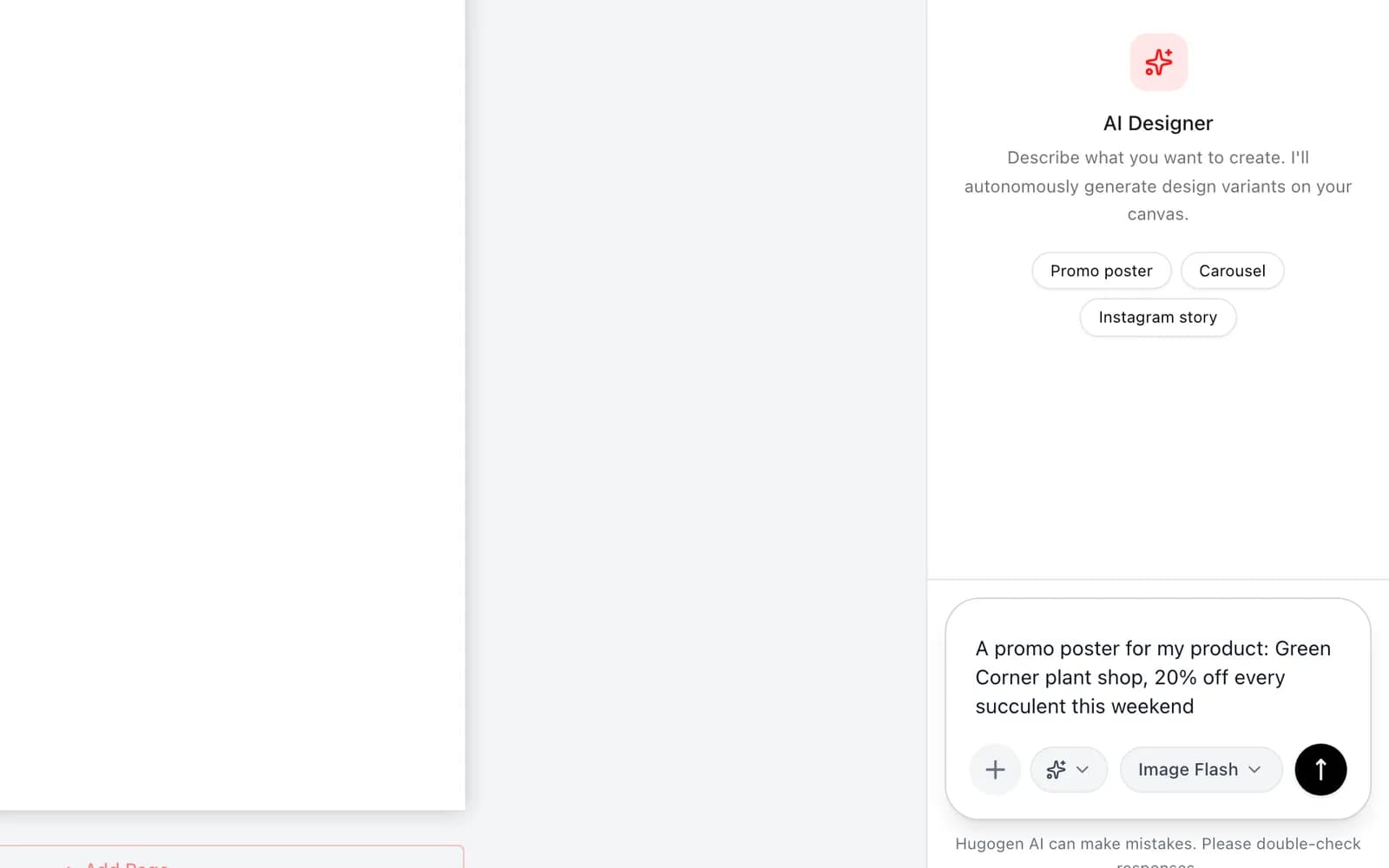
The AI Designer panel with a promo poster brief for a plant shop sale typed beside a blank portrait page

Every line of copy stays editable

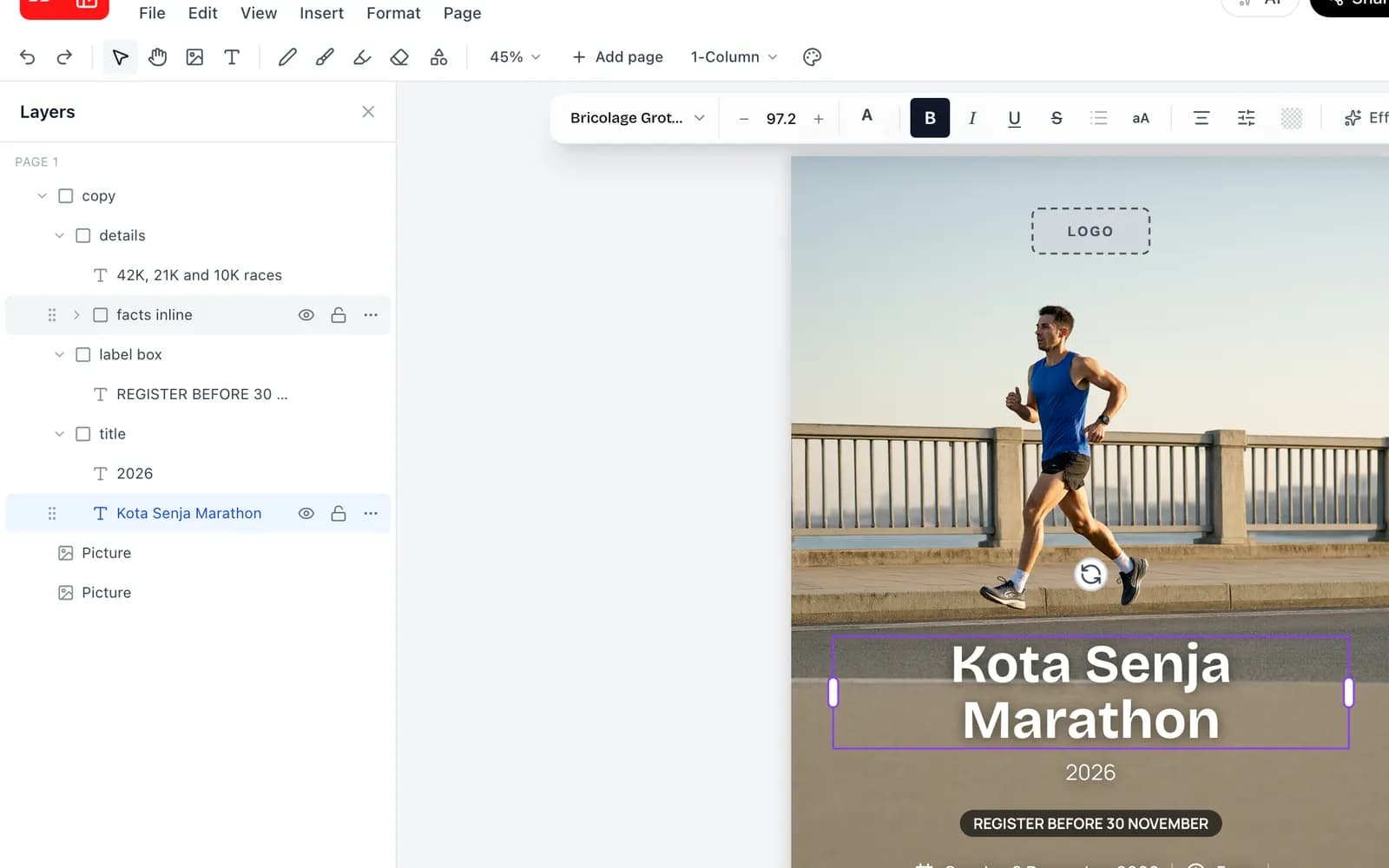
The headline, the date, the place and the small print are each a separate text layer. Pick one in the Layers panel to change the font, the size or the words. The picture stays a separate layer underneath.

The Layers panel listing the poster's groups and each line of copy, with Kota Senja Marathon selected and the text bar above

PDF Print at 300 DPI

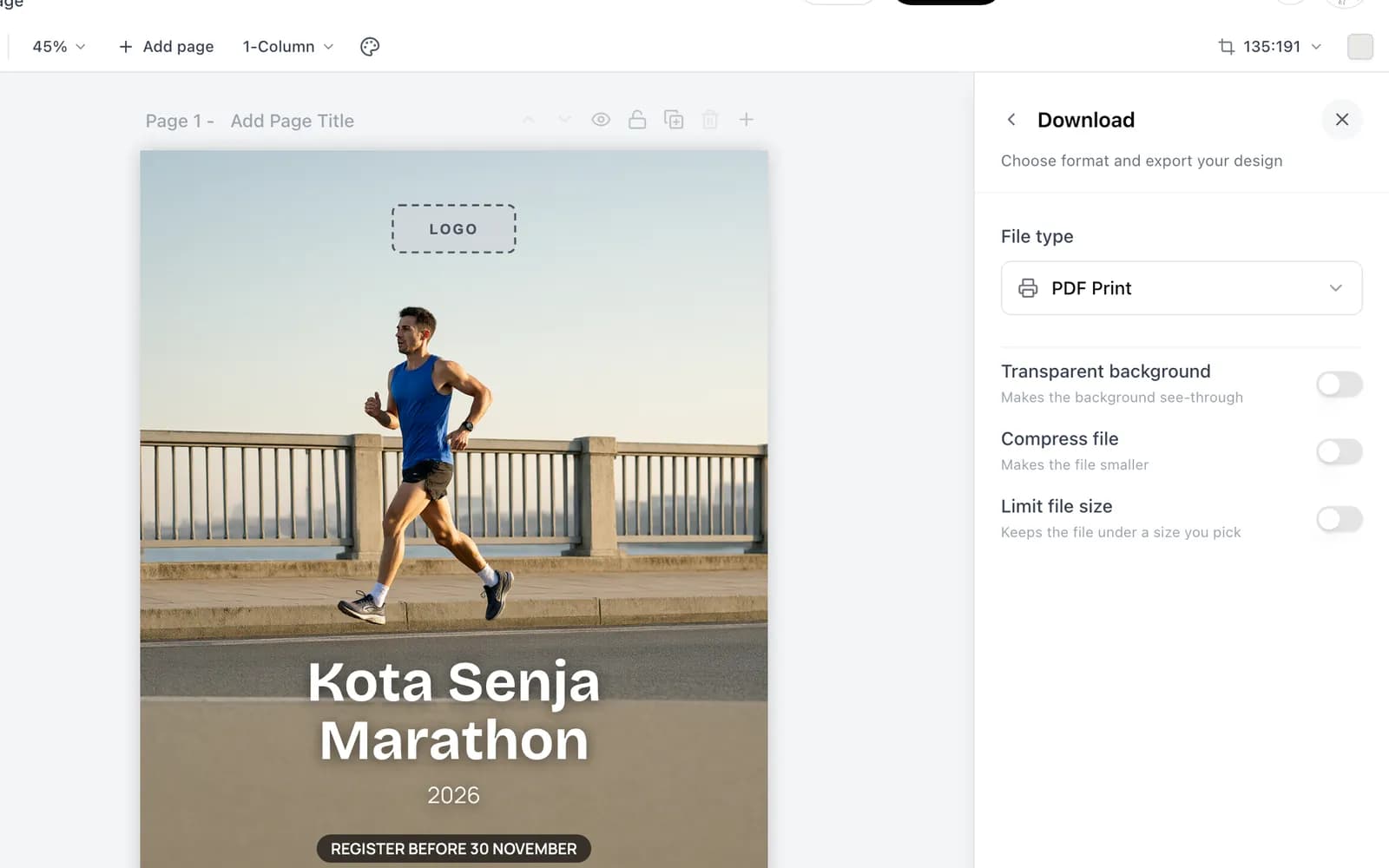
Choose PDF Print in Download for a file meant for a printer. PDF Print renders the page at twice the pixels of PDF Standard and marks the file at 300 DPI. PNG and JPG suit a screen, a website or a message.

The Download panel beside the poster with PDF Print chosen as the file type

How to make a poster online

  1. Step 1

    Open a portrait page

    Press Make a poster to open a blank page at 1080 by 1528, the proportions of an A-series sheet.

  2. Step 2

    Describe or design

    Write the event, the offer and the date for the AI designer, or place a photo and text on the page yourself.

  3. Step 3

    Download for print or screen

    Export PDF Print for a printer, or a PNG or JPG for sharing online. Every file comes without a watermark.

Posters for events, sales and notices

Each poster below fits one portrait page, with room for a picture, a headline and the details.

Event posters
Date, time and place under the headline
Sale posters
The offer large and the dates small
Race and sports posters
Distances, start time and the sign-up date
Holiday greetings
A greeting and the sender
Cafe and shop promos
A product photo and one offer
Workshop flyers
The topic, the date and how to book

More free tools from Hugogen

Questions and answers

The portrait poster is 1080 by 1528 pixels, the 1:1.414 proportions of an A-series sheet. Any other size can be typed into the Size menu, from 64 to 4096 pixels on each side.

A free account designs posters and exports PDF, PNG and JPG files with no watermark. The picture the AI designer paints uses credits, and the price shows before anything is charged.

Describe the poster in the AI panel with the product, the offer and the date. Every date, price and name on the poster comes from your words. The AI designer places each line in clear space away from the subject.

Download PDF Print, which marks the file at 300 DPI and holds twice the pixels of PDF Standard. Take the PDF to a print shop or print the file at home.

Every line of copy is a separate text layer. Select a line in the Layers panel and type new words, and the picture stays unchanged.

Ask for hand lettering, calligraphy or an illustrated poster. The image model then draws the whole poster, and each line of copy is lifted off the drawing into an editable text layer.

No watermark is drawn on a poster export on any plan, the free plan included.

A brand kit gives the AI designer the brand's colors, fonts and logo, and the logo goes in the poster's header. Brand kits are on paid plans.

Make a poster for the next event

Describe the poster, change any line and download a PDF for print or an image for sharing.

Make a poster