One page for each slide
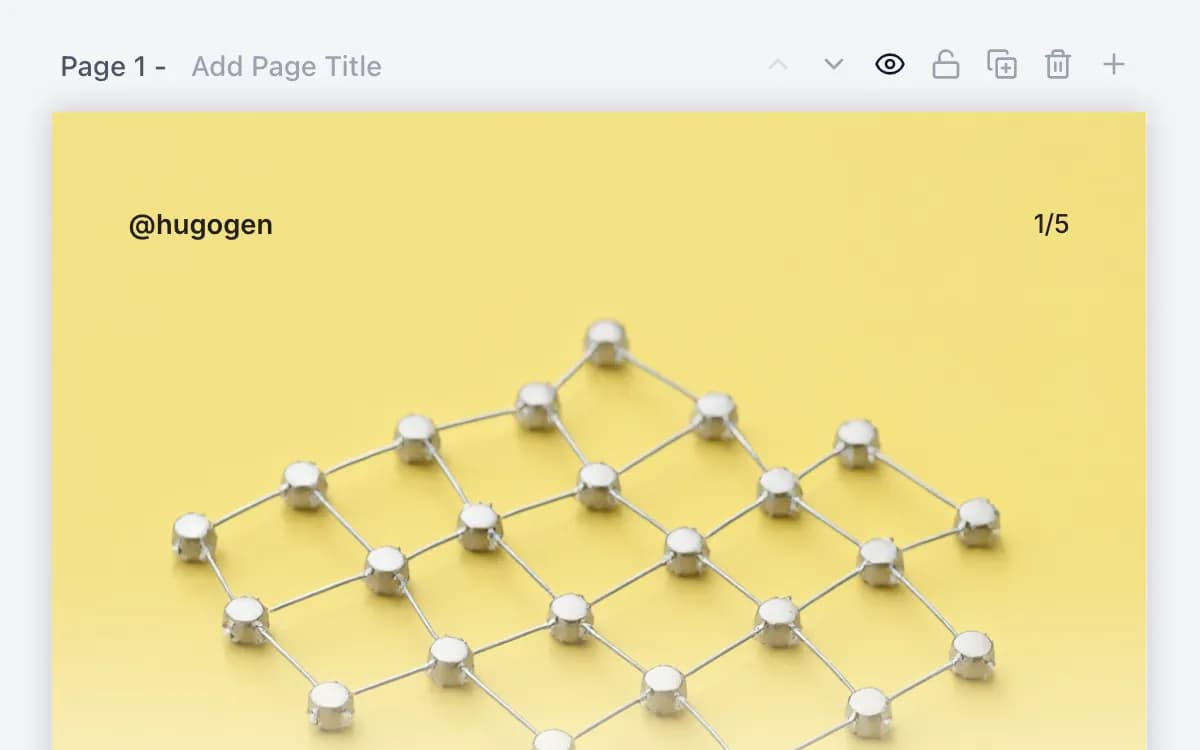
Press Add page for every new slide. Each page has buttons to move the page up or down, hide the page, lock the page or duplicate the page. A hidden page stays in the design and leaves the export.
Every slide is a page in one design. Ask the AI designer for a carousel, edit any slide and download every slide at once.
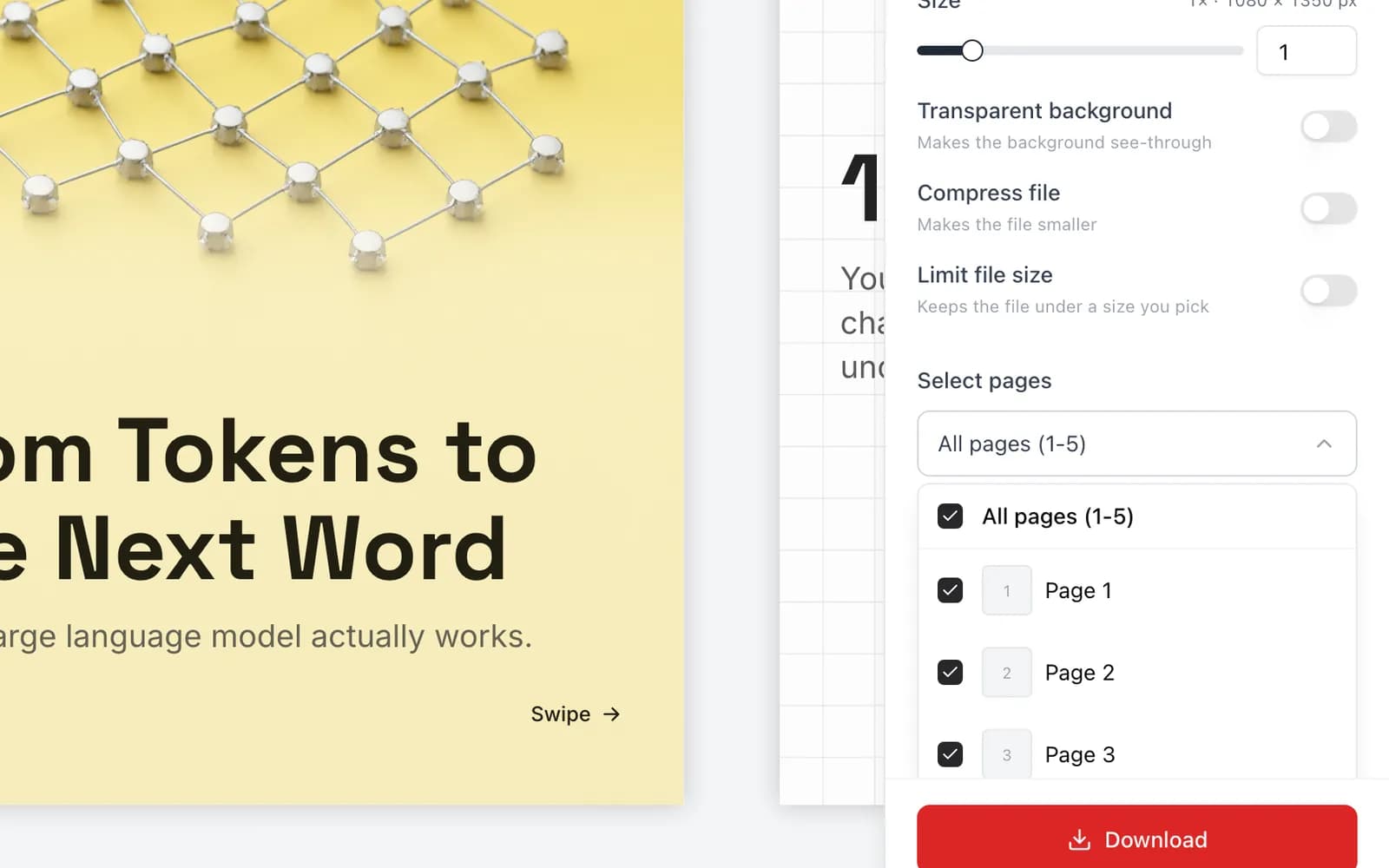
Carousels download as a ZIP of PNG or JPG files, or as one PDF.
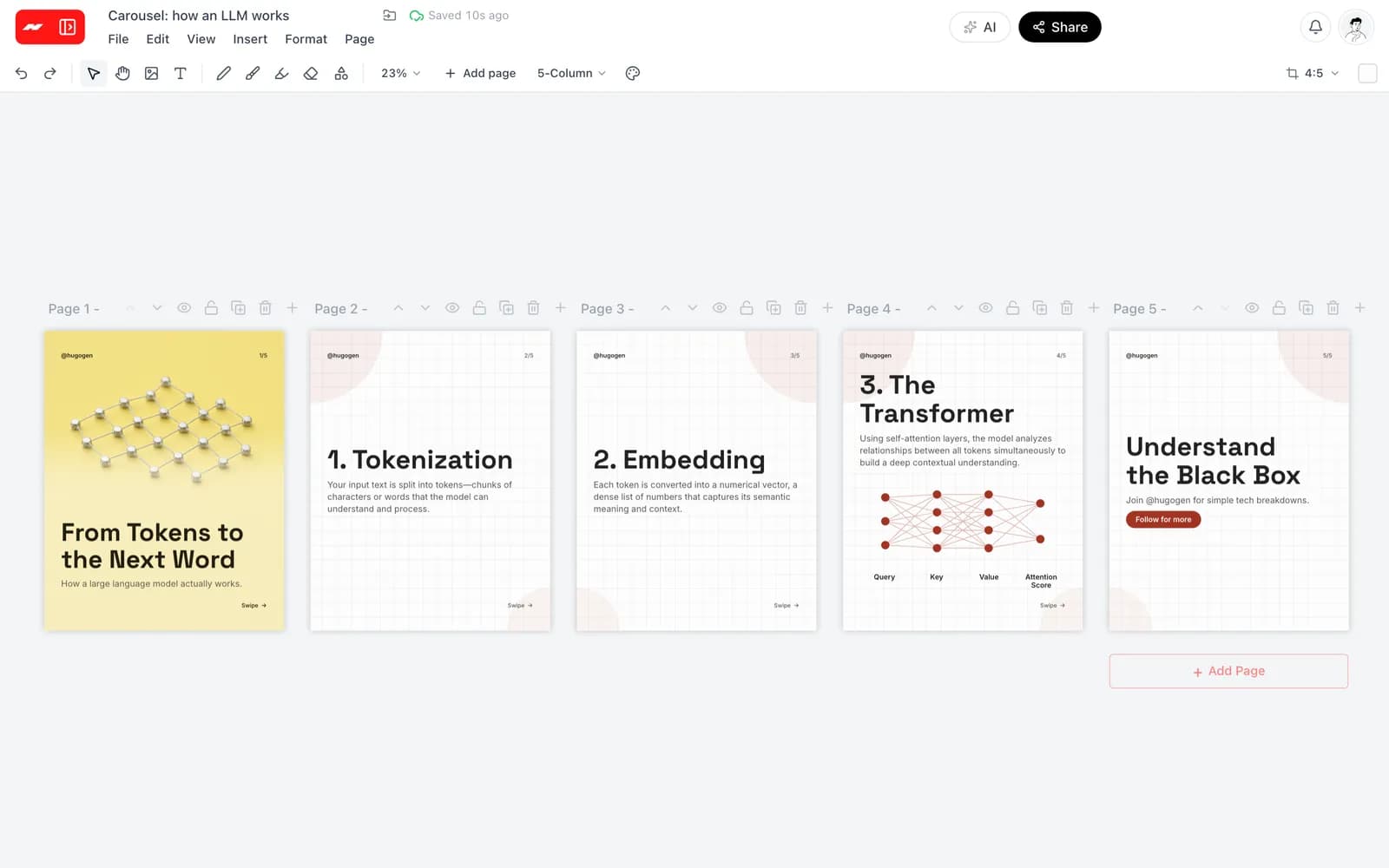
Press Add page for every new slide. Each page has buttons to move the page up or down, hide the page, lock the page or duplicate the page. A hidden page stays in the design and leaves the export.
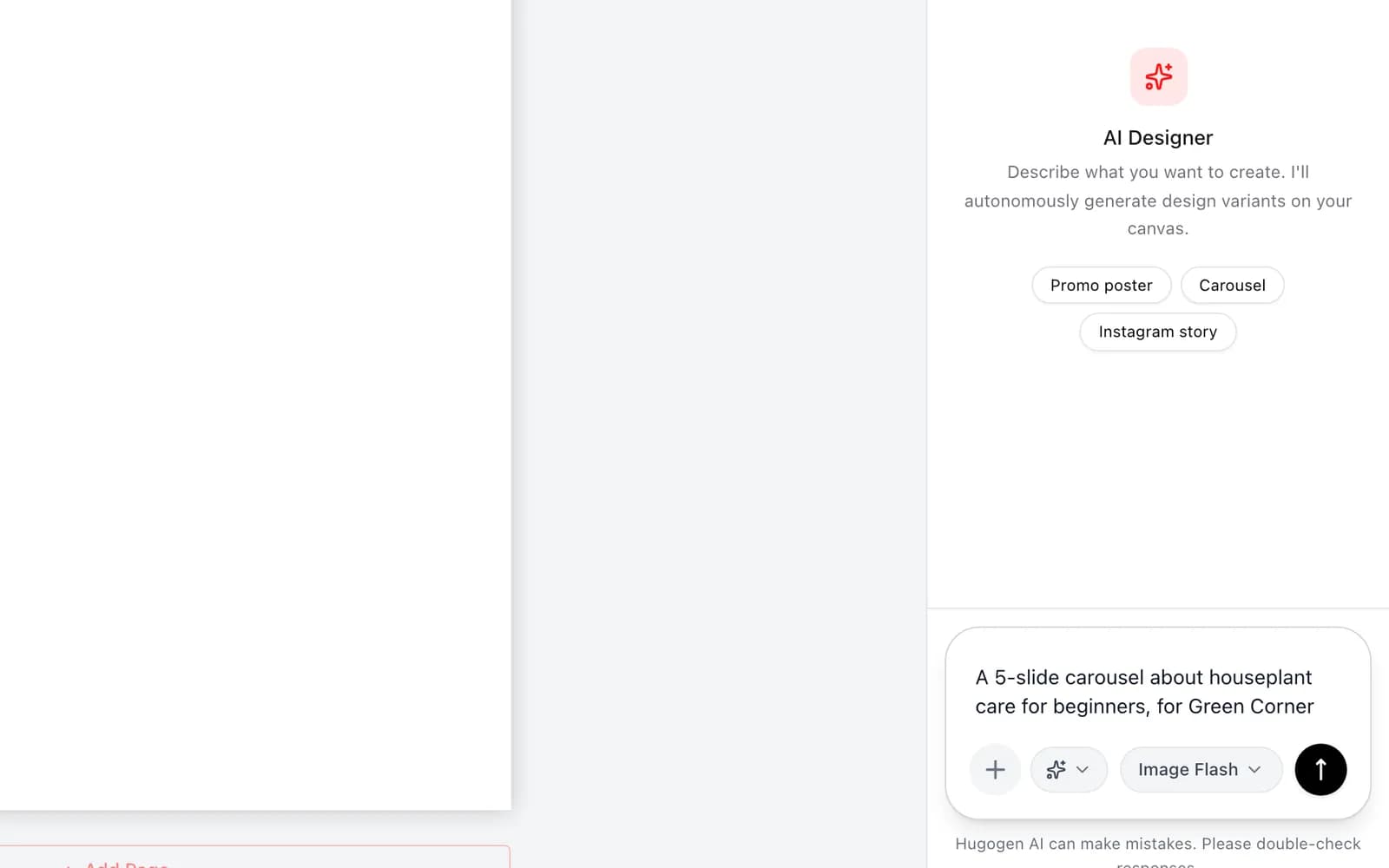
Press Carousel in the AI panel and finish the sentence with a topic. The AI designer writes 2 to 10 slides, from a cover to a closing slide. Every slide gets a counter such as 2/5, a swipe hint and the same type scale.
Open Download and keep All pages ticked, or tick only the slides you need. PNG and JPG arrive as a ZIP with one file per slide, named by page number. PDF puts every slide in one file.
Step 1
Choose 4:5 slides at 1080 by 1350 or square slides at 1080 by 1080. Every slide in the design shares one size.
Step 2
Ask the AI designer for a carousel on your topic, or press Add page and design each slide by hand.
Step 3
Export a ZIP of PNG or JPG files, or one PDF. Upload the images to Instagram in slide order.
A carousel walks a reader through an idea one slide at a time. Each format below fits in ten slides or fewer.
Pick the slide shape, ask the AI designer for the slides and download a ZIP or a PDF.
Make a carousel