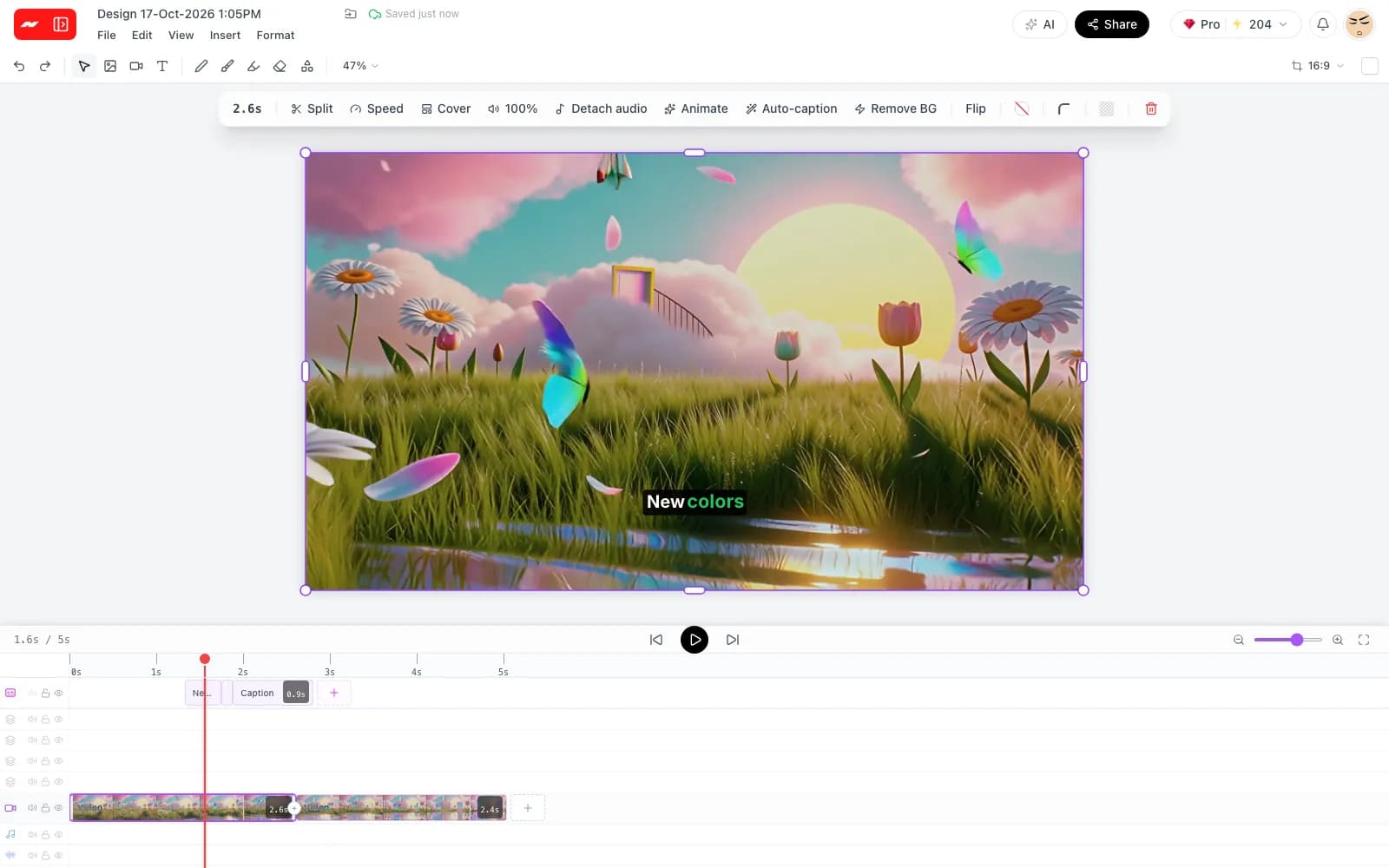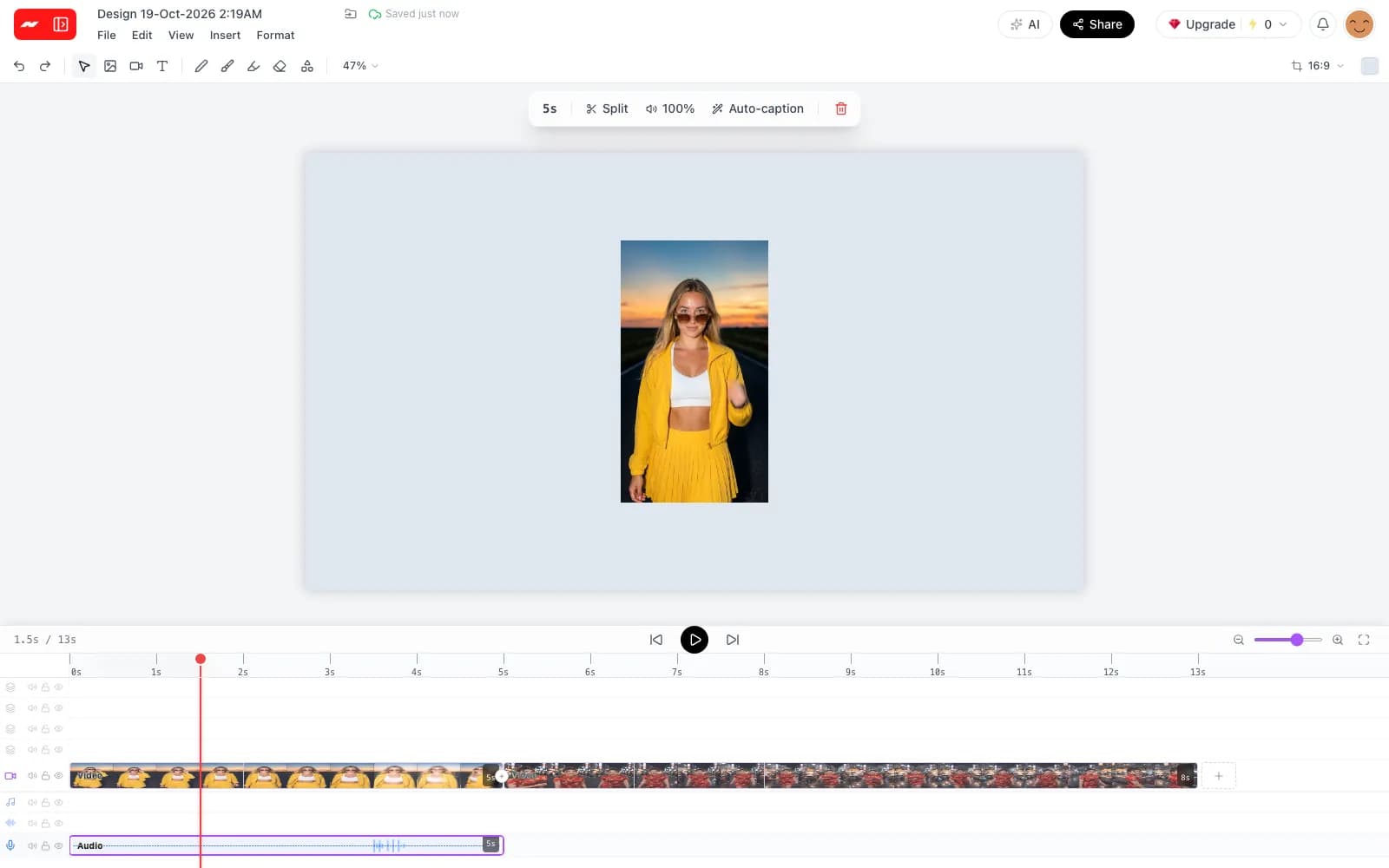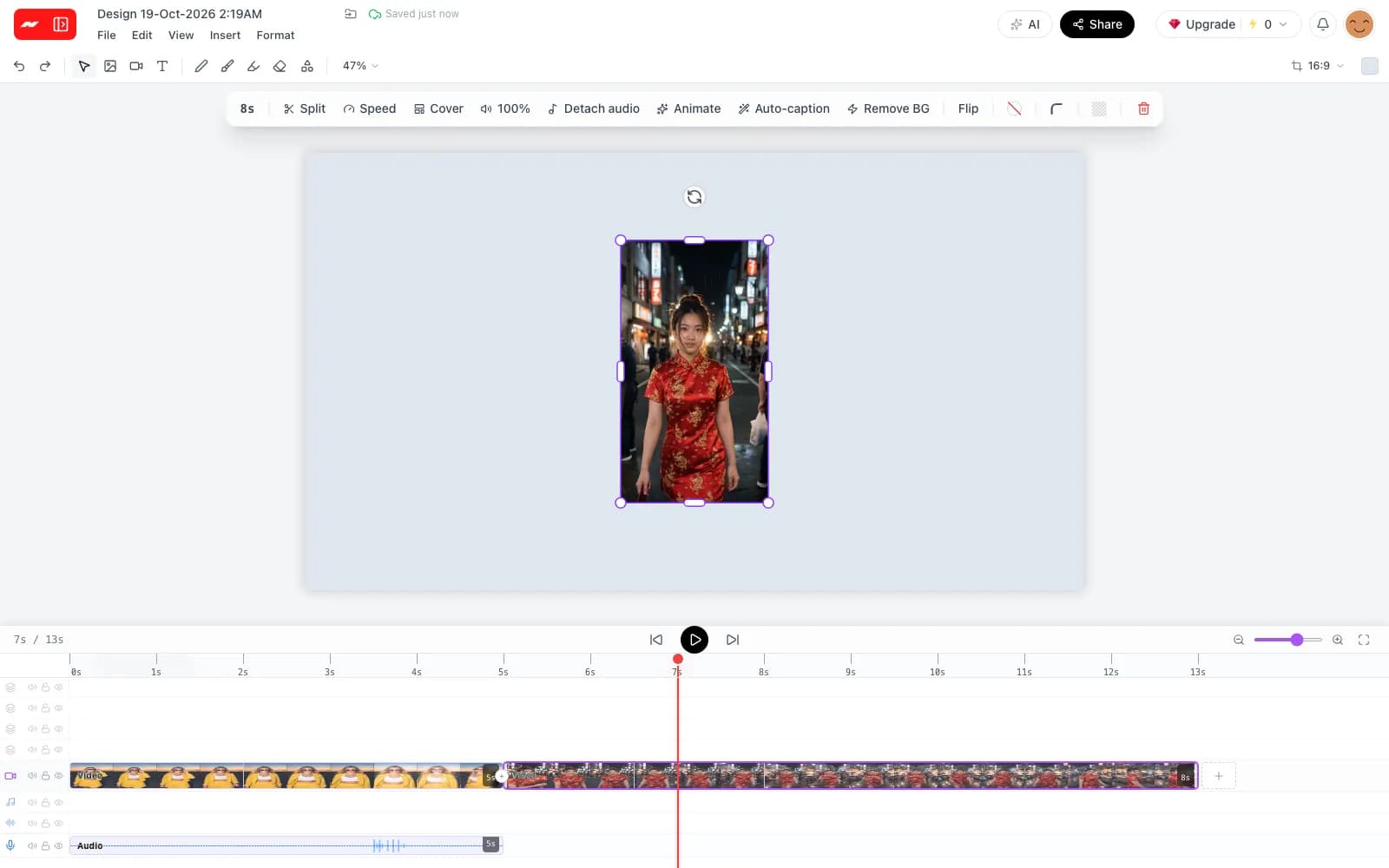
Clips land end to end, in the order picked
Ticking several clips in the library places them one after another on the same track, each clip starting where the last one ended. Dragging a clip somewhere else snaps either of its edges onto a neighbour's edge within 8 screen pixels, and two clips on one track never overlap: a clip dropped on a busy spot lands against the blocking clip instead.