Free online video resizer

Switch one project between 9:16, 4:5, 1:1 and 16:9, then export an MP4 with no watermark on any plan.

Every switch reframes each clip around its subject with no second render.

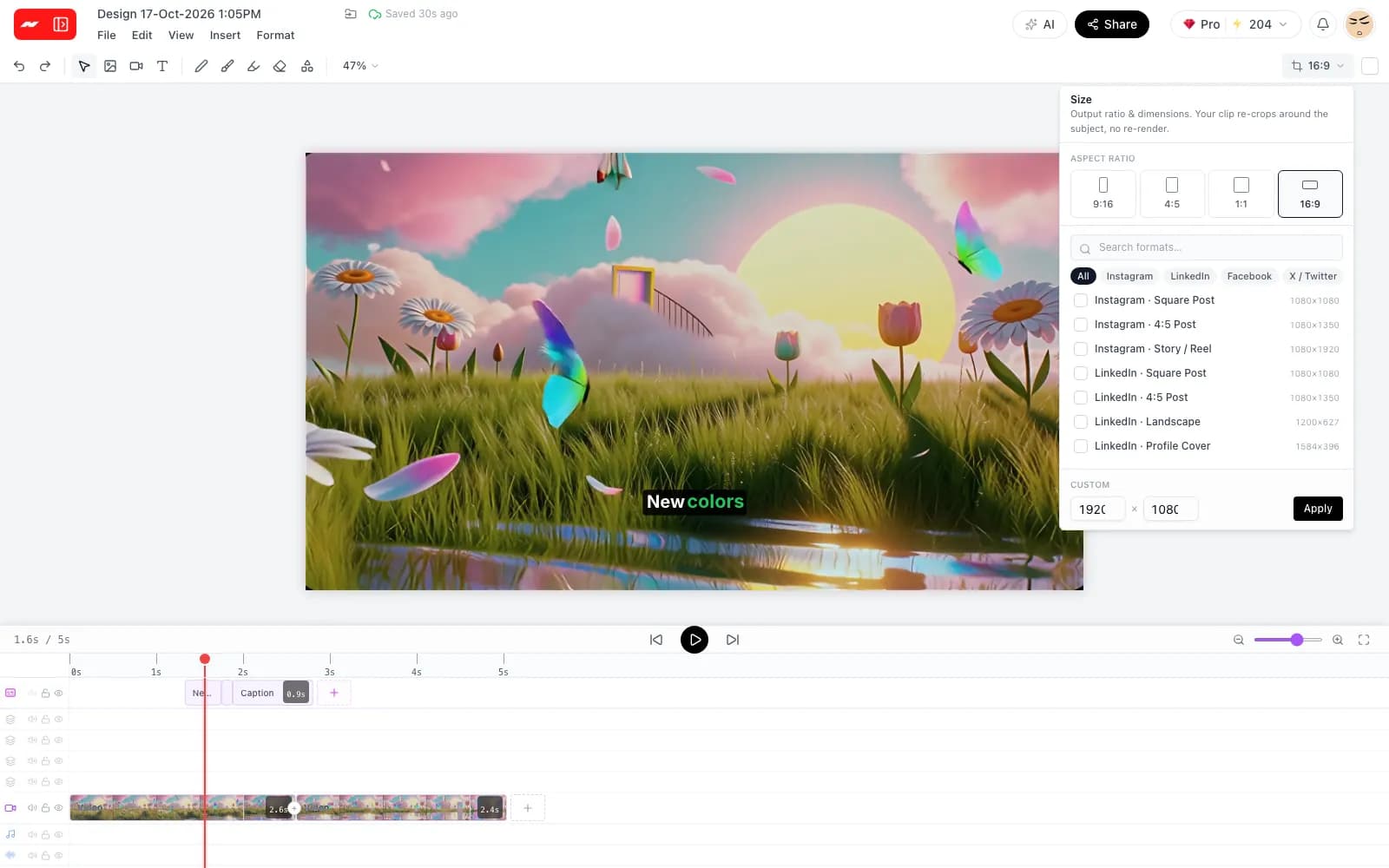
The size control open in the video editor with 9:16, 4:5, 1:1 and 16:9 above the platform preset list

One video, every shape a feed wants

Four ratios, one project

The size control switches a whole project between 9:16 at 1080 by 1920, 4:5 at 1080 by 1350, 1:1 at 1080 by 1080 and 16:9 at 1920 by 1080. Every clip, caption and title follows the new frame, and the video is never rendered a second time.
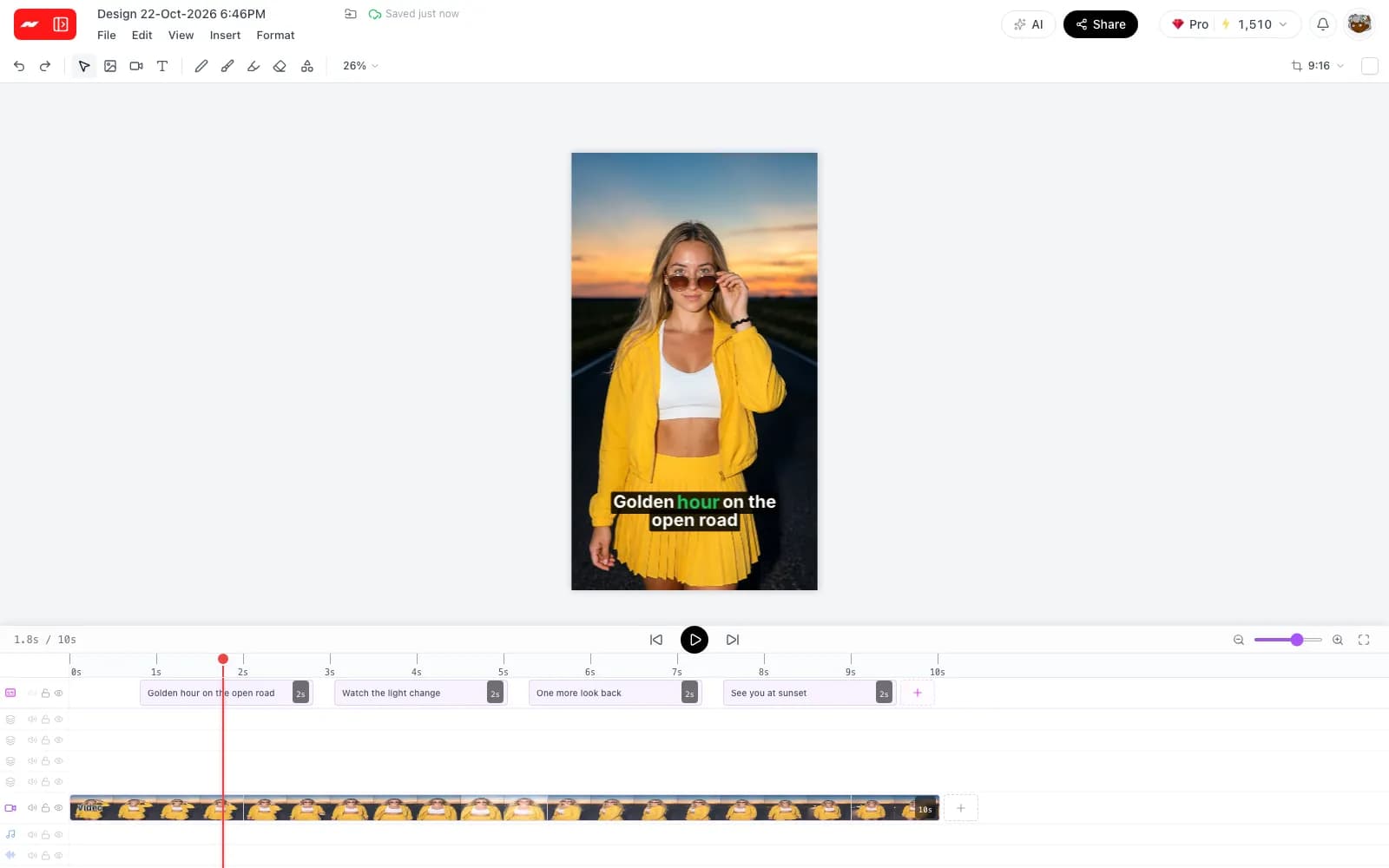
A video project in the vertical 9 by 16 shape with the subject centred in the frame

Platform sizes with the pixels filled in

A search box lists the size each platform expects, from a story or reel at 1080 by 1920 to a landscape video at 1920 by 1080. Picking one sets the frame. A size no preset covers is typed into the custom width and height fields, anywhere from 64 to 4096 pixels.

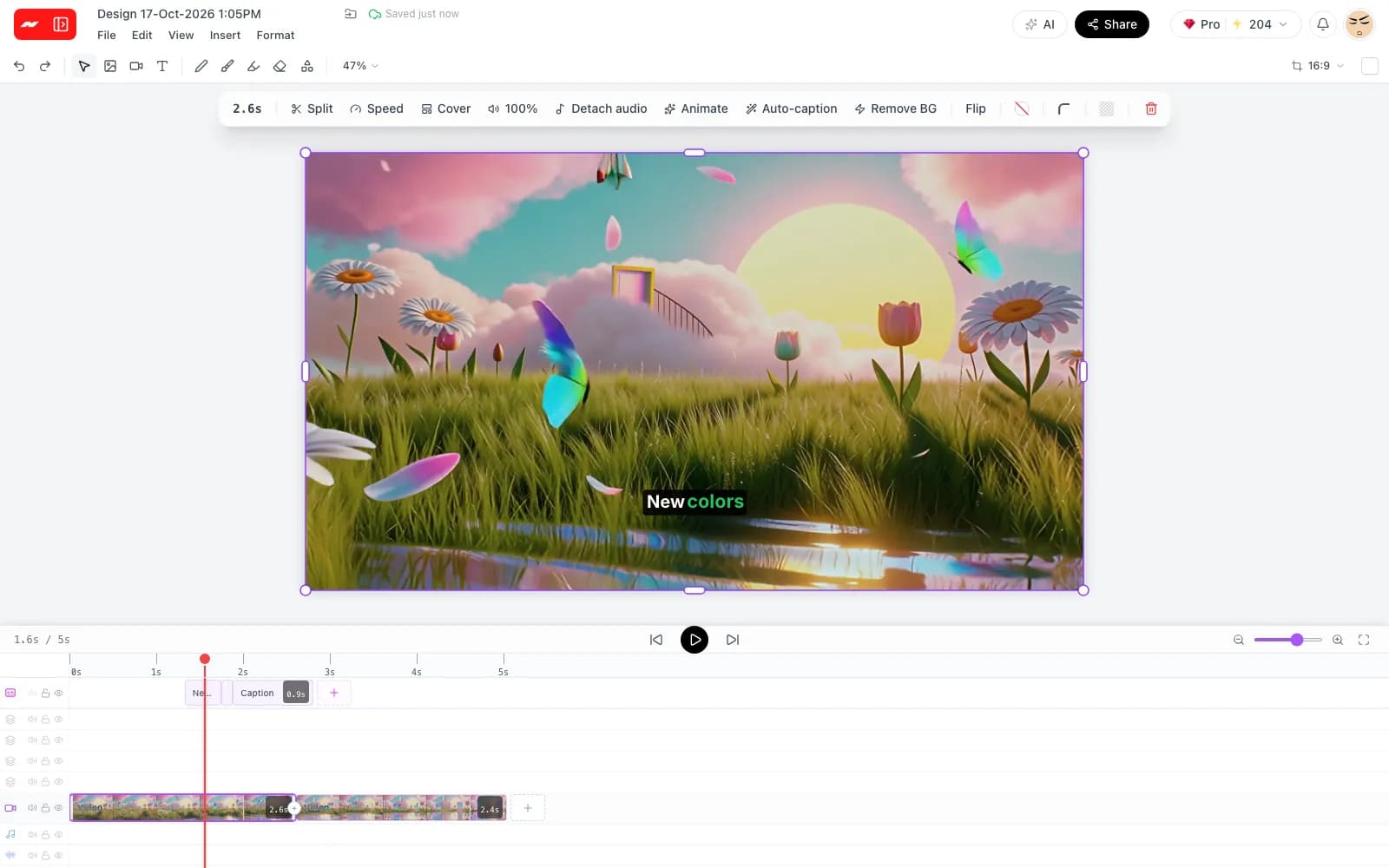
A video project in the wide 16 by 9 shape with the whole shot inside the frame

Each clip keeps its own layout

Auto follows the subject of a clip and widens to a blurred frame when several people are on screen. A clip can be held to one look instead: Letterbox, Wing Blur, Square, Gaming or H-Split. The chip on the clip's toolbar names the layout in use.

A clip selected on the timeline with the layout chip reading Cover on its toolbar

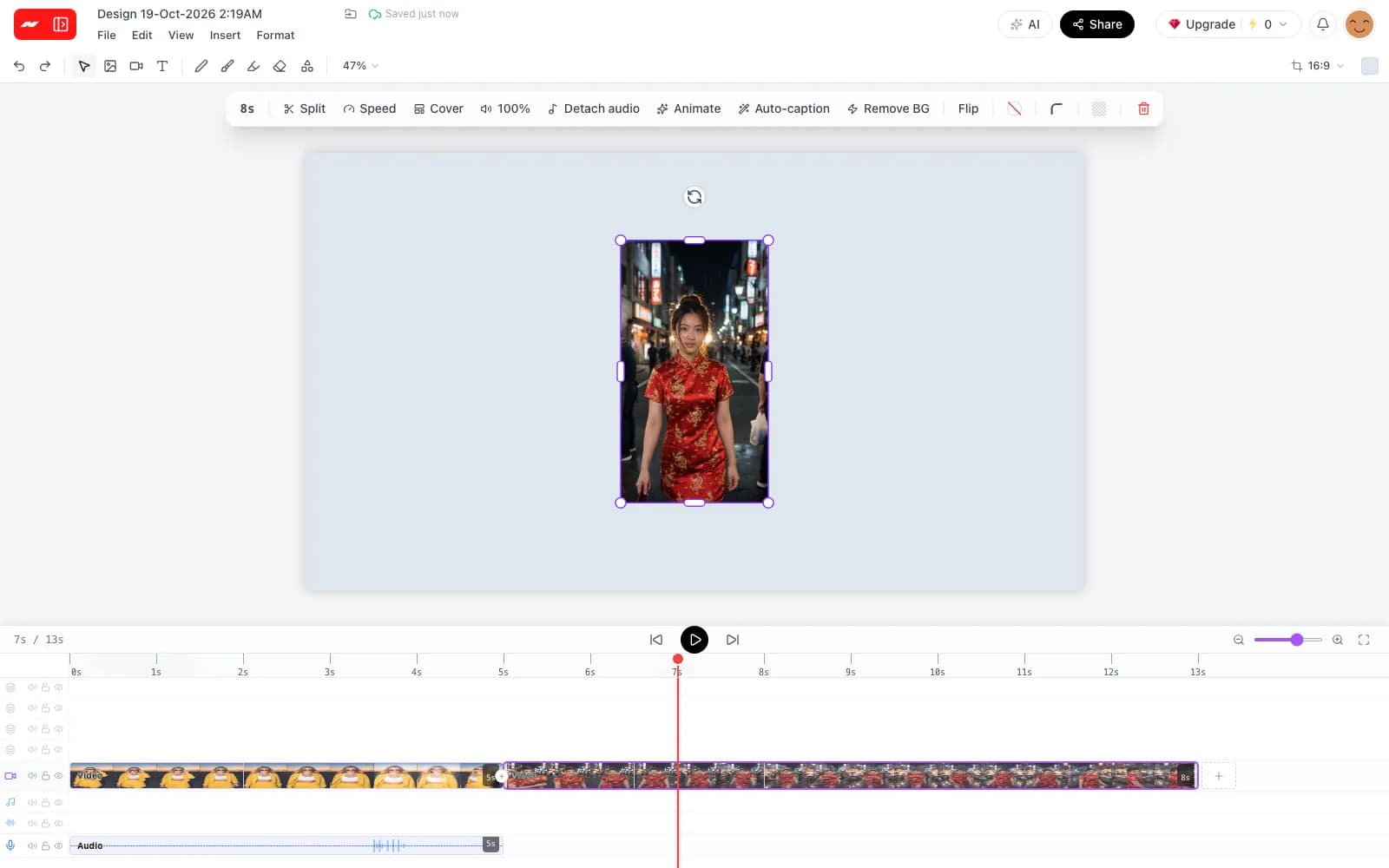
A vertical clip inside a wide frame

A clip shaped differently from the project sits inside the frame rather than being cut off. The corner handles on the canvas scale the clip, dragging moves the clip, and the space around the picture takes a page color.

A vertical clip placed inside a wide project frame, selected, with its corner handles visible

How to resize a video online

  1. Step 1

    Add the video

    Open the video editor and add a clip from a computer, or paste a link to a video file.

  2. Step 2

    Pick the size

    Choose 9:16, 4:5, 1:1 or 16:9, a platform preset, or a custom width and height in pixels.

  3. Step 3

    Export an MP4

    Export the resized video as an MP4 file. Nothing is added to the picture, on the free plan or a paid one.

Sizes each feed expects

Each shape below is one press in the size control, and a project keeps every clip and caption through the switch.

Vertical for Reels, Shorts and TikTok
9:16, 1080 x 1920
Feed posts with more height
4:5, 1080 x 1350
Square for any feed
1:1, 1080 x 1080
Landscape for YouTube
16:9, 1920 x 1080
A size no preset covers
Custom, 64 to 4096 pixels

More free tools from Hugogen

Questions and answers

The size control offers 9:16 at 1080 by 1920, 4:5 at 1080 by 1350, 1:1 at 1080 by 1080 and 16:9 at 1920 by 1080, a searchable list of platform presets, and a custom width and height between 64 and 4096 pixels.

Resizing changes the frame rather than the pixels of the source. The finished file is encoded on export at 720p on the free plan or 1080p on a paid plan, and enlarging a small source cannot add detail the footage never held.

Each clip re-crops around its subject when the frame changes. A clip can also be held to one layout, such as Letterbox or Wing Blur, which shows the whole shot with no cropping at all.

A 9:16 project switches to 16:9 in one press. The clip keeps its own shape inside the wider frame, and a layout such as Wing Blur fills the space beside the picture with a blurred copy of the shot.

Captions and titles reflow with the new frame. The switch needs no new render, and each caption stays on the clip it was made for.

Exports run at 720p on the free plan and 1080p on a paid plan. Both export as an MP4 file with no watermark in the picture.

A video whose short side is over 1440 pixels is refused at upload with a plain message, because exports stop at 1080p. Files at 1080p and 1440p are accepted, up to 2 GB each.

MP4, MOV and WebM files of up to 2 GB each, added from a computer or from a link to a video file.

Resize the first clip now

Open the editor in a browser tab, add a clip and switch the project to the shape a feed wants.

Resize a video