24 languages to dub into
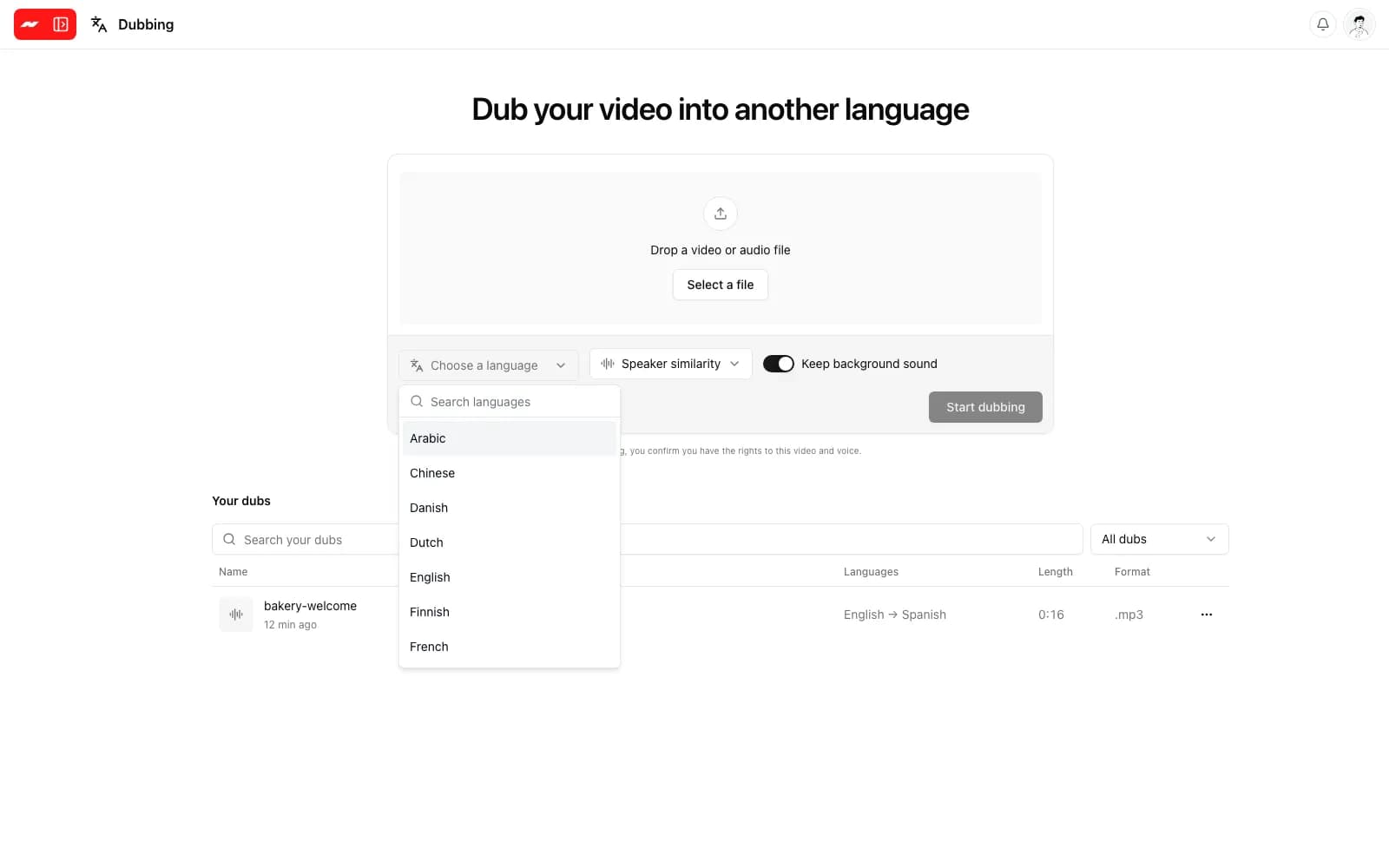
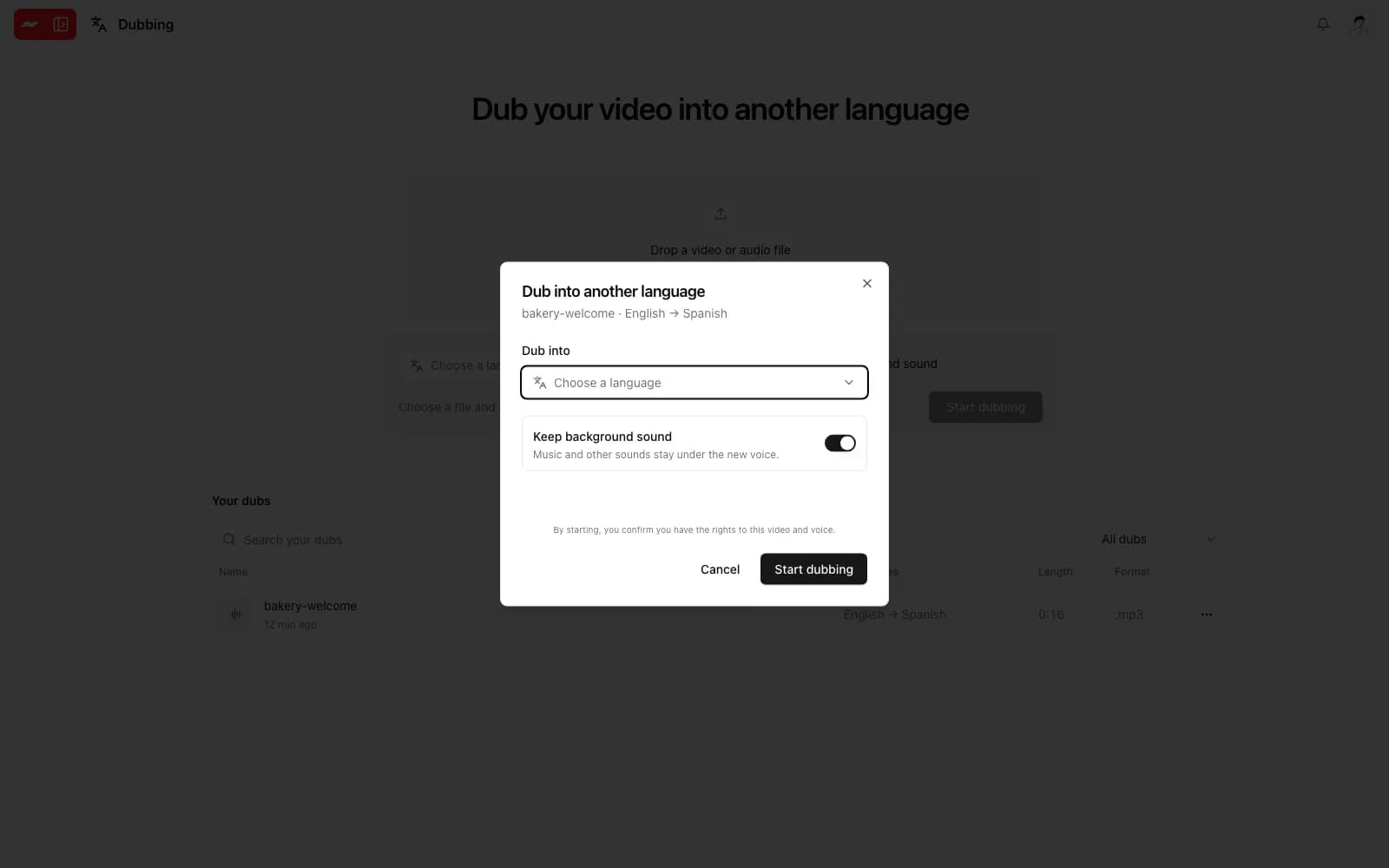
Choose the language from a searchable list of 24 languages, from English and Spanish to Japanese and Arabic. Hugogen hears the original language by itself. You pick only the new language, and one dub makes one language.
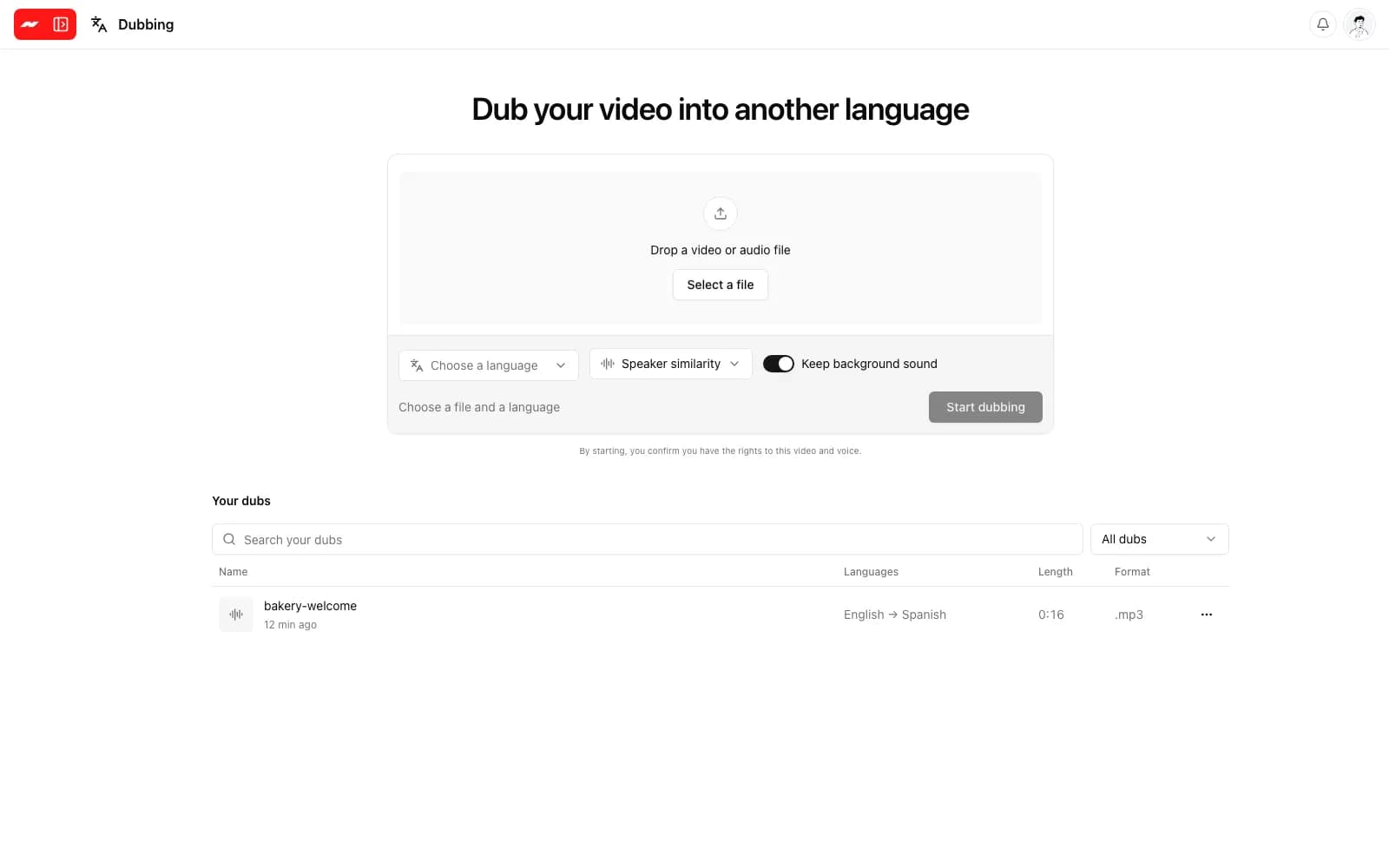
Upload a video or an audio file and pick a language. Hugogen translates the speech and speaks the words in a voice like the speaker's.
Dubbing comes with selected paid plans, and the pricing page lists the minutes for each plan.
Choose the language from a searchable list of 24 languages, from English and Spanish to Japanese and Arabic. Hugogen hears the original language by itself. You pick only the new language, and one dub makes one language.
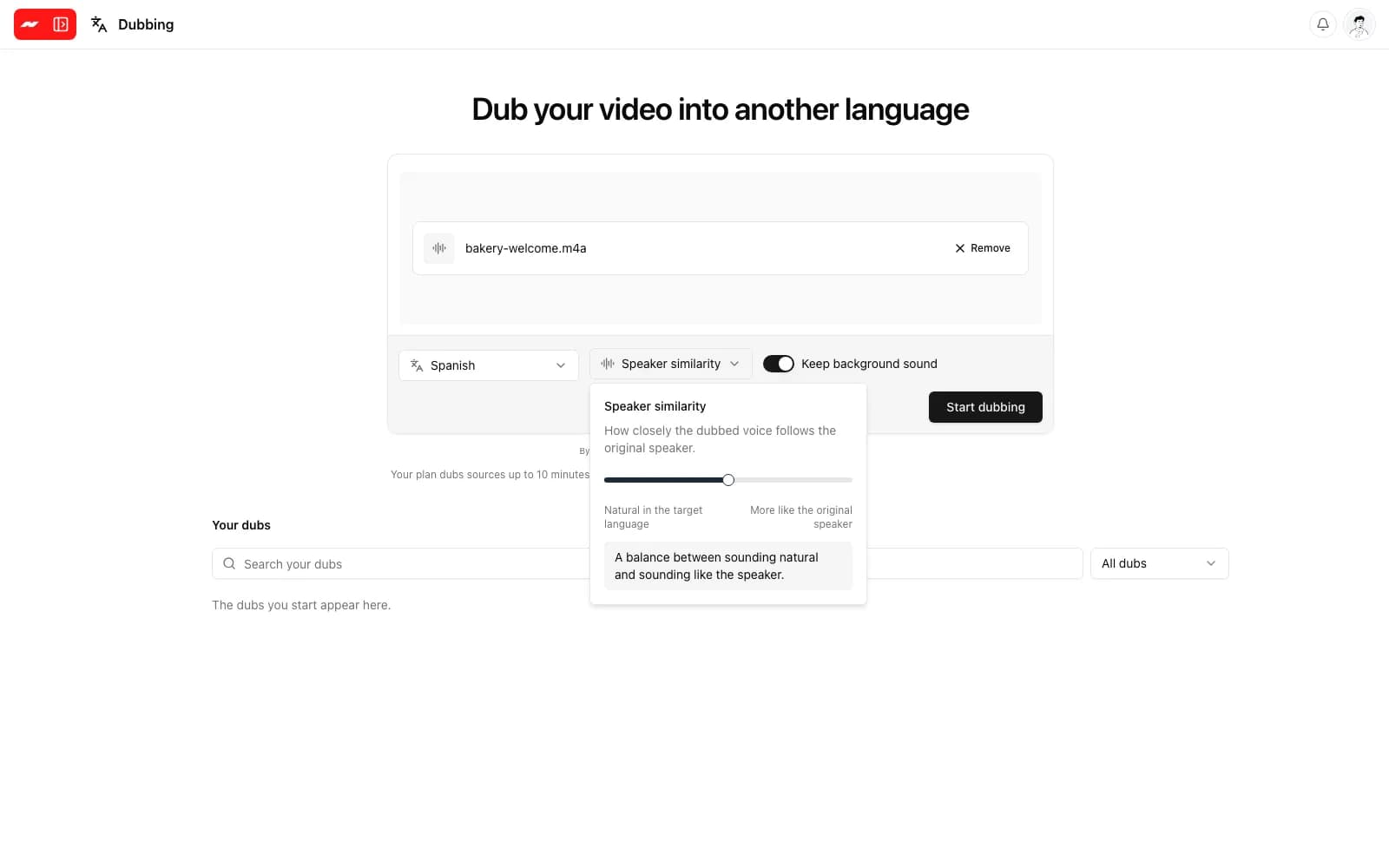
Speaker similarity sets how closely the new voice follows the original speaker. One end sounds natural in the new language, and the other keeps more of the speaker. Keep background sound leaves music and other sounds under the new voice.
A finished dub plays on the page and downloads as an MP3 with an SRT captions file of the translated words. A video source gives you the dubbed video as well.
Captions for your own language? See the subtitle generator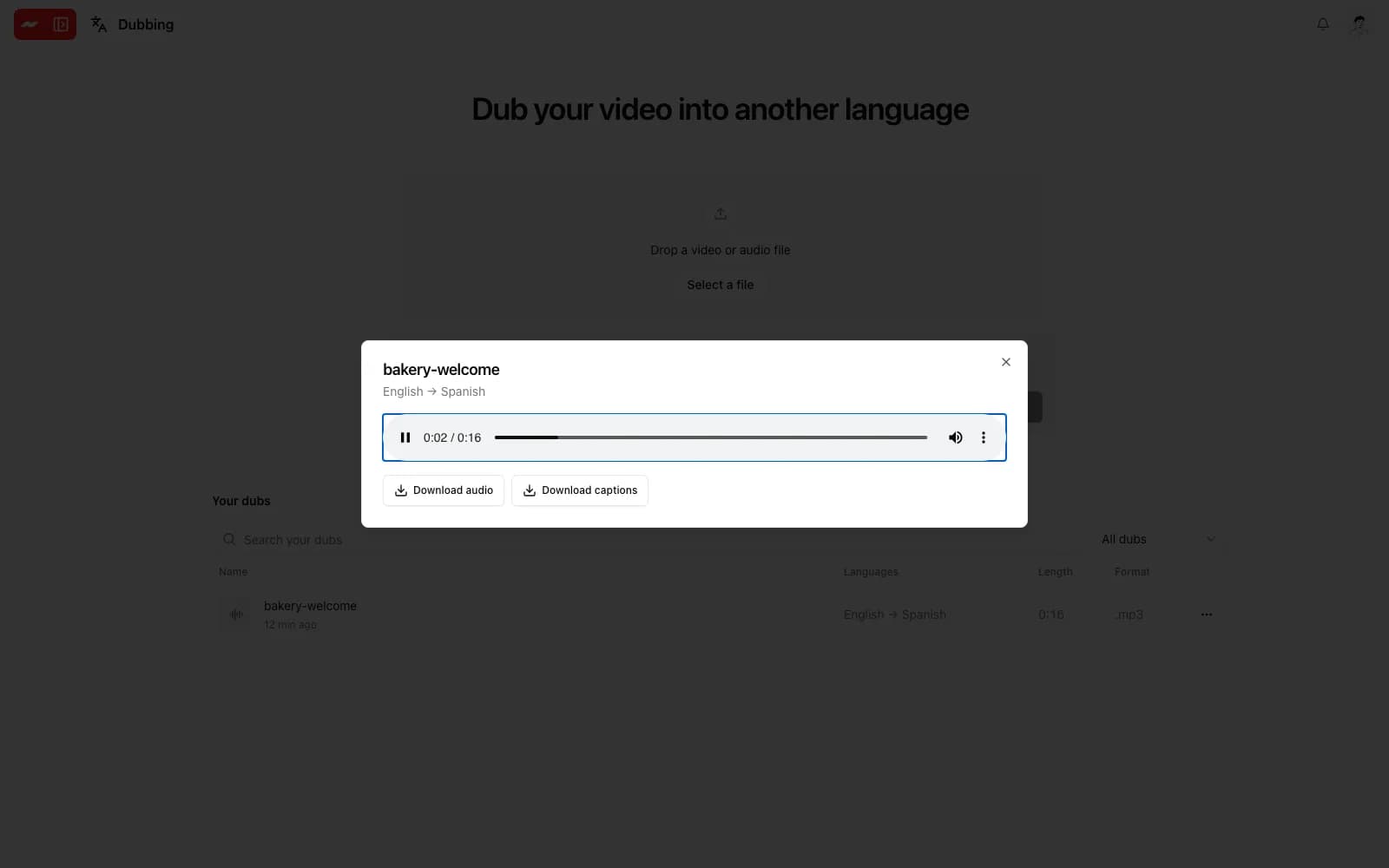
Open the menu of a finished dub and choose Dub into another language. The new dub starts again from the original file, not from the first dub. Each language you add becomes a separate dub in the list.
The original is a 16 second English voiceover from the Voice page. The dub is the file the dubbing page made from the original, unedited.
English · 0:16
Welcome to our small bakery at the end of the street. Every morning at six, we mix the dough by hand and let it rest for twelve hours. Our sourdough uses only flour, water and salt. On weekends we bake cinnamon rolls, and they are usually gone by ten. If you visit, try the rye loaf with a cup of coffee. Thank you for watching, and see you at the counter.Spanish · 0:17
Bienvenidos a nuestra pequeña panadería al final de la calle. Cada mañana a las 6, amasamos la masa a mano y la dejamos reposar 12 horas. Nuestro pan de masa madre solo lleva harina, agua y sal. Los fines de semana horneamos rollos de canela que se agotan antes de las 10. Si nos visitas, prueba el pan de centeno con un café. Gracias por ver y nos vemos en el mostrador.Step 1
Open the dubbing page and drop a video or an audio file of at least 5 seconds. A clip from AI Video Clipping can be dubbed with Dub this clip.
Step 2
Choose one of 24 languages, set Speaker similarity and decide on the background sound. The minutes and the cost show before you start.
Step 3
Press Start dubbing and follow the progress in Your dubs. Play the finished dub on the page and download the audio, the captions or the video.
Each video below keeps the same speaker and reaches viewers in a second language.
Upload a video or an audio file, pick one of 24 languages and download the dub with the captions.
Start dubbing