Free video cutter

Split a clip on both sides of the part you do not want, press Ripple delete and the later clips move up to close the gap.

Cutting is free on every plan, and one undo brings the removed part back.

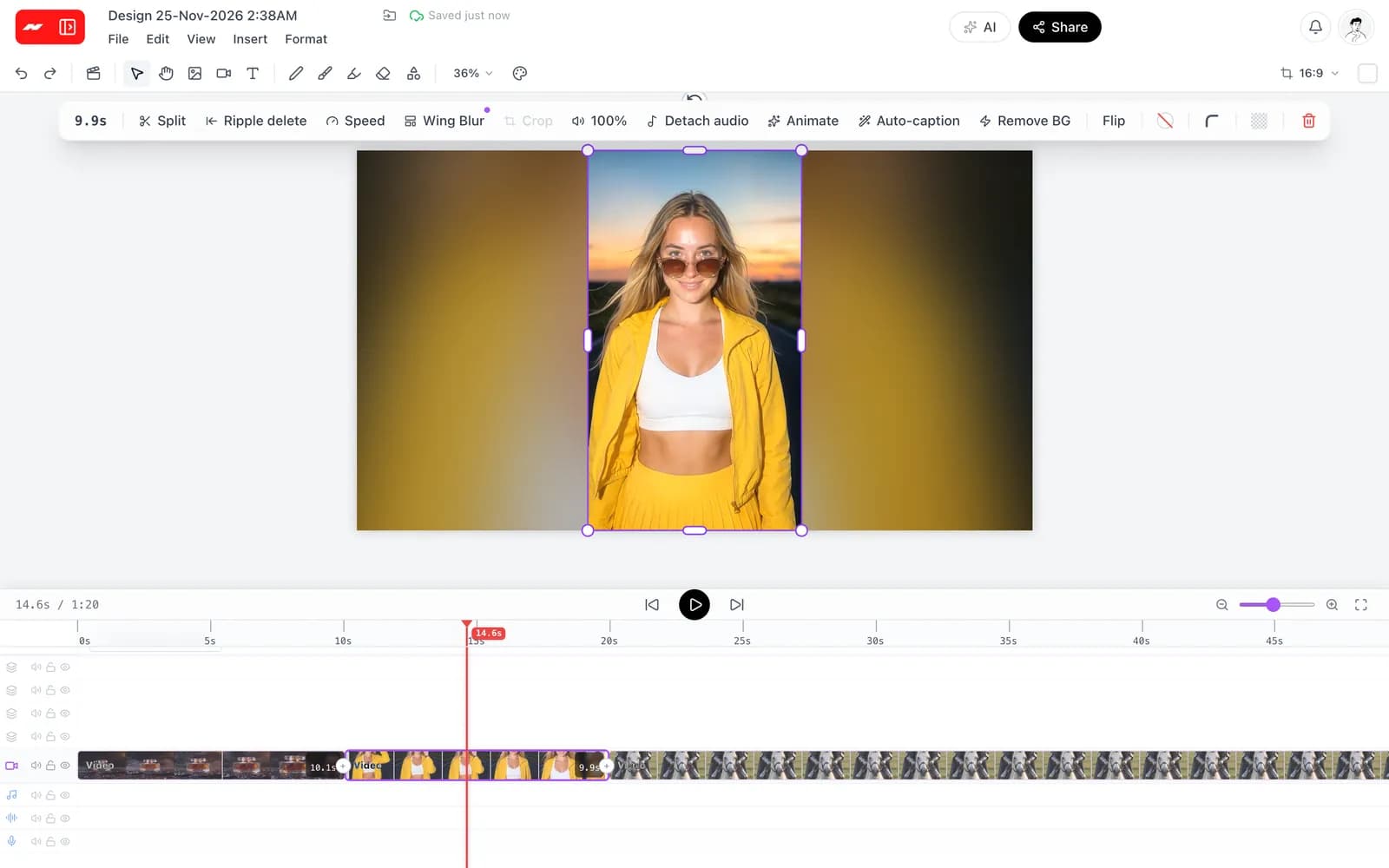
A video split in three on the timeline with the middle clip selected, and Split and Ripple delete on the clip toolbar above the frame

Take a part out of the middle

Two splits mark the part to remove

Move the playhead to the start of the unwanted part and press S, or Split on the clip toolbar. Do the same at the end of the part. The clip is now three clips, and the middle clip is the part to remove.

Only shortening the ends? See the video trimmer
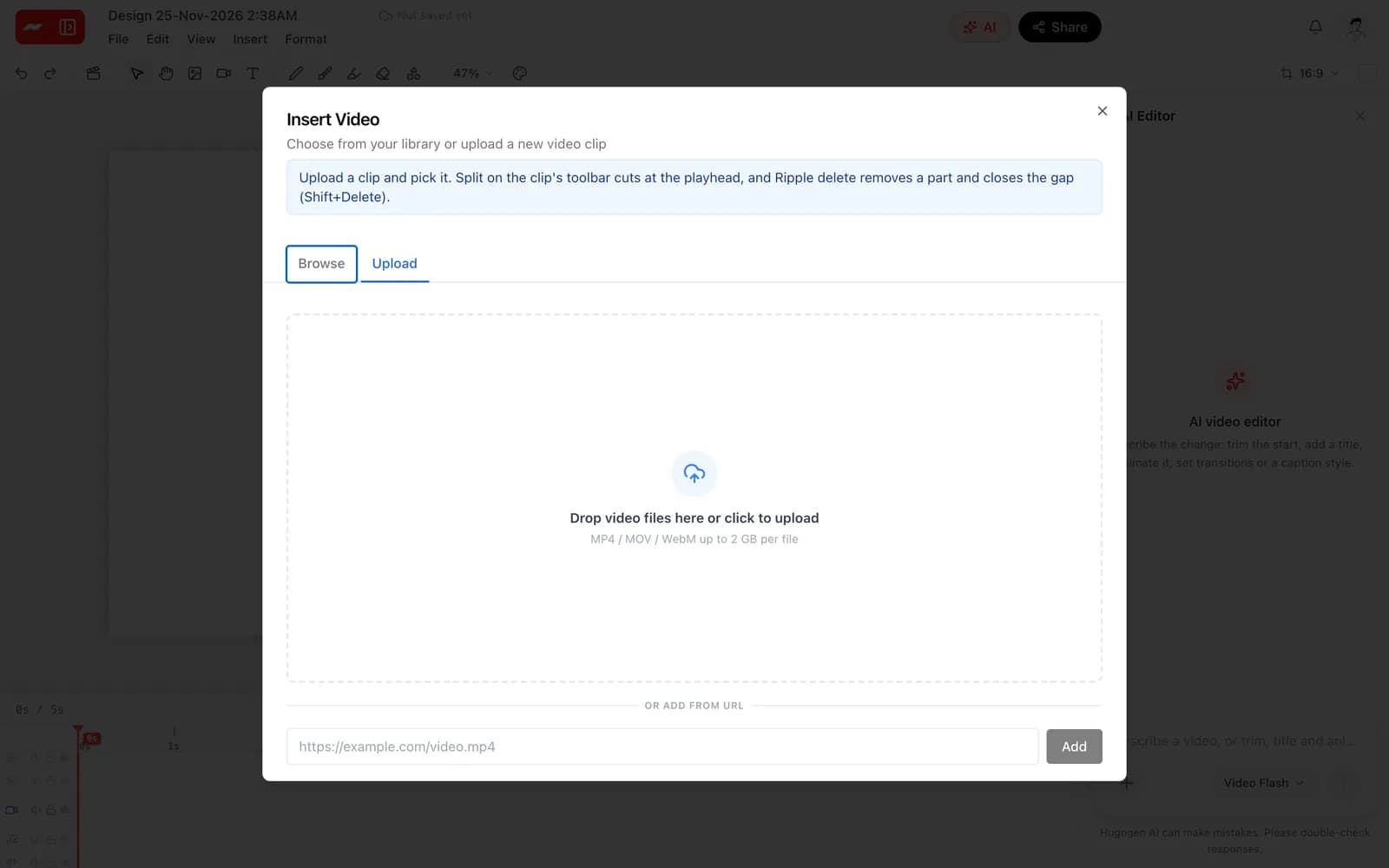
The video upload dialog with a note naming Split, Ripple delete and the Shift+Delete shortcut

Ripple delete closes the gap

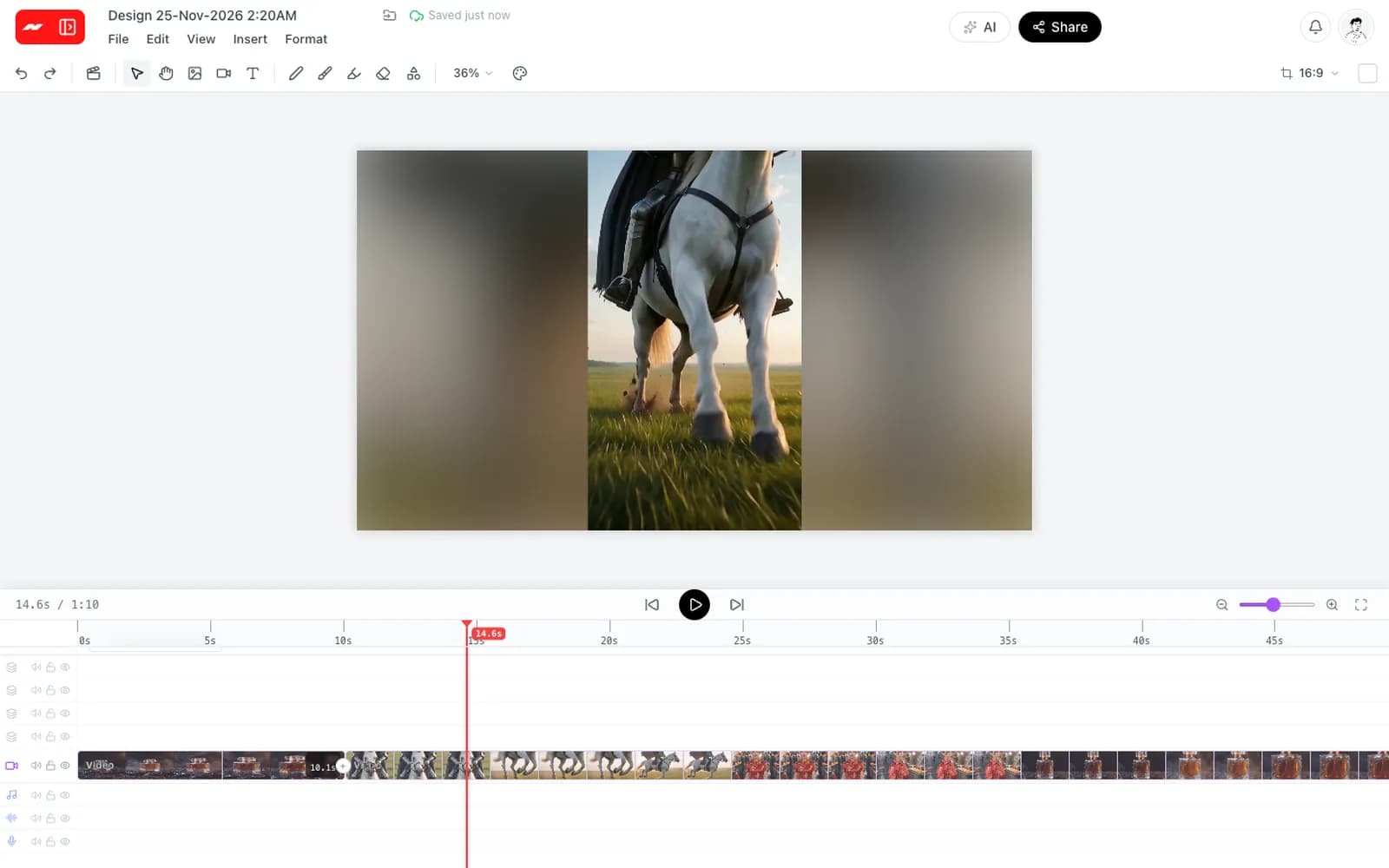
Select the middle clip and press Ripple delete beside Split, or press Shift+Delete. The clip is removed and every later clip on the same track moves left by the length of the removed part. The video gets shorter by the same amount.

The timeline after Ripple delete, with the knight scene moved up to 10 seconds and the video now 1:10 long instead of 1:20

A plain delete leaves a gap

The Delete key removes only the selected clip and leaves empty time where the clip was. The empty time shows the plain page colour in the video. Use Ripple delete when the rest of the video should move up.

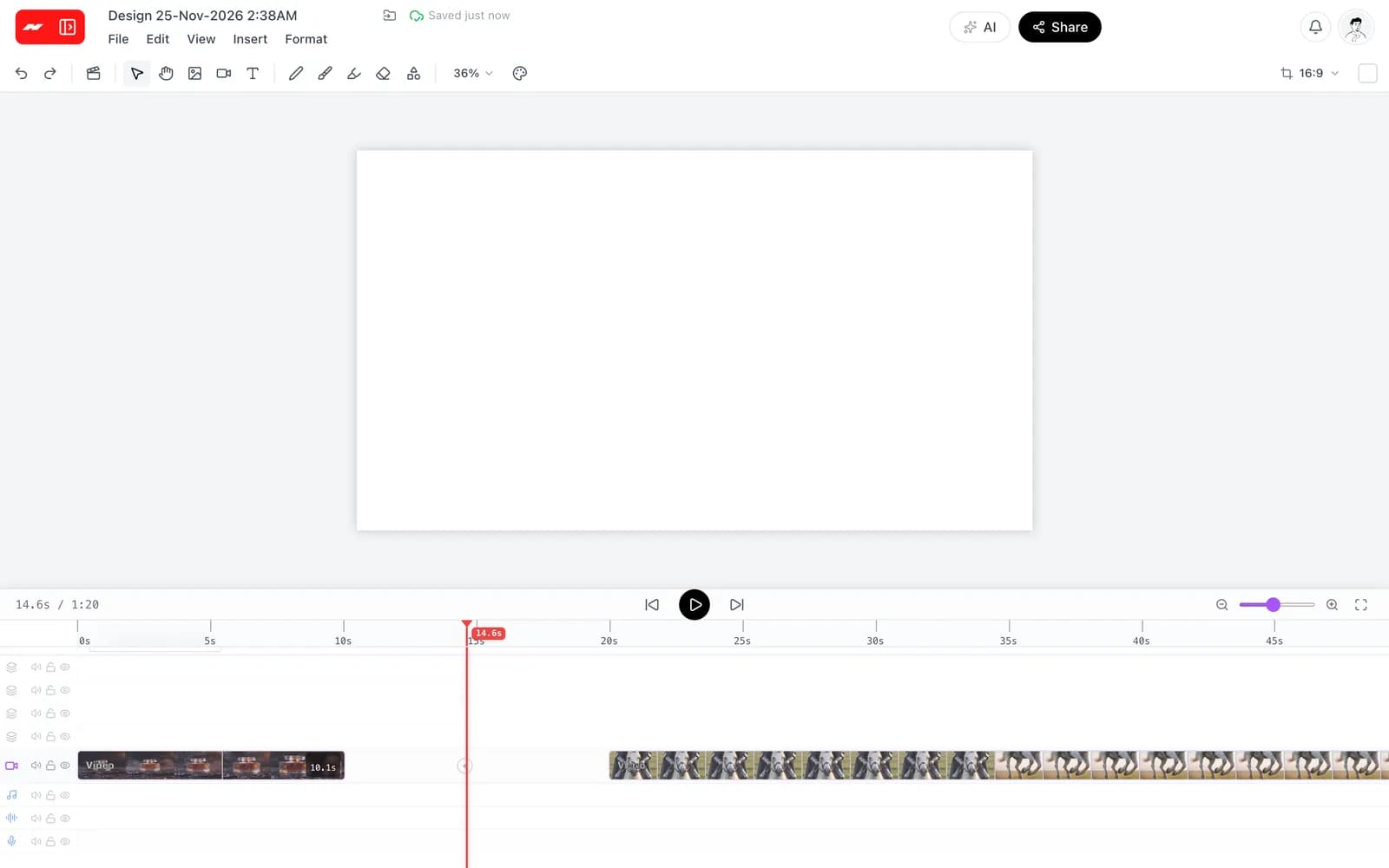
The timeline after a plain delete, with an empty stretch between 10 and 20 seconds and a blank frame above

Sound and captions move with the footage

The detached sound of a deleted video clip goes with the clip, and the detached sound of every moved clip moves too. A cut on the main video track also moves the caption lines with the footage. One undo puts everything back.

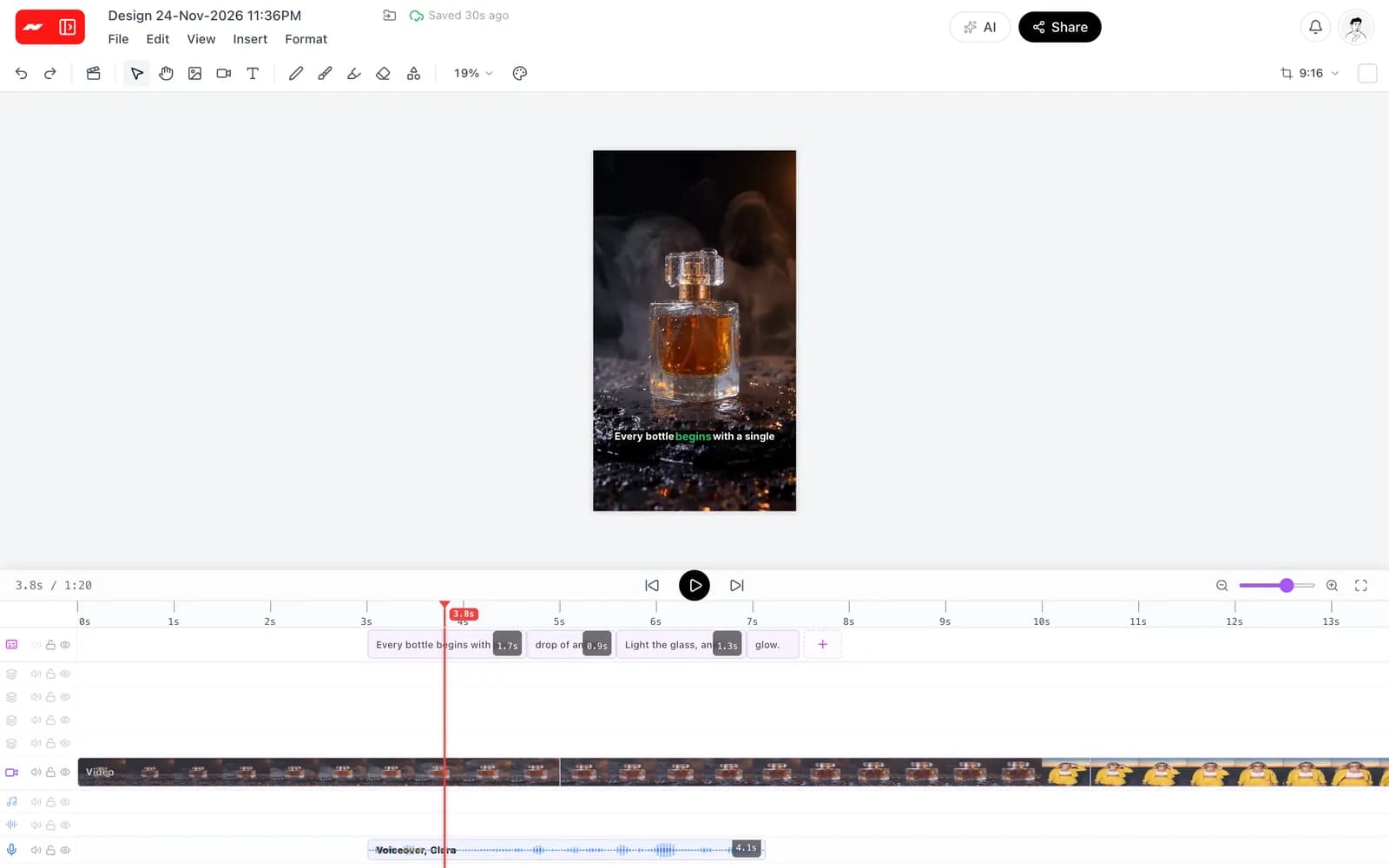
Four caption lines on the caption track above a perfume clip, with the first line showing on the video at 3.8 seconds

Cut pauses and filler words with AI

The AI editor beside the timeline cuts on request, such as removing the long pauses or the ums in a recording. The agent shows an edit plan before anything changes. The whole run is one undo step.

Removing silence? See remove silence from video
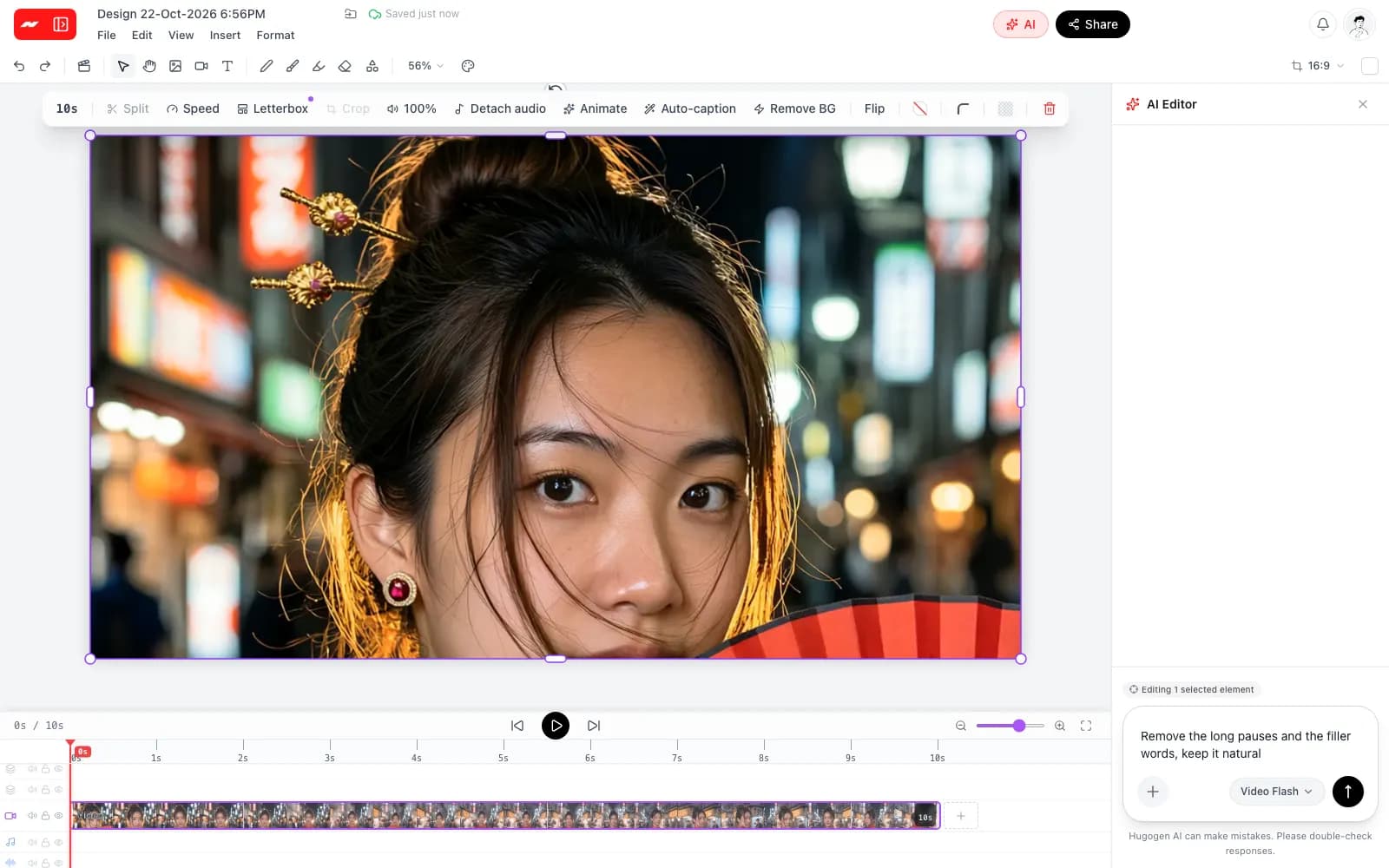
The AI editor panel beside a night market clip, with a request typed to remove the long pauses and the filler words, not yet sent

How to cut out part of a video

  1. Step 1

    Add your clip

    Open the video editor and upload the video, or pick a clip you uploaded before from your library.

  2. Step 2

    Split around the part

    Put the playhead at the start of the unwanted part and press S. Do the same at the end of the part.

  3. Step 3

    Ripple delete and export

    Select the middle clip, press Ripple delete and download the shorter video as an MP4.

Parts people cut out of a video

Each job below removes one stretch of time and keeps everything before and after the cut in the same order.

A false start
The first take before the good one
A slip in the middle of a talk
A wrong word and the retake after
An off-topic stretch
A tangent in an interview or a stream
A break in a screen recording
The minutes spent away from the desk
A repeated scene
The same shot used twice by mistake

More free tools from Hugogen

Questions and answers

Split the clip at the start and the end of the part you want gone, select the middle clip and press Ripple delete. The later clips move left and the gap closes. The finished video is shorter by the length of the part you removed.

The gap closes when you use Ripple delete or press Shift+Delete. The Delete key alone removes the clip and leaves empty time, which you can close by dragging the next clip left.

No cut changes your uploaded file. Each clip on the timeline points into the same file, and Undo puts a removed part back with every clip that moved. A ripple delete undoes in one step.

Yes, repeat the two splits and the ripple delete for every part you want to remove. Each ripple delete is a separate undo step, and the later clips move left each time.

Music, voiceover and sound effects on the audio tracks keep the same timing. Only clips on the track of the removed part move left. The detached sound of a video clip is the exception and follows the video.

No, splitting and Ripple delete are free on every plan and call no paid service. The free plan exports the finished MP4 at 720p, and some paid plans add 1080p. Exports carry no watermark on any plan.

Trimming shortens the start or the end of a clip by dragging an edge. Cutting removes a part from the middle and joins what is left. The video trimmer page covers the edges, and this page covers the middle.

Shift+Delete, or Shift+Backspace, is the shortcut for Ripple delete on the selected timeline clip. The clip is removed and the later clips on the same track move left to close the gap.

Ripple delete refuses a locked clip and a clip on a locked track. Unlock the clip or the track first, and the cut works as usual.

Cut the part you do not need

Add a clip, split around the unwanted part, press Ripple delete and download the shorter MP4.

Cut a video now