Eight speeds in one popover
Two rates are slower than normal, 0.5x and 0.75x. Five are faster: 1.25x, 1.5x, 2x, 3x and 4x. The Speed button then shows the rate and a dot, which marks a changed clip at a glance.
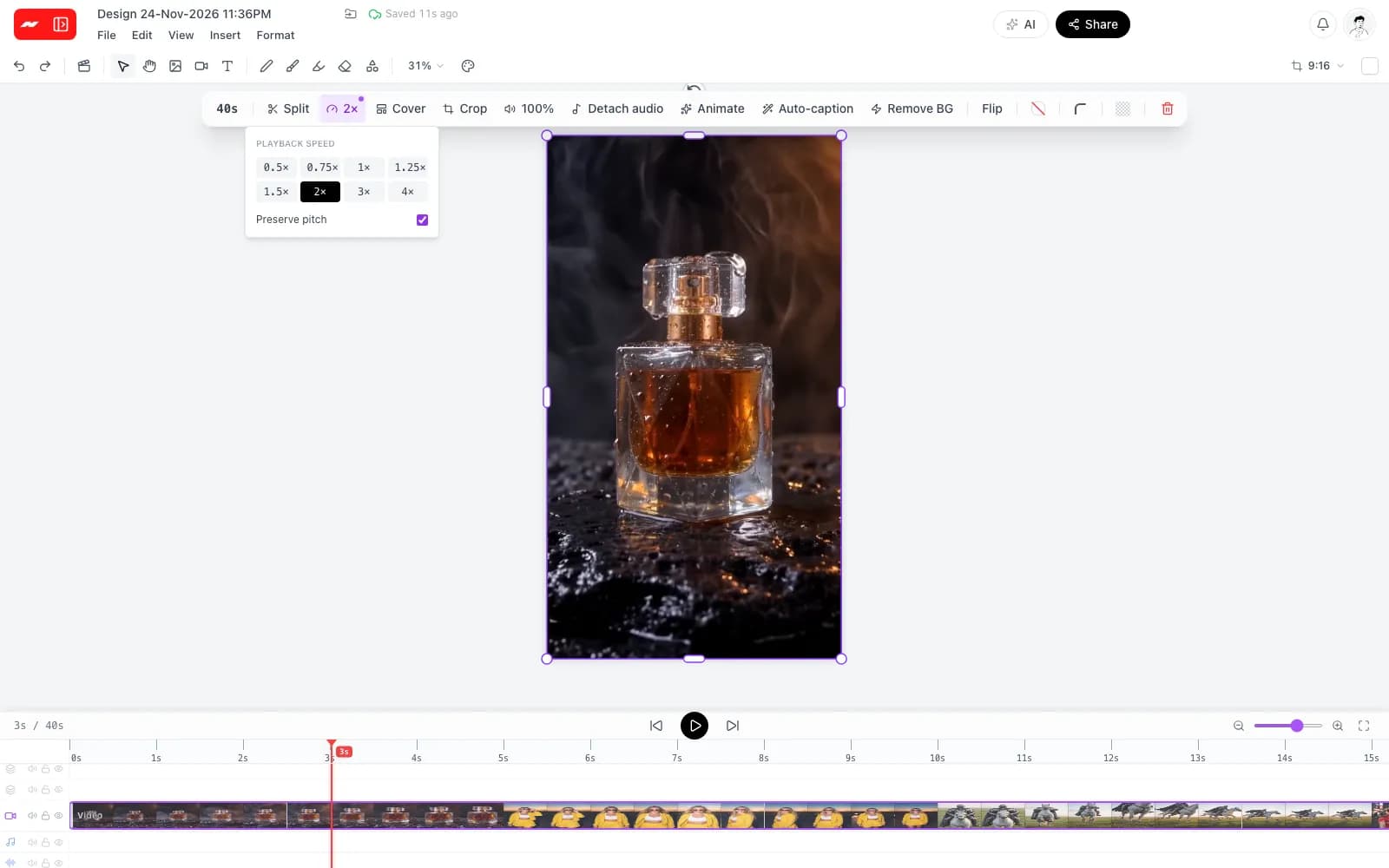
Select a clip, press Speed and pick a rate from half speed to four times faster. The timeline length follows the rate you pick.
The Speed control costs nothing on any plan, and exports carry no watermark.
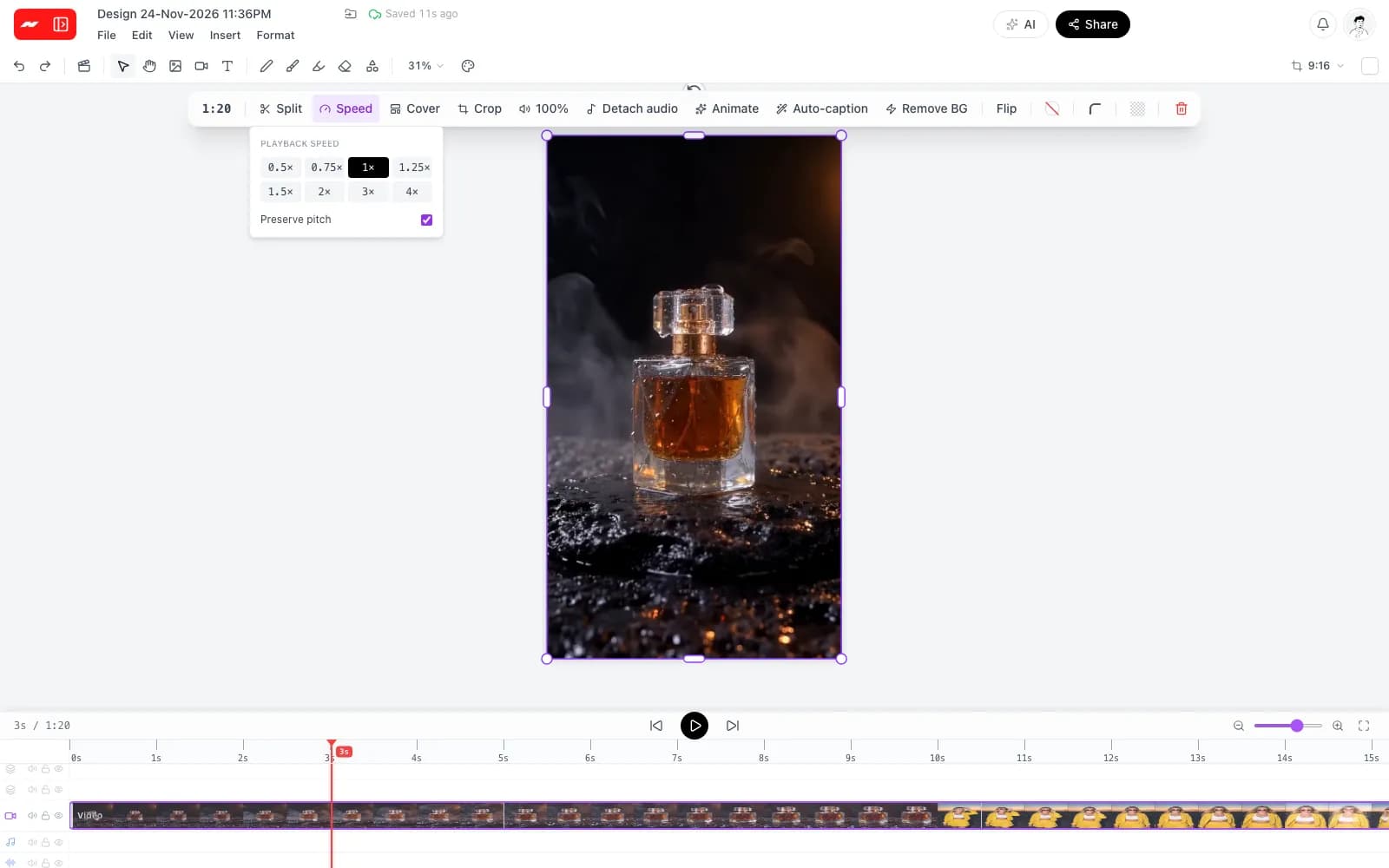
Two rates are slower than normal, 0.5x and 0.75x. Five are faster: 1.25x, 1.5x, 2x, 3x and 4x. The Speed button then shows the rate and a dot, which marks a changed clip at a glance.
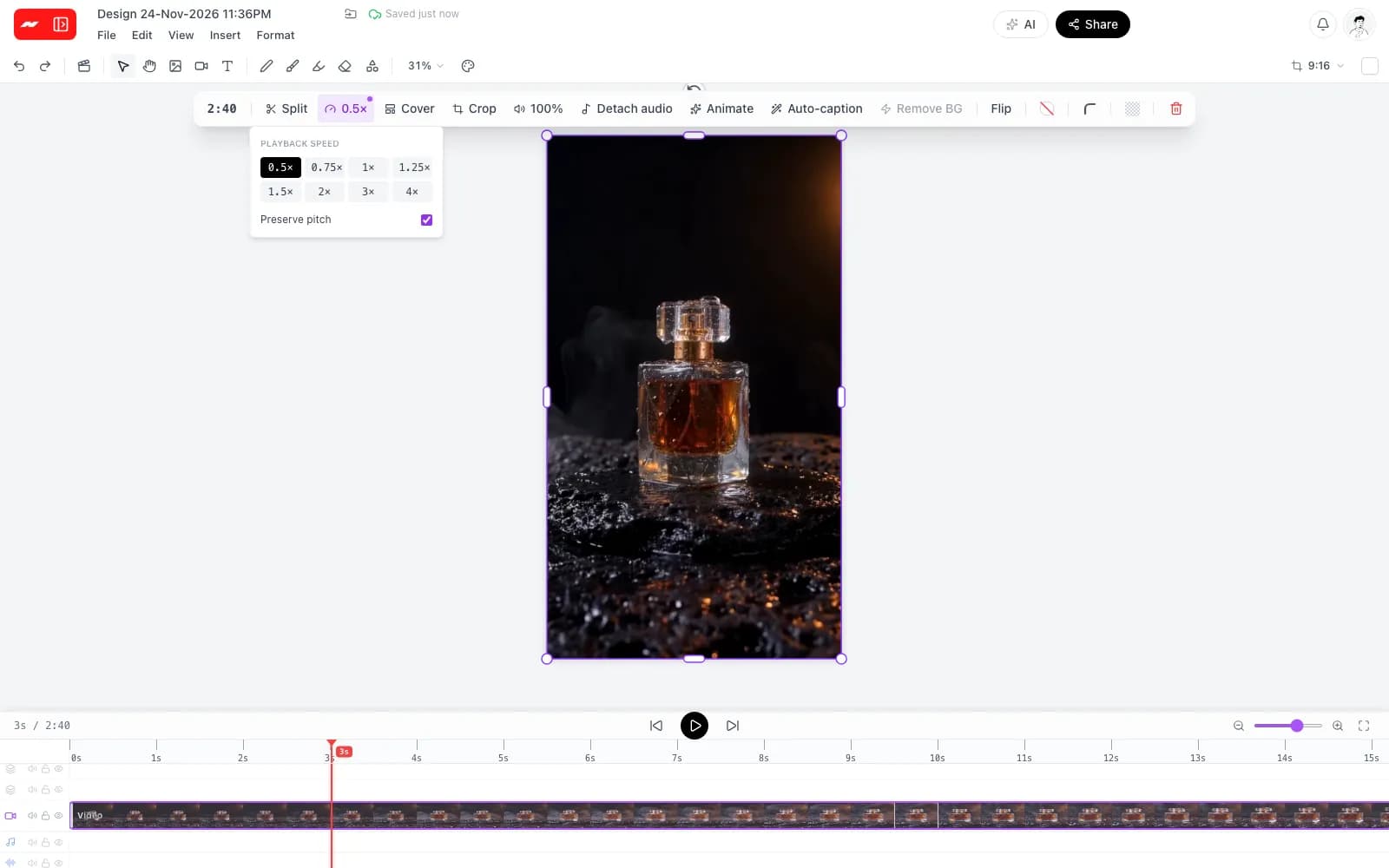
At 2x an 80 second clip becomes 40 seconds on the timeline, and at 0.5x the same clip runs two minutes and forty seconds. Clips placed after the change keep the same timing. The uploaded file is never rewritten.
Describe the change in the AI panel, such as playing a clip at one and a half times. The agent sets any rate from 0.5x to 4x on a video or audio clip. The change is one undo step.
More edits by prompt in the AI video editor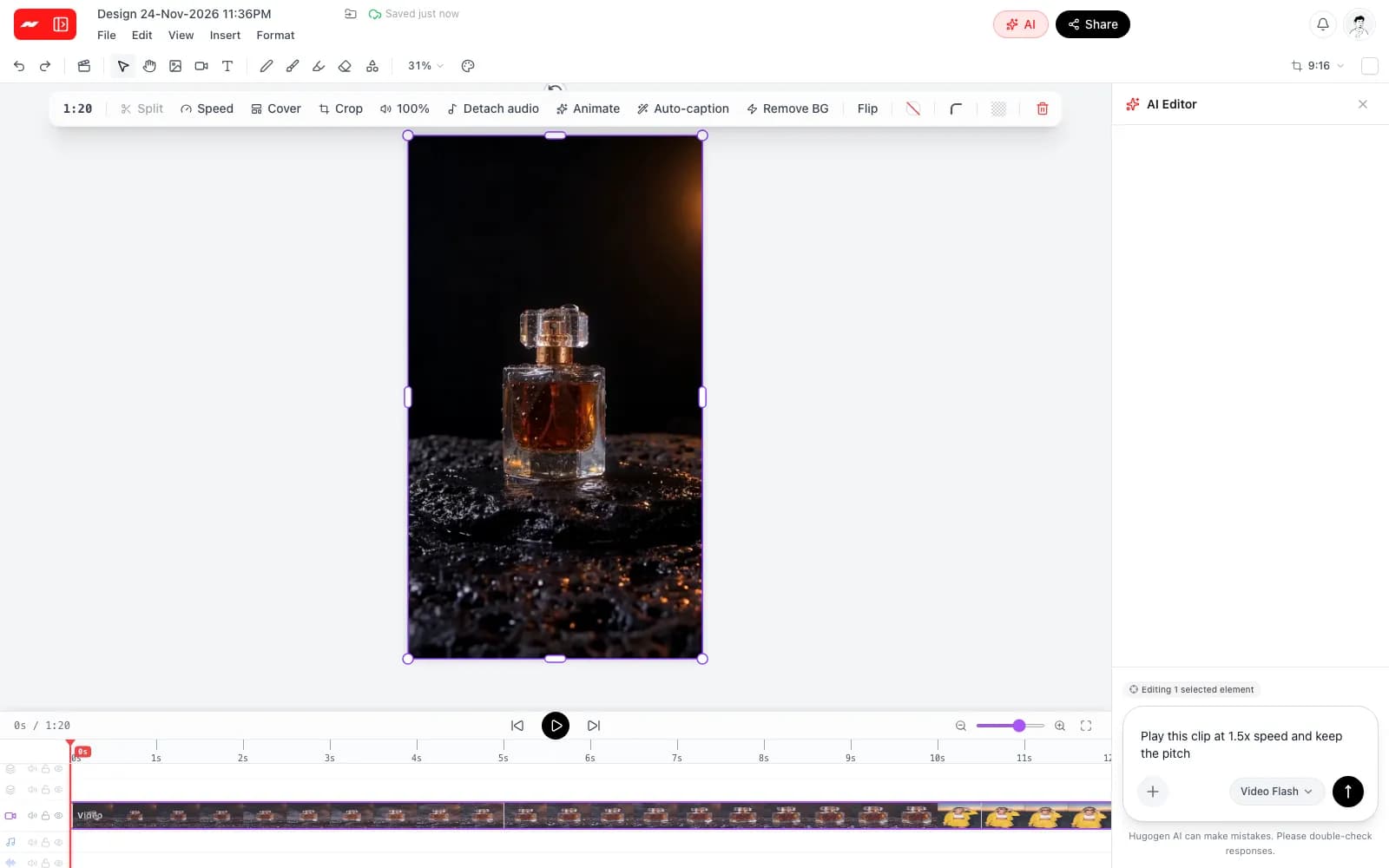
The finished project downloads as one MP4 at 720p on the free plan, and some paid plans add 1080p. The export keeps the pitch the preview had. No watermark is drawn on any plan.
Step 1
Open the video editor and upload a clip, or pick one already in your library.
Step 2
Select the clip, press Speed on the clip toolbar and choose a rate from 0.5x to 4x. Leave Preserve pitch ticked to keep voices natural.
Step 3
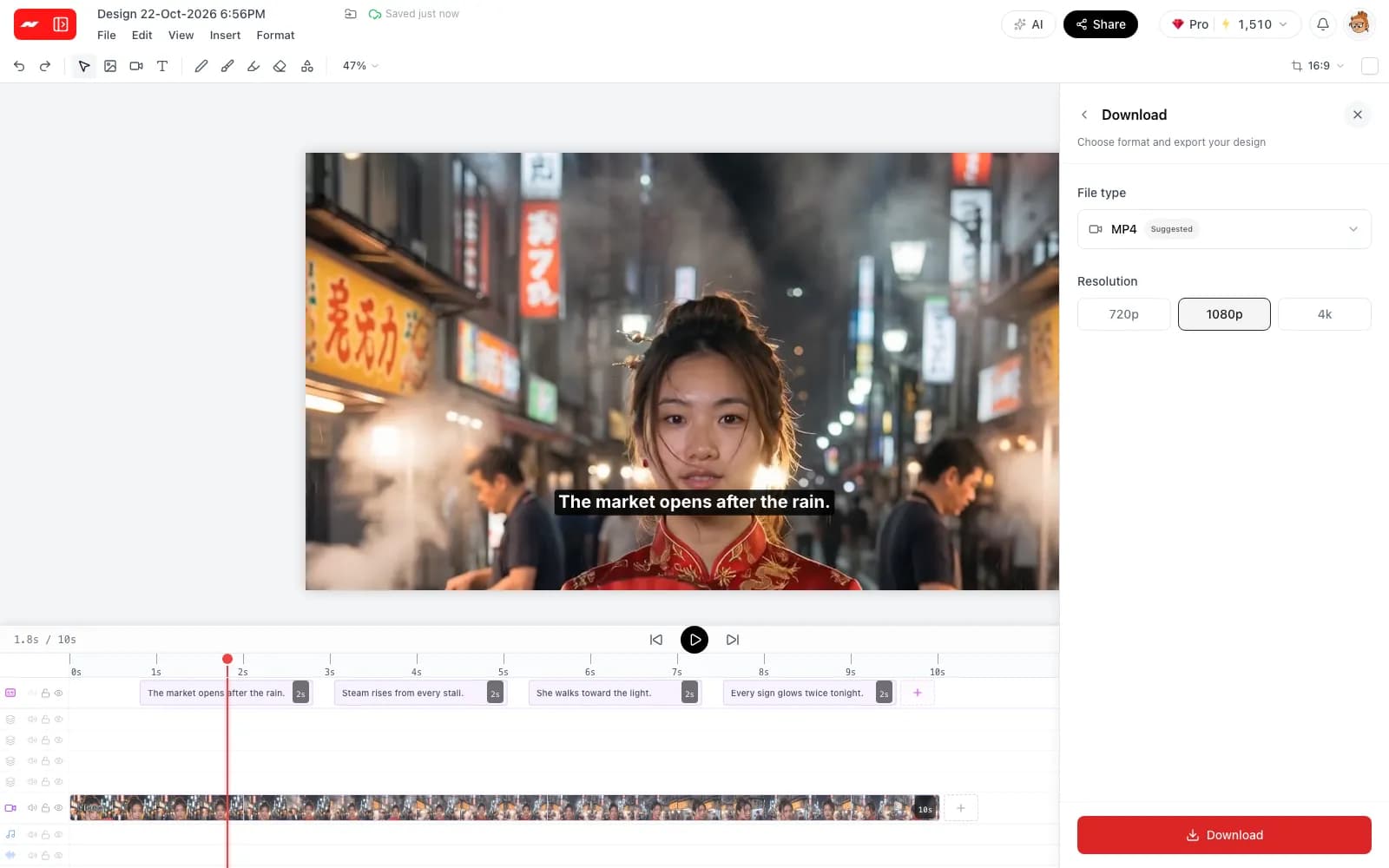
Play the result and trim the ends if you like. Export the video as an MP4.
Each case below is one clip on the timeline, set faster or slower with the same popover.
Add a clip, press Speed, pick a rate and download the MP4.
Change speed now